What Are Snapseed QR Codes & How to Use Them (Beginner’s Guide)
Snapseed is a popular photo editing app by Google that people use to enhance photos on their mobile phones. It offers tools like brightness control, color correction, filters, and selective editing. Over time, many users started creating their own editing styles inside Snapseed, and this is where Snapseed QR Codes come in.
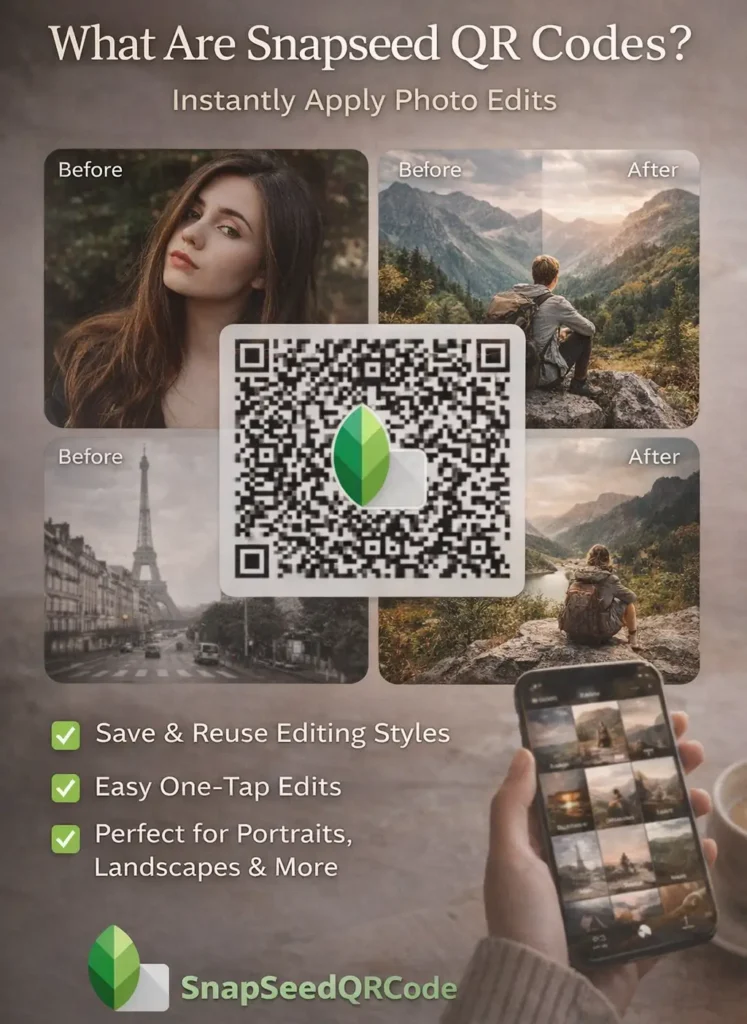
A Snapseed QR Code is a scannable code that stores a complete photo editing setup. When you scan this QR code inside the Snapseed app, it instantly applies the same edits—such as colors, tones, contrast, and effects—to your photo. Instead of manually adjusting every setting, users can recreate a specific look in just one step.
People mainly use Snapseed QR codes to save time and to reuse popular photo editing styles, often called presets or looks. These QR codes are commonly shared for portrait editing, cinematic effects, black and white photos, nature shots, and many other styles. Beginners use them to learn editing, while experienced users use them to keep their favorite looks saved. In simple terms, Snapseed QR codes make photo editing faster, easier, and more consistent, especially for users who want professional‑looking results without advanced editing skills.
How Snapseed QR Codes Work (Simple Explanation)
When you edit a photo in Snapseed, every change you make—such as brightness, contrast, color balance, curves, or effects—is saved as a set of editing instructions. Snapseed QR codes simply store these instructions in the form of a QR code.
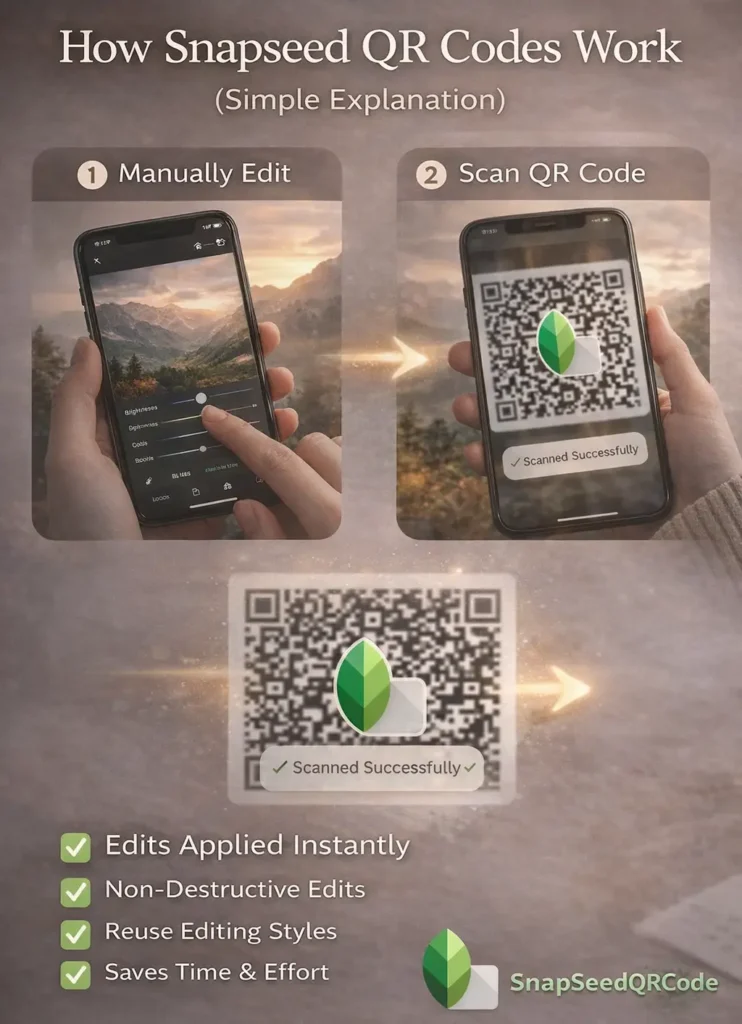
Instead of saving the photo itself, the QR code saves the editing settings. When someone scans that code in Snapseed, the app reads those settings and applies the same edits to their own photo. This means the result can look slightly different depending on the photo used, but the editing style stays the same.
The main difference between manual editing and using a QR code preset is speed. Manual editing requires adjusting each tool one by one, while a QR code applies multiple settings instantly in a single step. This makes QR codes useful for repeating a certain look or testing styles quickly.
It’s also important to note that Snapseed editing is non‑destructive. Scanning a QR code does not permanently change your photo. You can still adjust, remove, or modify any setting after applying the QR code, giving you full control over the final result
How to Scan and Use a Snapseed QR Code (Step‑by‑Step)
Using a Snapseed QR code is simple once you know where to find the option inside the app. You don’t need any extra scanner app—everything works directly inside Snapseed.
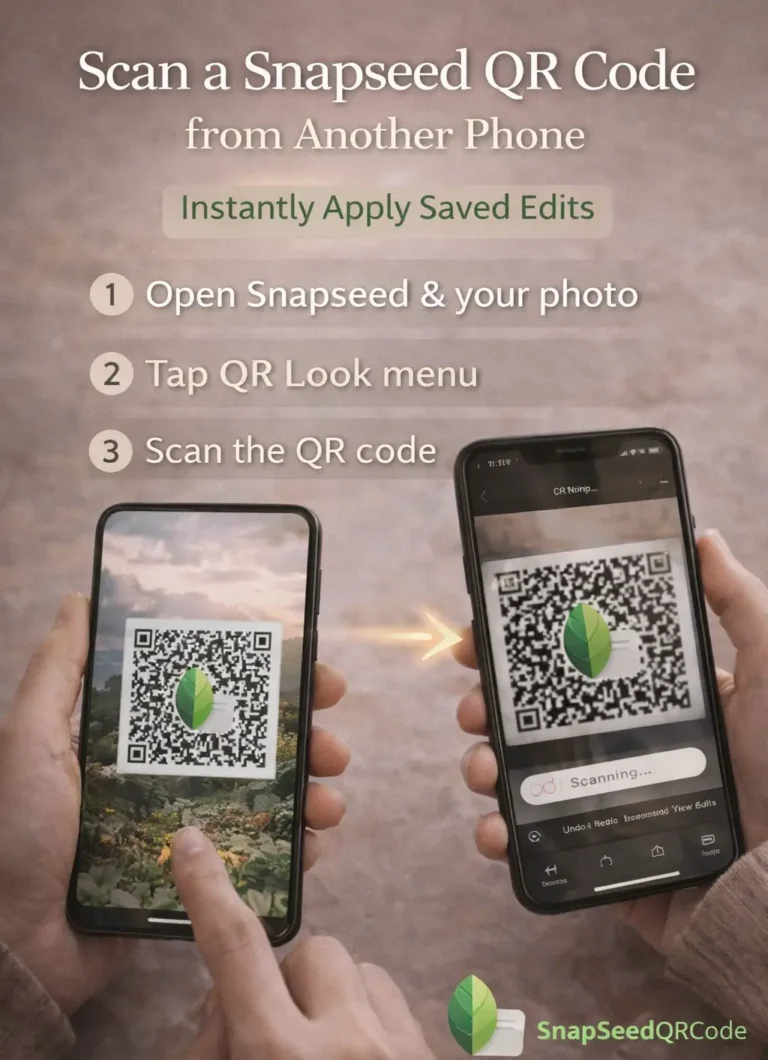
Scan a Snapseed QR Code from Another Phone
- Open Snapseed on your smartphone
- Open any photo you want to edit
- Tap the three‑dot menu (top‑right corner)
- Select QR Look or Scan QR Look
- Point your phone camera at the QR code
- Snapseed will instantly apply the saved editing settings
- Once applied, you can still fine‑tune the edits manually if needed
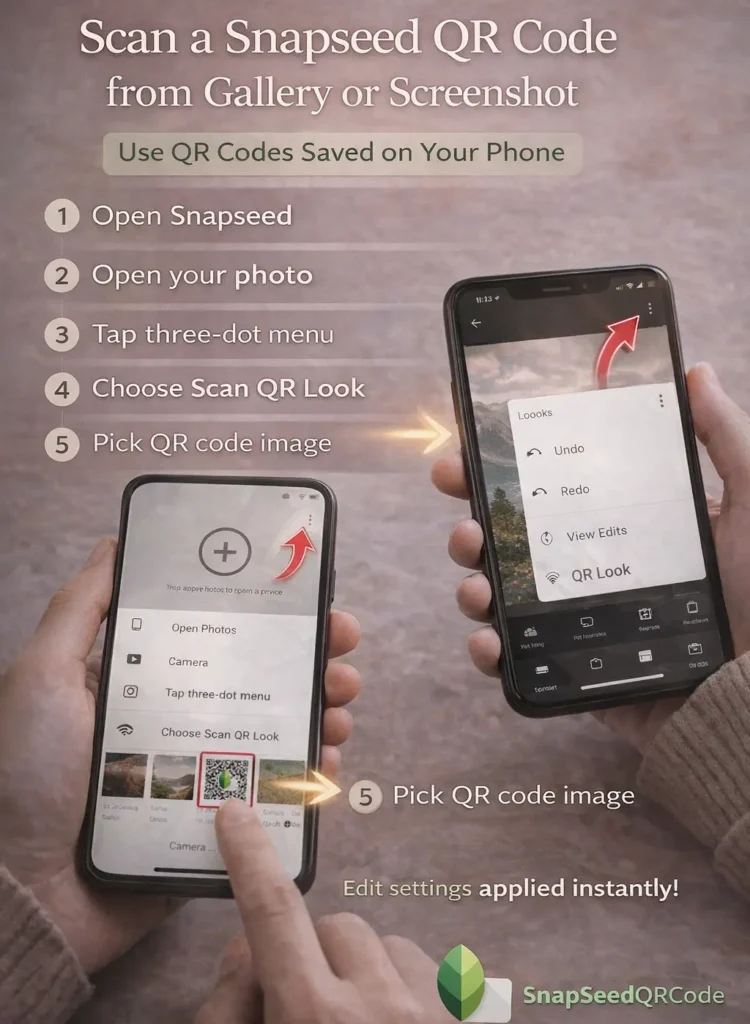
Scan a Snapseed QR Code from Gallery or Screenshot
If the QR code is saved on your phone (as an image or screenshot), you can scan it from your gallery.
- Open Snapseed
- Open your photo for editing
- Tap the three‑dot menu
- Choose Scan QR Look
- Select Import from Gallery
- Pick the QR code image
- The edit settings will be applied automatically
This method is useful when you download QR codes from websites, Pinterest, or social platforms.
What Happens After You Apply a QR Code?
- Snapseed applies the saved editing settings, not a fixed filter
- Your original photo remains unchanged
- You can edit, remove, or adjust any tool afterward
Think of it as a starting point, not a final locked edit.
Are Snapseed QR Codes Compatible for Android and iPhone ?
Snapseed QR codes work on both Android and iPhone versions of the app. The steps are almost identical, and the QR codes themselves are platform‑independent. However, the final result may vary slightly depending on camera quality, photo resolution and lighting and colors in the original image. This is normal and does not mean the QR code is broken.
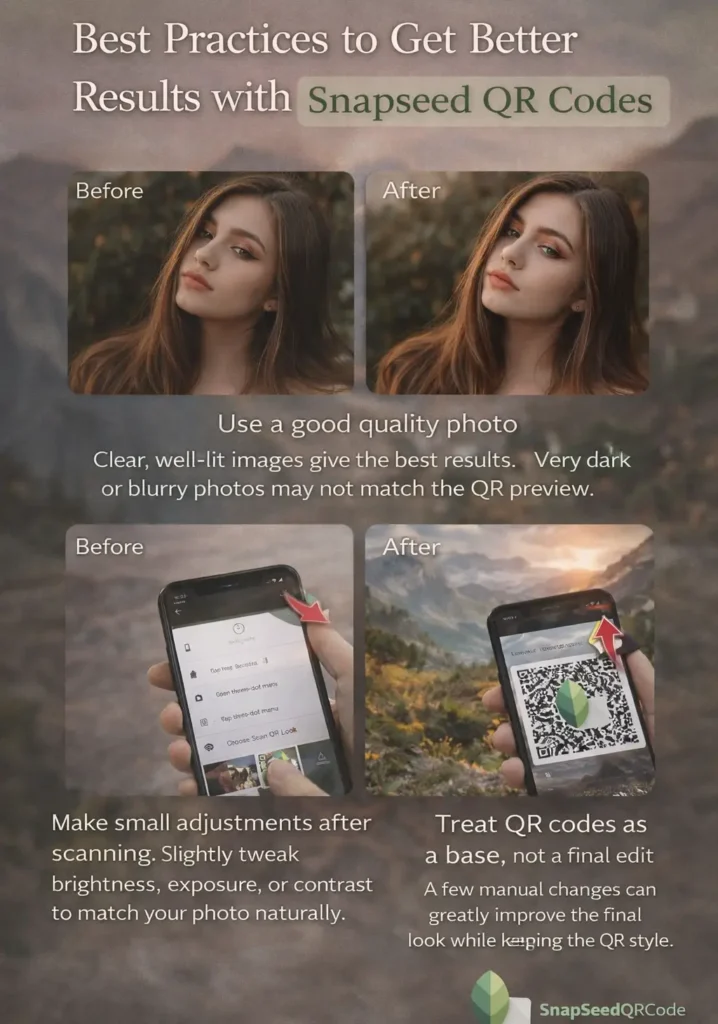
Best Practices to Get Better Results with Snapseed QR Codes
- Use a good quality photo
Clear, well‑lit images give the best results. Very dark or blurry photos may not match the QR preview. - Make small adjustments after scanning
Slightly tweak brightness, exposure, or contrast to match your photo naturally. - Treat QR codes as a base, not a final edit
A few manual changes can greatly improve the final look while keeping the QR style.
Where to Find Snapseed QR Codes
Snapseed QR codes are shared across many platforms where creators post their edits and presets. Common places include:
- Pinterest – one of the largest sources for aesthetic and themed QR codes
- Blogs & niche websites – curated collections and editing styles
- Communities & forums – where users share custom edits and workflows
On this site, QR codes are organized into separate collections based on style and use case, so you can easily find what fits your photo instead of scrolling endlessly.
Collection of Snapseed QR Codes You’ll Find Online
Snapseed QR codes are shared in many different editing styles. Each type is designed for a specific kind of photo or editing goal. Below are the most common types you’ll see online.
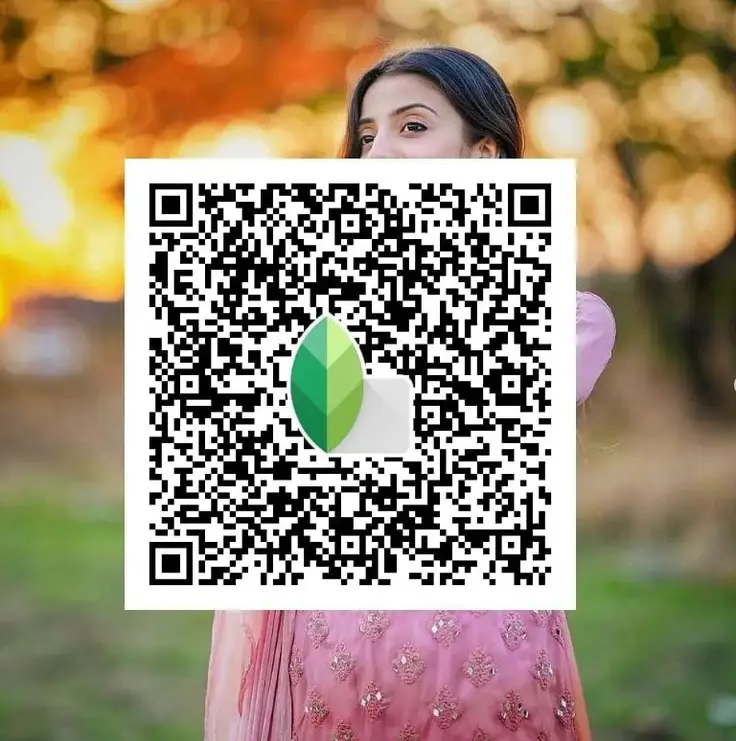
Portrait Snapseed QR Codes
Portrait QR codes focus on face smoothening, skin tone correction, and light enhancement. They are commonly used for selfies and close‑up photos. These QR codes usually reduce harsh shadows and create a soft, clean look.
Nature & Landscape Snapseed QR Codes
Nature and landscape QR codes enhance greens, blues, and overall clarity. They are commonly used for outdoor photos such as mountains, beaches, skies, and greenery.
Cinematic Snapseed QR Codes
Cinematic QR codes give photos a moody, film‑style appearance. They often adjust contrast, shadows, and color tones to create a dramatic effect. These are popular for storytelling photos and social media posts.
Background Blur Snapseed QR Codes
These QR codes help create a DSLR‑style background blur. They are mainly used in portrait photos to separate the subject from the background and draw attention to the main focus.
Night / Low‑Light Snapseed QR Codes
Night QR codes are designed for photos taken in low light conditions. They help reduce noise, improve brightness, and balance shadows without making the image look unnatural.
Black & White Snapseed QR Codes
Black and white QR codes remove color and focus on light, contrast, and texture. They are used to create classic or artistic photos where details matter more than colors.
Are Snapseed QR Codes Free and Safe to Use?
Yes, Snapseed QR codes are free and safe to use. Snapseed itself is a free photo editing app developed by Google. You don’t need to pay, subscribe, or create any account to use QR codes inside the app.
Using a Snapseed QR code does not harm your photo. A QR code only stores editing settings like brightness, contrast, color, and filters. When you scan a QR code, Snapseed simply applies those settings to your image. Your original photo remains unchanged. You also don’t need to log in or share personal information. QR codes work completely offline once the app is installed, which makes them safe even for beginners.
Common Problems While Using Snapseed QR Codes (And Fixes)
Even though Snapseed QR codes are easy to use, beginners often face a few common issues. Most of them are simple to fix.
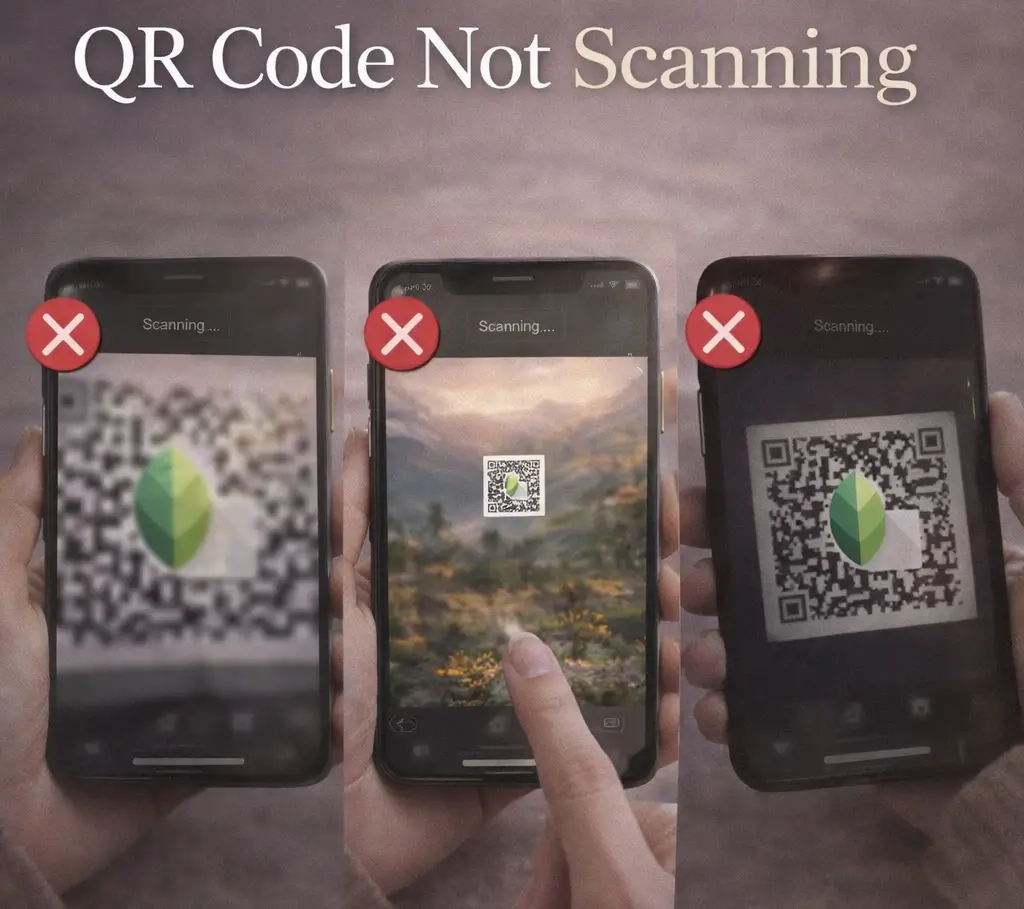
QR Code Not Scanning
If a Snapseed QR code is not scanning, the most common reasons are:
- The QR image is blurry or low quality
- The code is too small or cropped
- Poor lighting on the screen
Fix: Use a clear, high‑resolution QR image. Zoom in slightly and make sure the full QR code is visible. If possible, use the original image instead of a compressed screenshot.
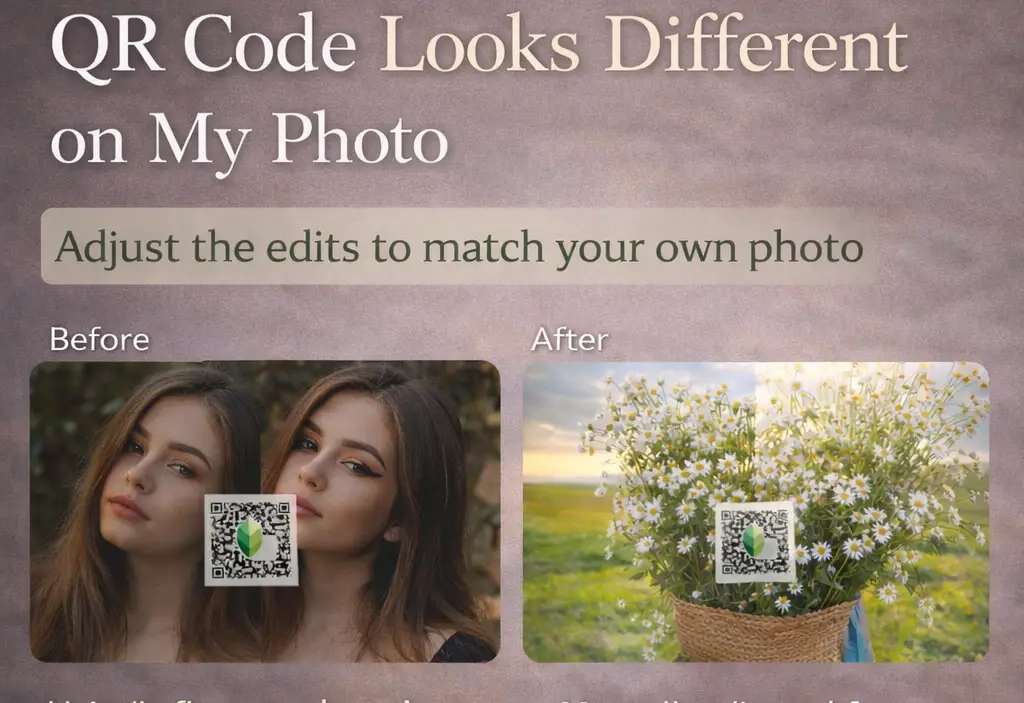
QR Code Looks Different on My Photo
This is normal and happens very often. QR codes only apply editing settings, not the actual look of the original photo. If your photo has different lighting, colors, or background, the result will look different.
Fix: After applying the QR code, manually adjust exposure, highlights, shadows, or saturation to match your photo. QR codes are meant as a starting point, not a final result.
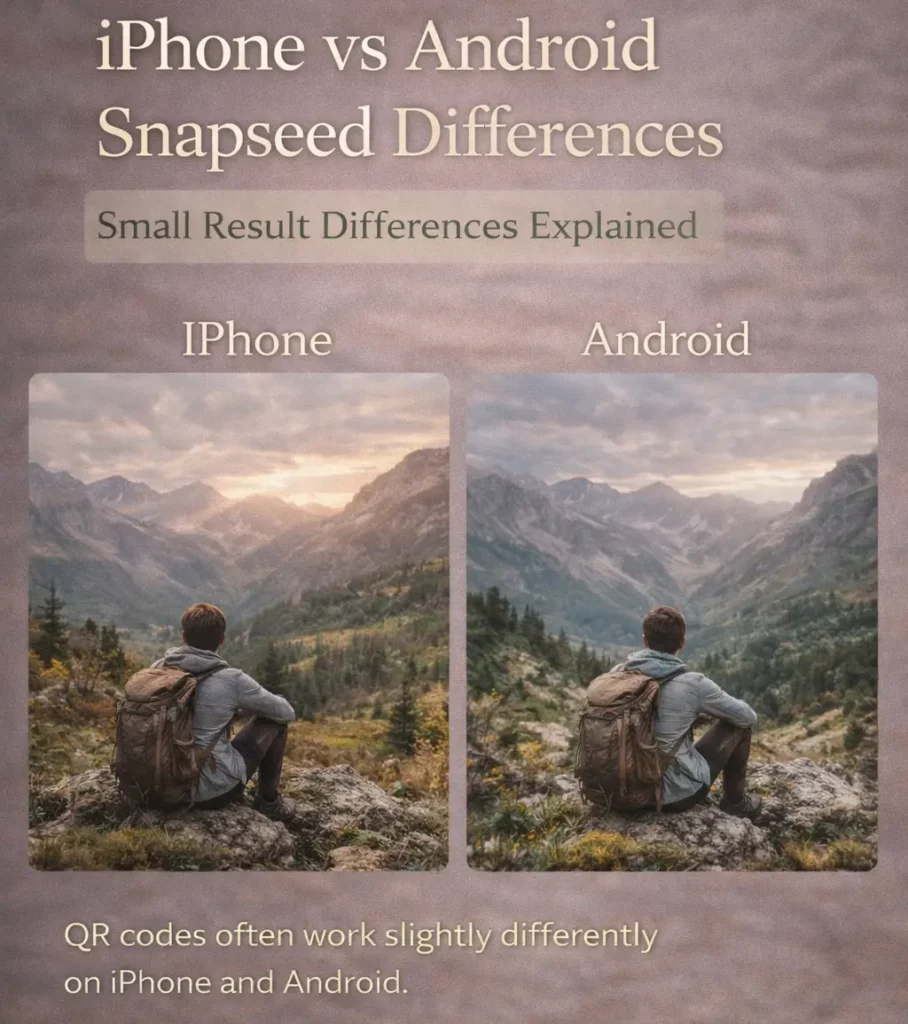
iPhone vs Android Snapseed Differences
Some users notice small differences in results between iPhone and Android. This usually happens because:
- Camera sensors are different
- Default color profiles vary
- Image processing is not identical
Fix:
The QR code still works the same. Just make small manual tweaks after applying it. The editing tools inside Snapseed are identical on both platforms.
Old QR Codes Not Working
Older Snapseed QR codes may fail to scan or give unexpected results. This can happen if:
- The QR code was generated on a very old Snapseed version
- The image quality is too low
- The QR format is partially damaged
Fix:
Try updating Snapseed to the latest version. If the code still doesn’t work, look for a newer QR version of the same preset.
FAQS
Conclusion: Snapseed QR Codes का उपयोग करना क्या वाकई फायदेमंद है?
Snapseed QR codes are a fast and beginner‑friendly way to edit photos without learning every tool from scratch. They’re great for beginners, social media edits quick and consistent looks However, relying only on QR codes can limit creativity. For best results, use QR codes as a starting point, then fine‑tune edits manually. If you want specific styles (portrait, cinematic, background blur, night, etc.), explore the dedicated QR collections on this site to find what fits your photo best.