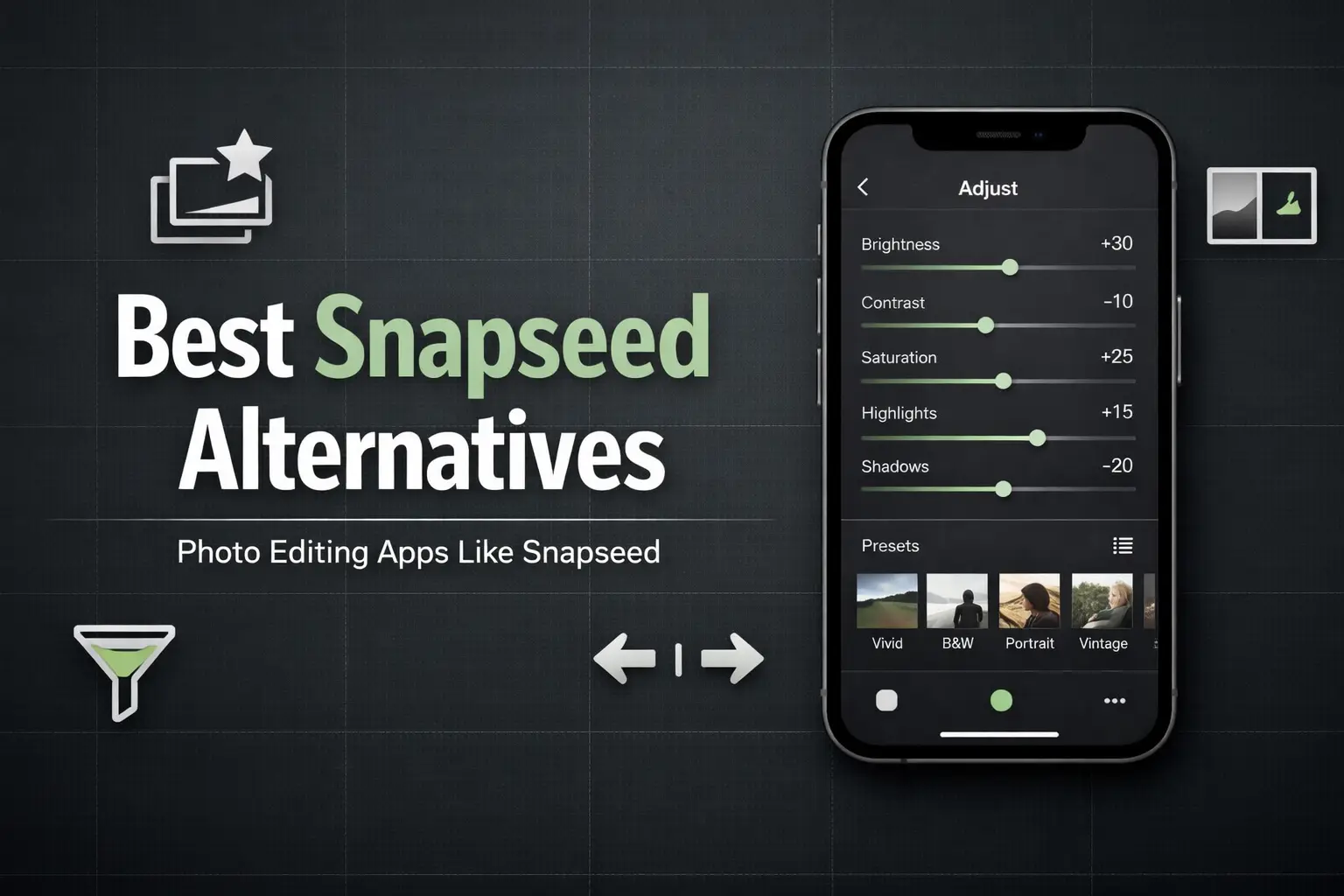
Best Snapseed Alternatives: Photo Editing Apps Like Snapseed
Many users look for Snapseed alternatives because they want faster results with less manual work. Snapseed is powerful, but it relies heavily on sliders and fine adjustments, which can feel slow for casual users. Some people prefer ready‑made presets, cleaner interfaces, desktop editing options, or modern styles like filters, templates, or AI edits. This article covers photo editing apps that do similar work to Snapseed and focuses on tools that simplify editing while still delivering clean, high‑quality results.
Snapseed Alternative Apps for Mobile Photo Editing:Photo Saaf karny wali apps
Adobe Lightroom (Snapseed‑Style Editing With Presets)
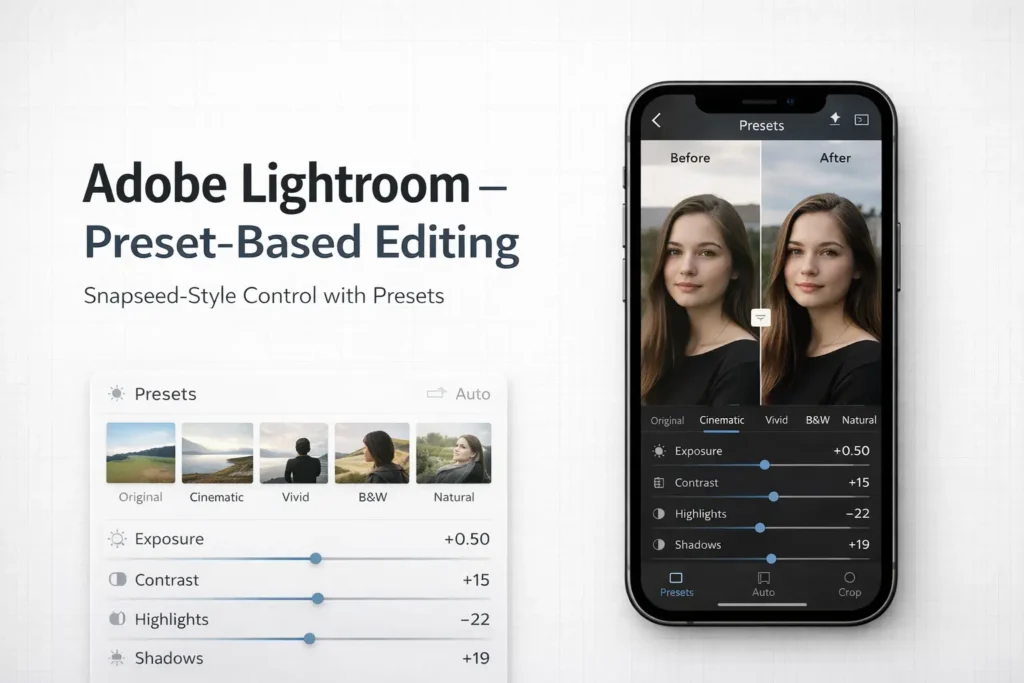
Adobe Lightroom is one of the closest Snapseed alternatives for users who like control but want faster results. It offers manual tools similar to Snapseed, but the main difference is presets. Instead of scanning Snapseed QR codes, Lightroom users apply presets with one tap and fine‑tune if needed. In simple terms, Lightroom presets work like Snapseed QR codes, but with more flexibility and sync options.
This app is best for users moving from Snapseed’s manual editing toward preset‑based workflows. It suits people who want consistent looks across photos, cleaner color control, and the option to edit on both mobile and desktop without learning complex tools.
Also Explore:
1-Snapseed Dehaze Tool 2-Snapseed Mod APK
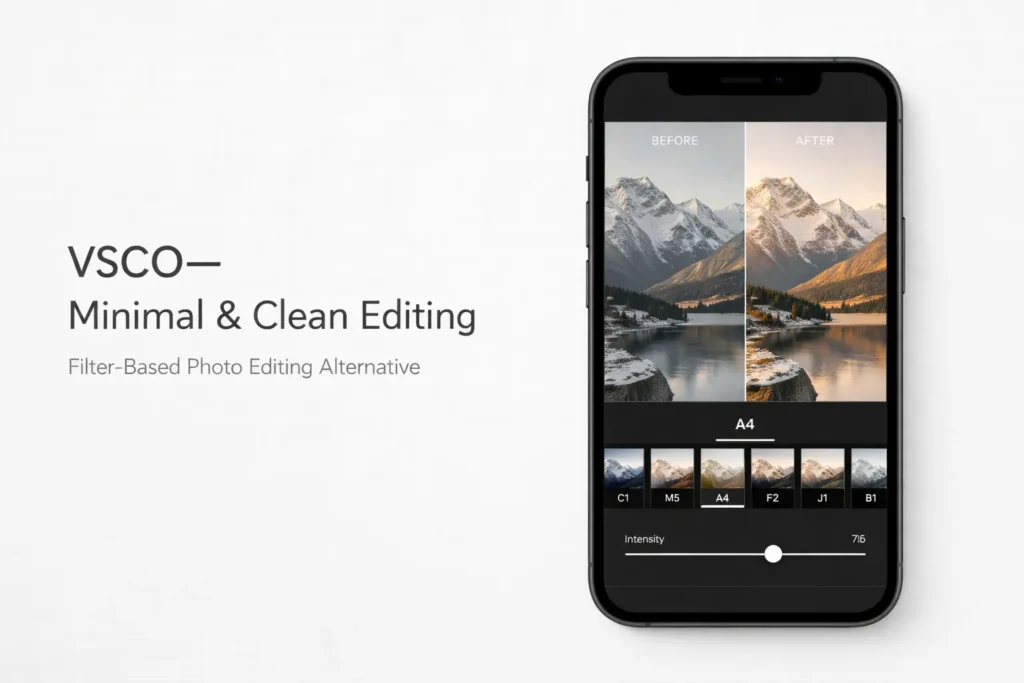
VSCO (Minimal & Clean Photo Editing Alternative)
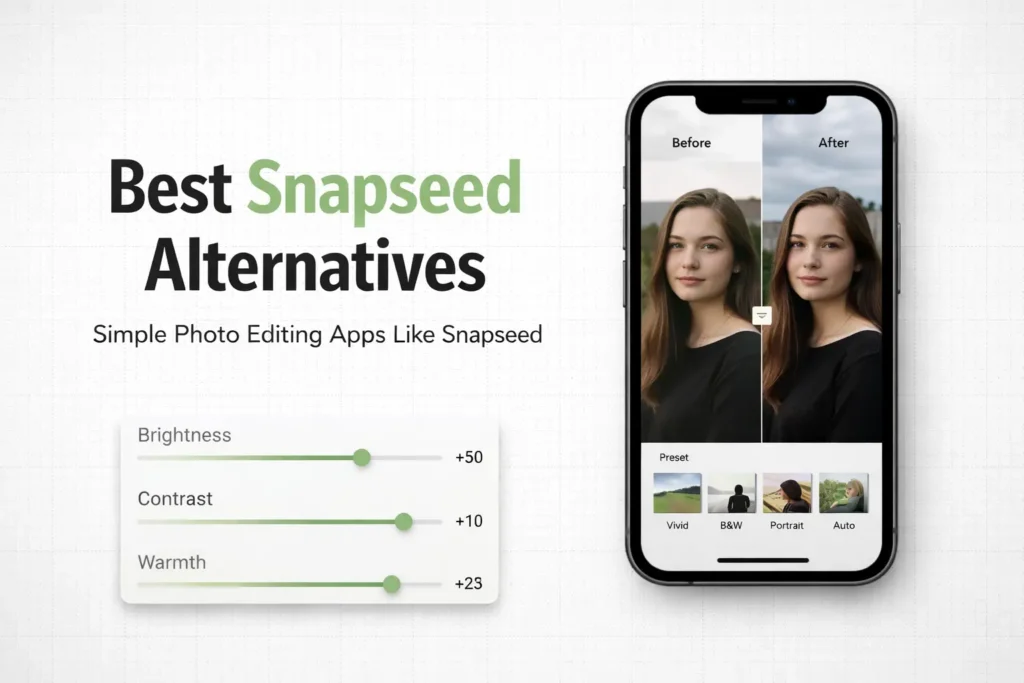
VSCO is a good Snapseed alternative for users who prefer filters over manual sliders. It focuses on ready‑made looks instead of detailed editing tools. You choose a preset, adjust intensity, and export. That’s it.
Compared to Snapseed, VSCO offers less control but faster results. Snapseed is better for fine tuning. VSCO works well for aesthetic, consistent photos, especially for Instagram feeds. If your goal is style and mood rather than precise edits, VSCO fits better.orks especially well on landscapes, city skylines, mountains, waterfalls, and backlit scenes.
PicsArt (Creative Editing Beyond Snapseed)
PicsArt is a Snapseed alternative for users who want creative freedom, not just photo correction. It goes beyond exposure and color fixes. The app focuses on effects, overlays, text, stickers, and background edits.
Compared to Snapseed’s clean, tool‑based workflow, PicsArt feels more like a design editor. It suits users who edit photos for social media, posters, or visual content, not pure realism. If Snapseed feels too limited or technical, PicsArt offers a more playful and creative editing style.
Snapseed vs Lightroom vs VSCO
| Feature | Snapseed | Adobe Lightroom | VSCO |
| Editing Style | Manual, tool‑based | Presets + manual controls | Filter‑based |
| Presets | QR codes (import only) | Built‑in preset system | Built‑in filters |
| Ease of Use | Medium (slider‑heavy) | Medium to Easy | Very easy |
| Best For | Precise photo correction | Preset‑based editing & color control | Minimal & aesthetic photos |
| Platform | Mobile only | Mobile + Desktop | Mobile |
| Ideal User | Hands‑on editors | Users moving from Snapseed to presets | One‑tap aesthetic editors |
Are Snapseed QR Codes Available in Other Apps?
Snapseed QR codes are exclusive to Snapseed and cannot be scanned or used inside other photo editing apps. They work by saving a full editing workflow—tools, values, and order—which Snapseed can reapply instantly to another photo. Other apps achieve similar results, but through different systems. Lightroom uses presets, which apply a fixed set of adjustments rather than a full editing stack like QR codes. Apps like VSCO, PicsArt, or Canva rely on filters or templates, focusing more on style than editable steps. In short, the visual outcome can be similar across apps, but Snapseed QR codes remain a Snapseed‑only feature, while alternatives use their own preset or filter formats.
Snapseed Alternatives for PC / Desktop Users
- Adobe Lightroom (Desktop) – Full manual controls, presets, and batch editing. Best choice if you want Snapseed‑style control on a PC.
- Web‑based photo editors – Tools like browser editors offer quick fixes, filters, and basic adjustments without installing software.
- Why Snapseed isn’t on PC – Snapseed is built only for mobile, so desktop users need alternatives designed for keyboard, mouse, and larger screens.
Which Photo Editing App Should You Use? Snapseed, Lightroom, or VSCO
- If you like manual control and fine adjustments → Snapseed or Lightroom. Snapseed suits users who enjoy adjusting brightness, structure, and details manually, while Lightroom offers similar control with added flexibility through presets.
- If you prefer presets over sliders → Lightroom or VSCO.Lightroom presets and VSCO filters are better for users who want consistent looks without adjusting every setting for each photo.
- If you want creative or design‑style edits → PicsArt. Ideal for users who go beyond photo correction and want effects, overlays, or visual styling.
- If you want quick, clean photo edits → Simple mobile photo editors. Best for basic brightness, clarity, and cleanup when speed matters more than precision.
FAQs
Conclusion
This guide focuses on Snapseed alternatives that actually make sense, not random photo apps. Instead of chasing trends, it helps you choose based on how you edit — manual adjustments, presets, creative tools, or desktop workflows. Whether you stay with Snapseed or switch to Lightroom, VSCO, or another option, the right choice depends on your editing style, not hype.
You have covered this in so detailed, Block Blast is also a good alternative for this, I personally checked it,