iPhone Snapseed QR Codes | iPhone‑Optimized Photo Editing Presets
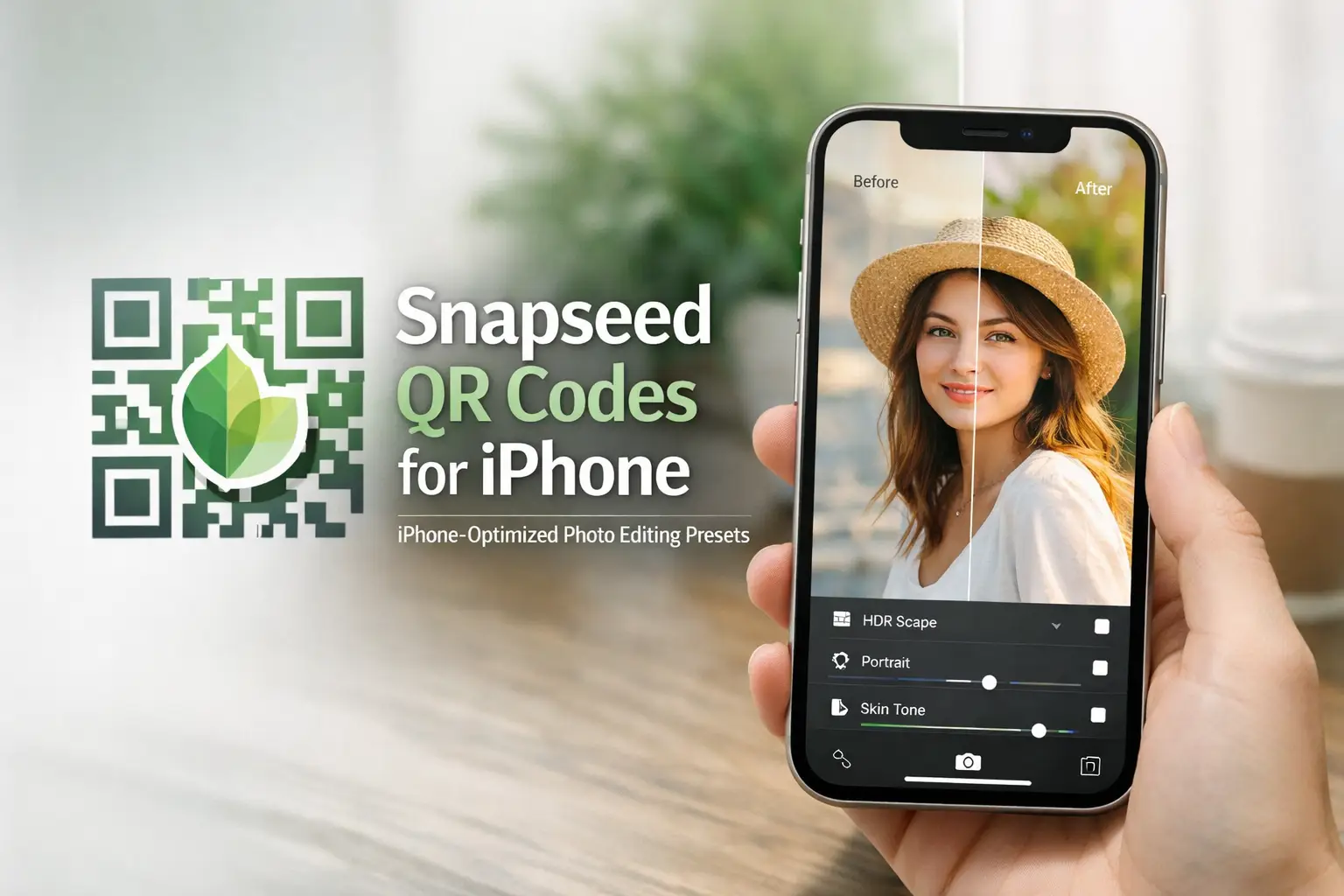
iPhone photos already come with strong clarity, balanced colors, and HDR detail, and these Snapseed QR Codes for iPhone are designed to work with that quality, not against it. They’re tuned for iPhone camera output. Just scan a QR code and apply presets made to match iPhone photos, so your edits stay crisp, clean, and high‑resolution.
Snapseed QR Code iPhone Optimized Photos
These Snapseed QR codes for iPhone are made to work smoothly with iPhone photo output. If you want clean, social‑ready results from iPhone photos, these iPhone‑optimized Snapseed QR codes are the right choice for everyday photo editing.
Snapseed QR Codes for iPhone Photos
Snapseed QR Codes iPhone Portrait Photos
These Snapseed QR codes for iPhone portrait photos are made to handle iPhone skin tones properly. They keep faces clear without heavy smoothing, avoid over‑sharpening, and work well for selfies and close‑up portraits where natural skin texture matters.
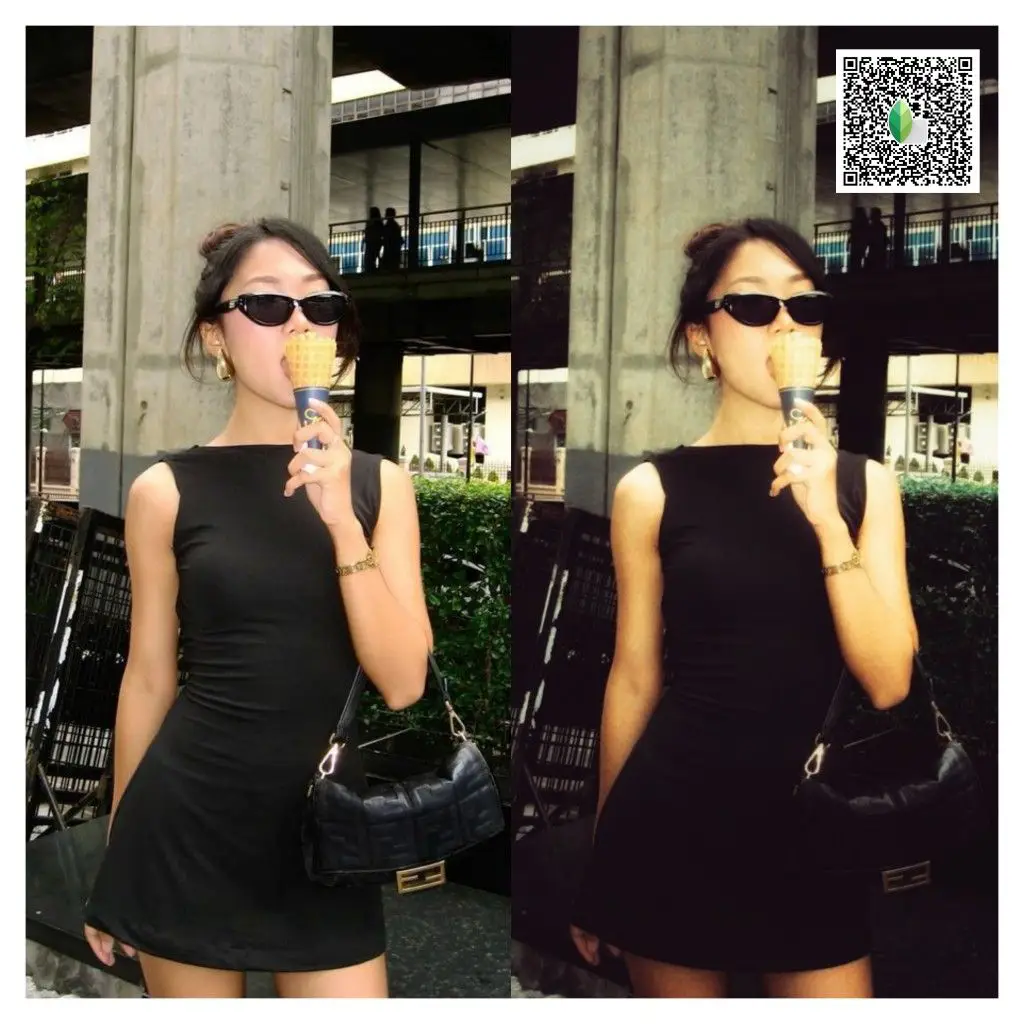
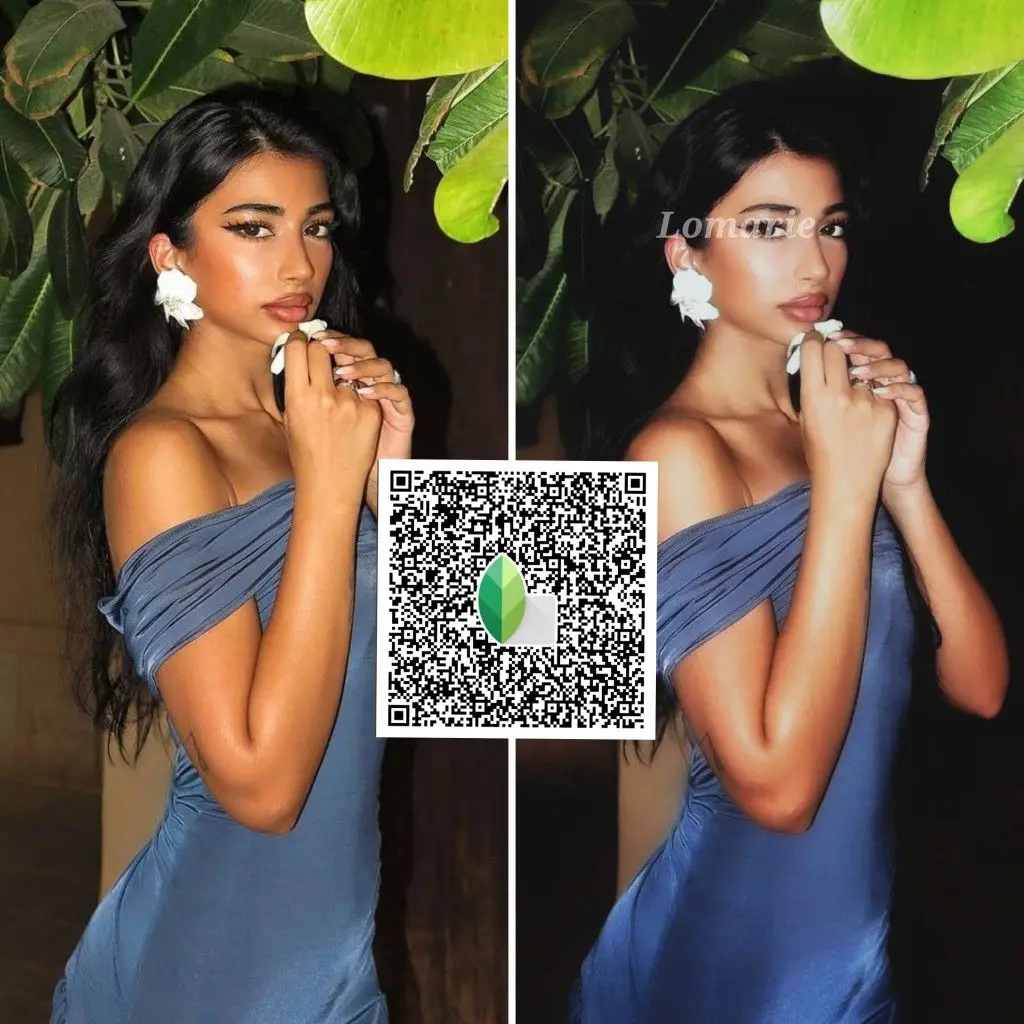
iPhone Snapseed QR Codes for Outdoor Photos
These iPhone‑optimized Snapseed QR codes work best for outdoor shots like travel, street, and daily photography. They help control bright skies, balance greens, and protect HDR highlights so outdoor photos stay clean and realistic after editing.
Iphone Snapseed QR Codes for Night Photos
These Snapseed QR codes are designed for iPhone night photos where light can easily look harsh. They help reduce strong glow, keep highlights under control, and preserve details so night images stay clear instead of noisy or over‑processed.
iPhone Filter‑Style Snapseed QR Codes
These Snapseed QR codes give iPhone photos a clean, modern look without overdoing it. Use them when you want soft cinematic tones, natural vivid colors that still feel Apple‑style, or a simple polished finish that looks good straight away on social media.
Snapseed QR Codes for Iphone 13/ 14 pro max
These Snapseed QR codes work well on iPhone photos across newer models, including standard and Pro versions. The final result depends more on photo quality and lighting than the exact iPhone model you’re using.
Want More Snapseed QR Codes? Explore Snapseed of your own choice
Why iPhone Photos Need Different Snapseed QR Codes
iPhone photos behave differently compared to many other cameras. The iPhone camera already applies strong HDR, sharpening, and color processing before you even start editing. Highlights are bright, skin tones are pushed slightly warmer, and shadows look clean but can break easily if over‑edited.
Because of this, regular Snapseed QR codes don’t always work well on iPhone photos. They can make highlights harsh, faces too sharp, or colors look unnatural. Snapseed QR codes made specifically for iPhone images are balanced for this camera behavior, so edits stay clean, skin looks natural, and details remain sharp without damaging the photo.
When to Use Snapseed QR Codes on iPhone
- When editing iPhone photos for Instagram, reels, or stories
- When default edits start looking too sharp or harsh
- When you want fast edits that still look clean and natural
How to Use Snapseed QR Codes on iPhone
- Open Snapseed
- Scan the QR code
- Adjust slightly if needed
New to QR codes? → How Snapseed QR Codes Work
FAQs
Conclusion
Snapseed QR Code iPhone presets are made to match iPhone camera output. They keep photos clean, balanced, and social‑ready without over‑editing. Just scan a QR code and apply iPhone‑optimized edits that look sharp, natural, and ready to share.