Snapseed QR Codes with Blur Background (DSLR‑Style & Natural Blur Presets)
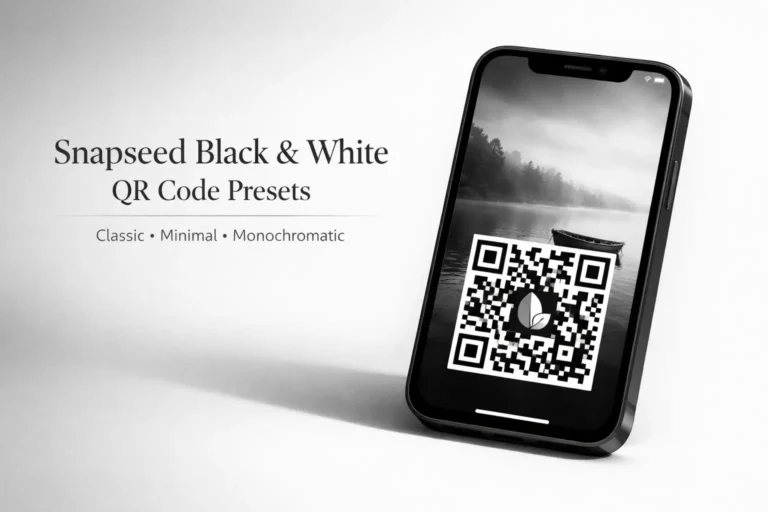
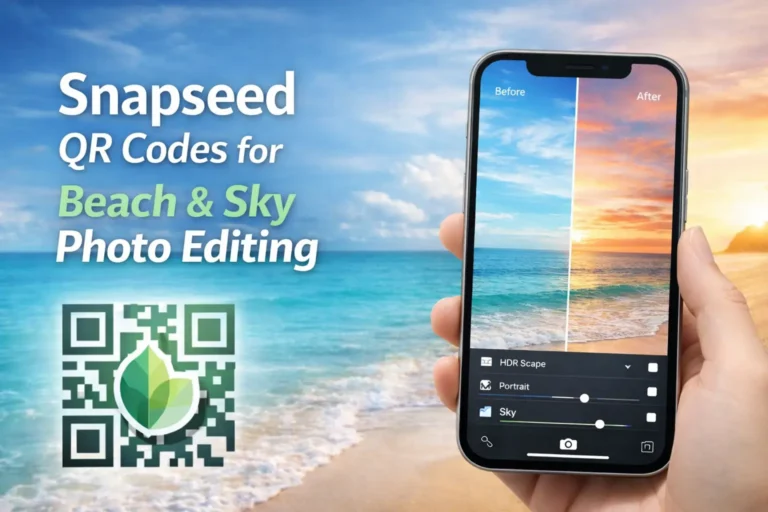
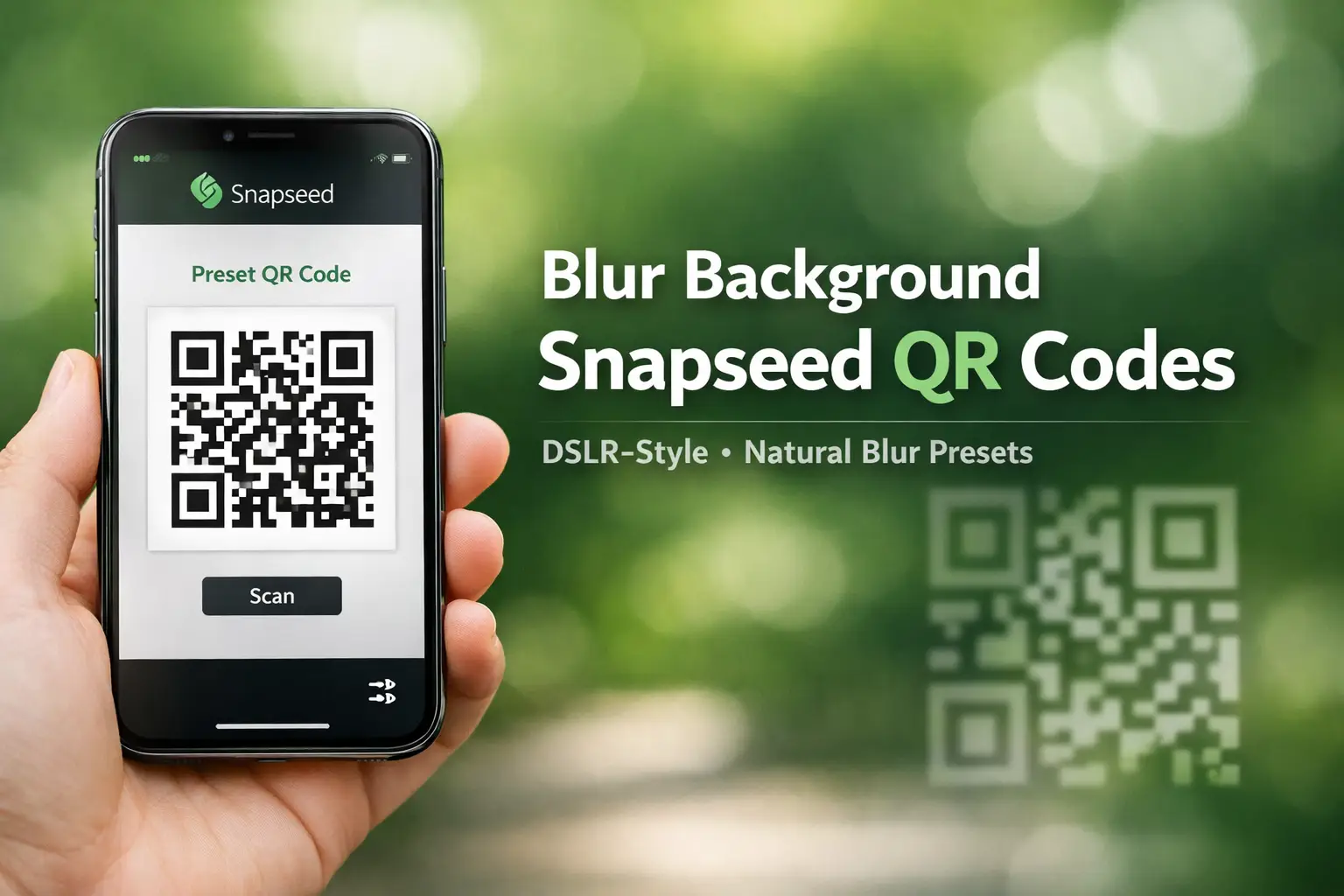
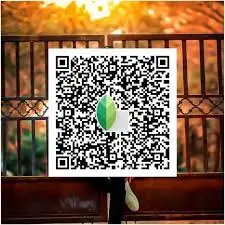
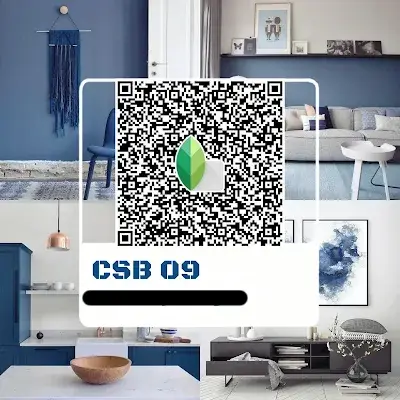
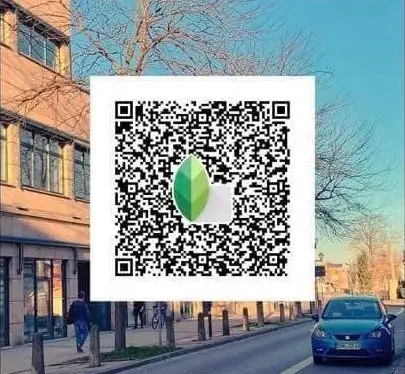
Don’t bother to blur your picture’s background manually with snapseed. We have a collection of Blur Background Snapseed QR Codes. These snapseed presets help soften busy backgrounds and keep the subject in focus for a clean, DSLR‑style look. Just scan a QR code, apply it, and edit slightly if needed. Quick edits, natural depth, no extra effort.
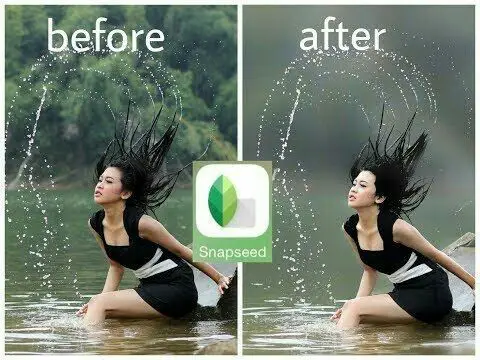
Portrait Background Blur Snapseed QR Codes
These Snapseed QR codes focus on blurring the background with keeping the subject sharp and clear. They work well for portraits, selfies, and close‑up shots where you want soft depth without losing facial details. Use these when the background feels distracting and you want the subject to stand out naturally.
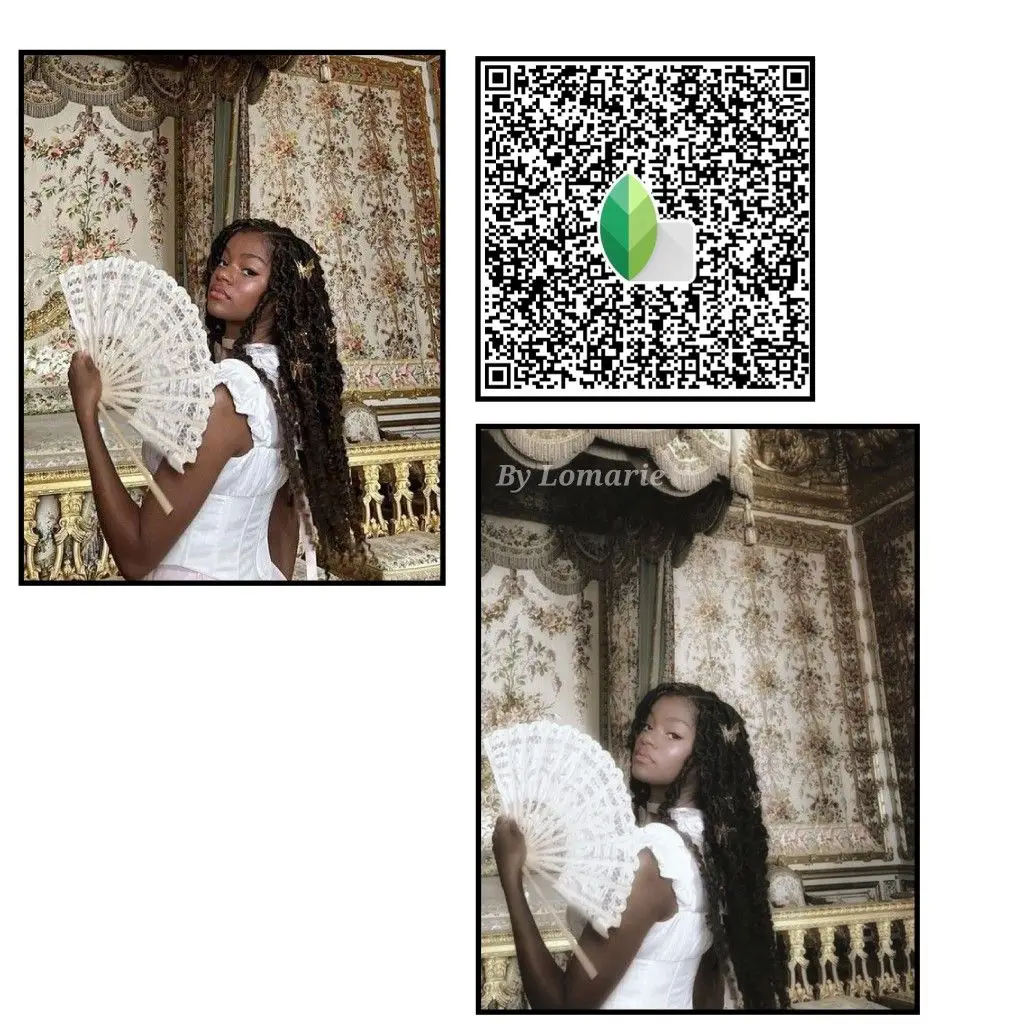
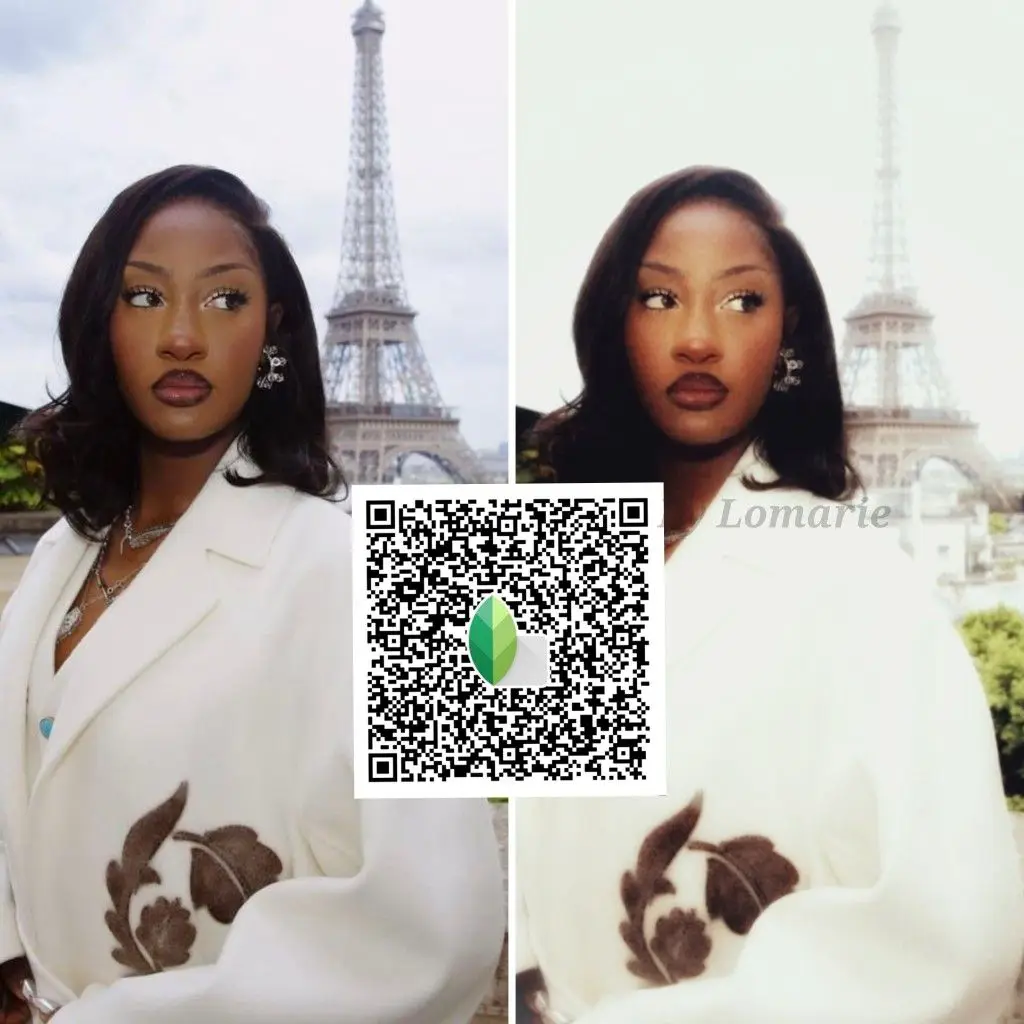
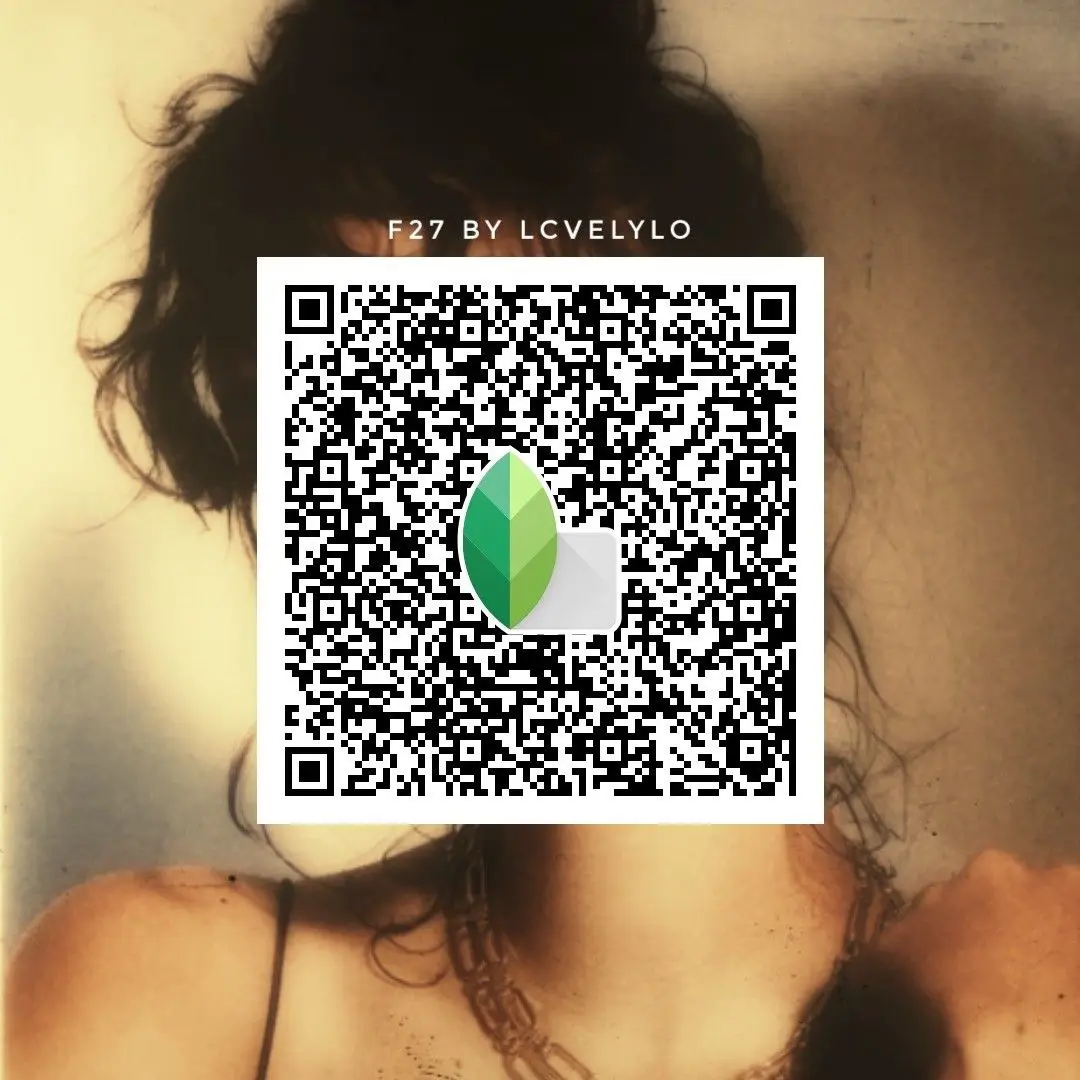
Natural Background Blur Snapseed QR Codes
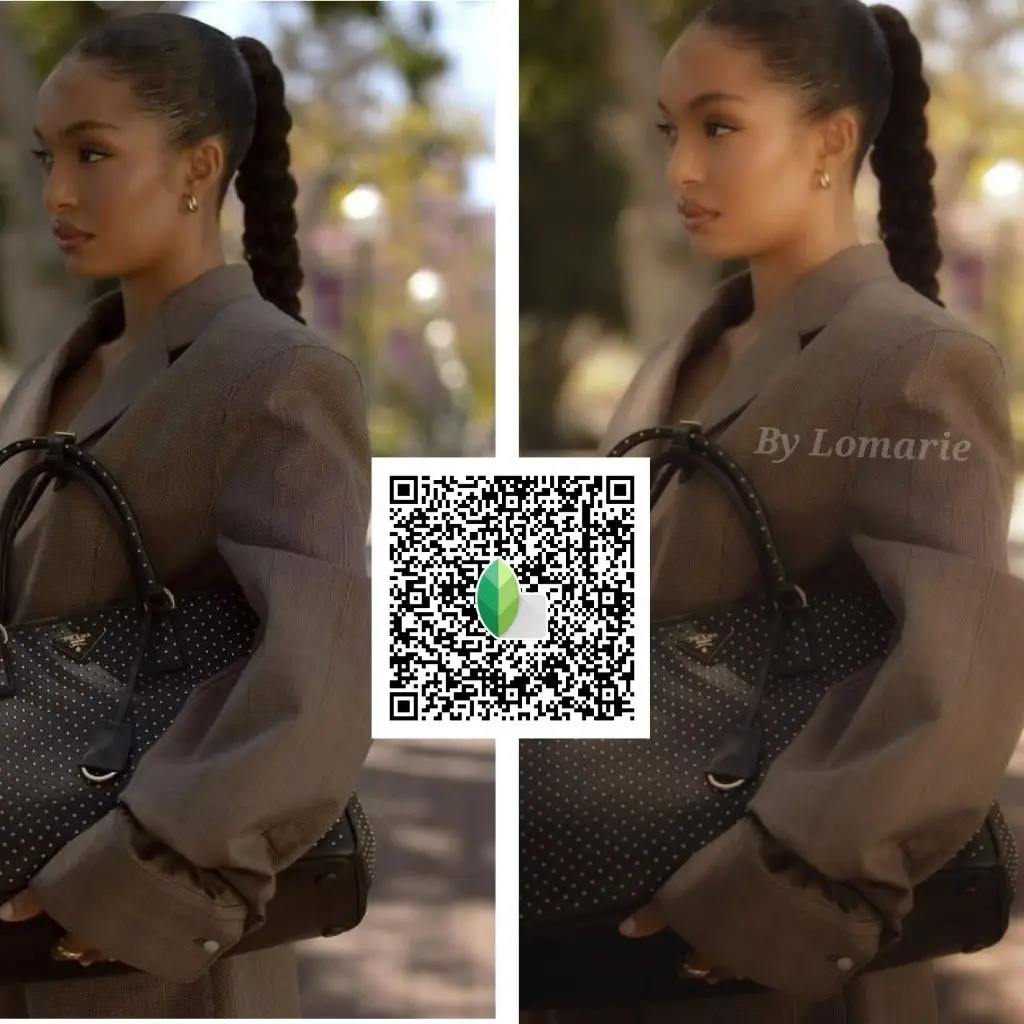
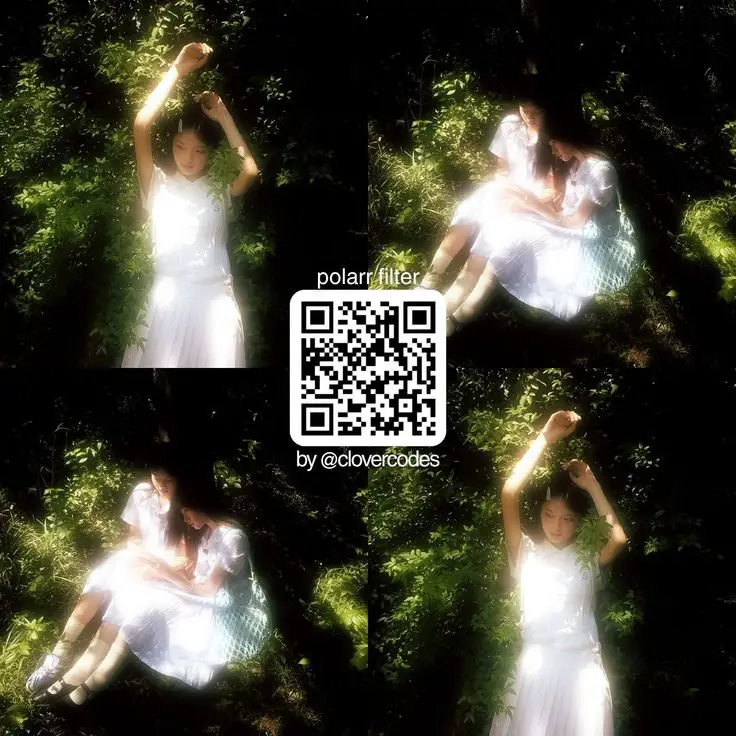
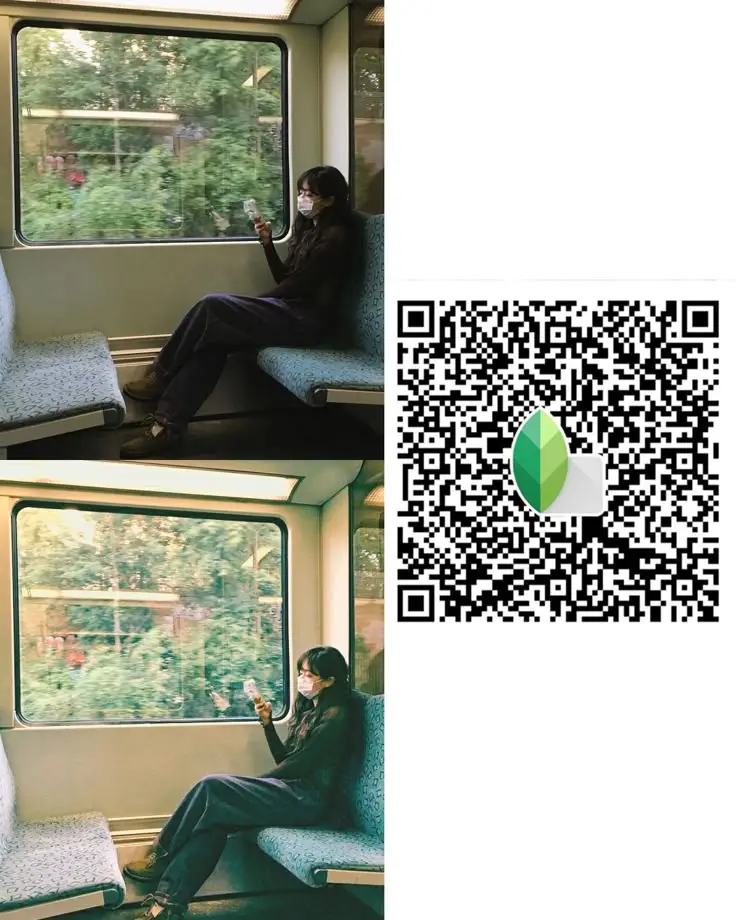
These QR codes add a soft, natural blur to the background without making the photo look edited. Edges stay smooth, subjects remain clean, and the blur feels realistic rather than heavy. A good pick when you want subtle depth and a simple, polished look.
DSLR‑Style Blur Background Snapseed QR Codes
These QR codes give you a stronger depth effect, similar to DSLR portraits. The background falls off more smoothly, helping your subject stand out with clear separation. Try these when you want a bold, professional‑looking blur without overdoing the edit.
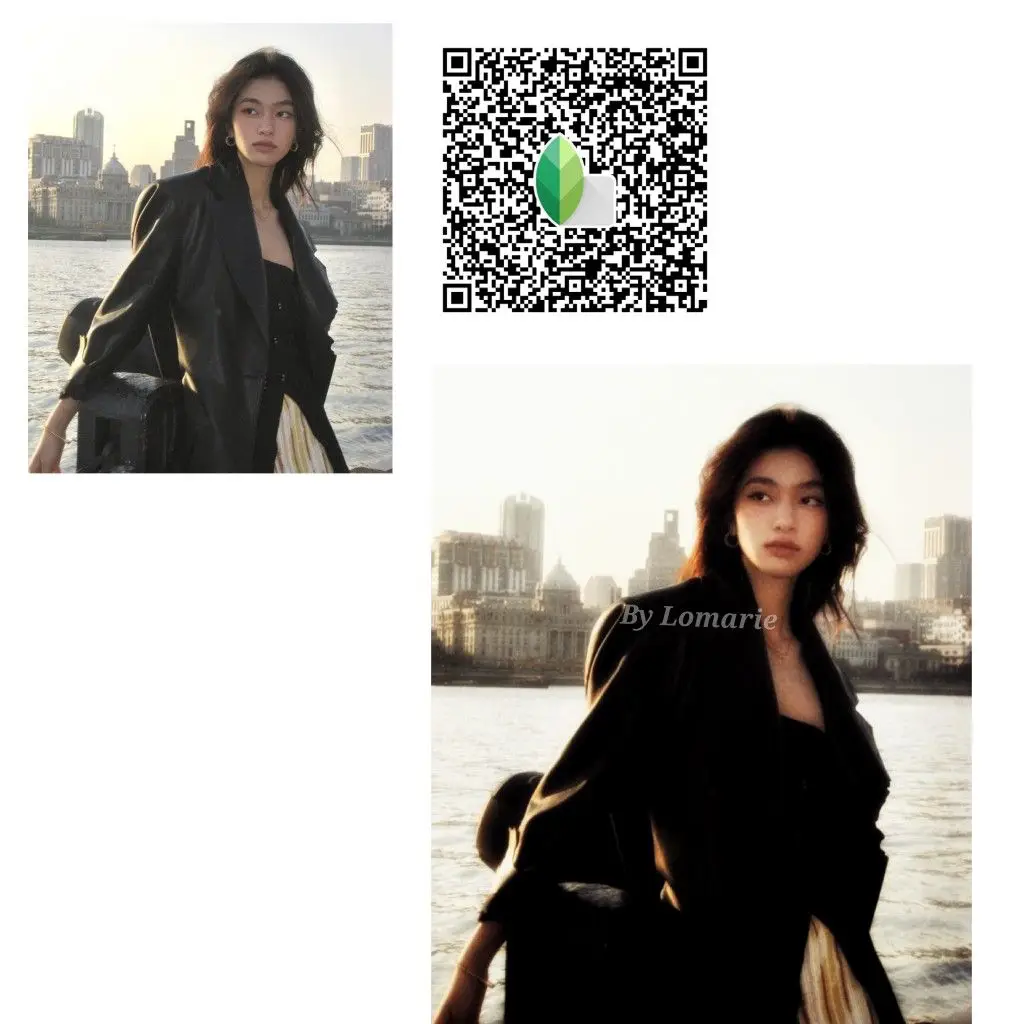
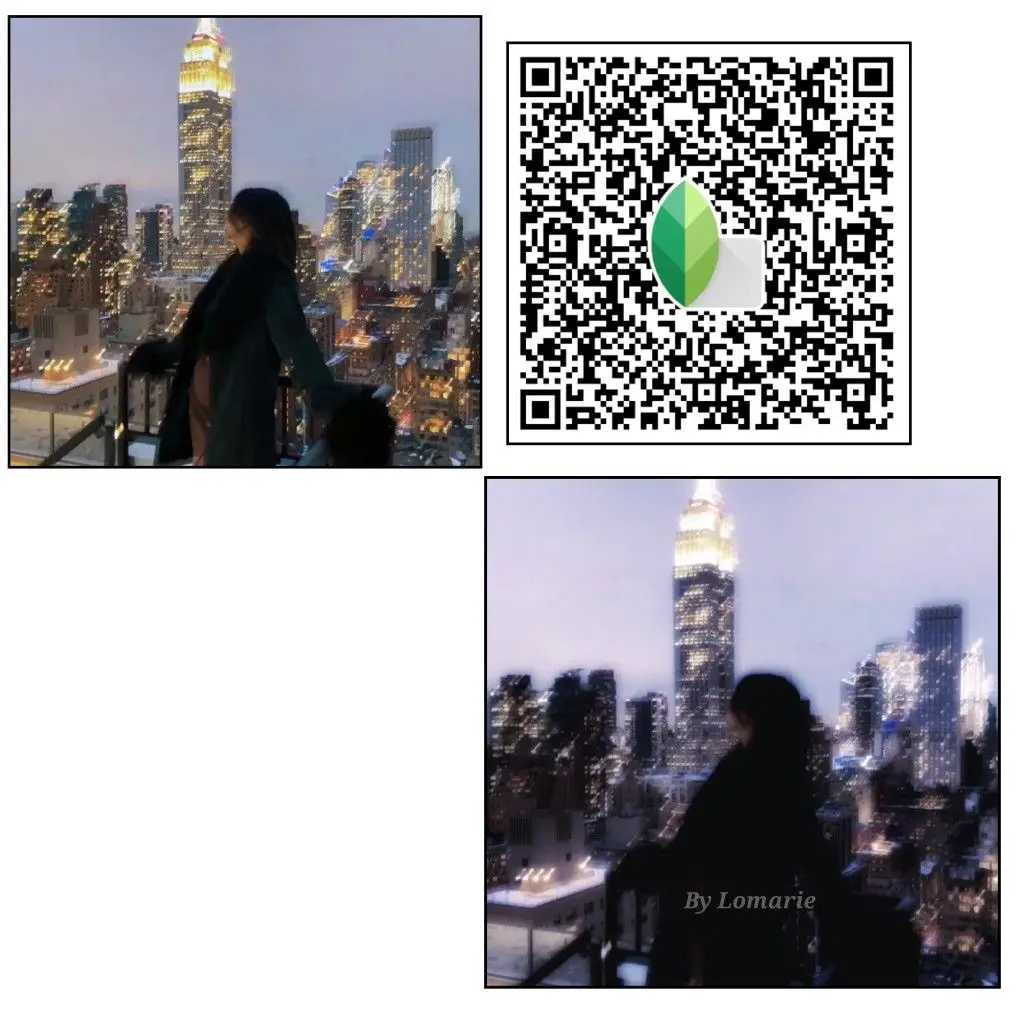
Face‑Friendly Background Blur Snapseed QR Codes
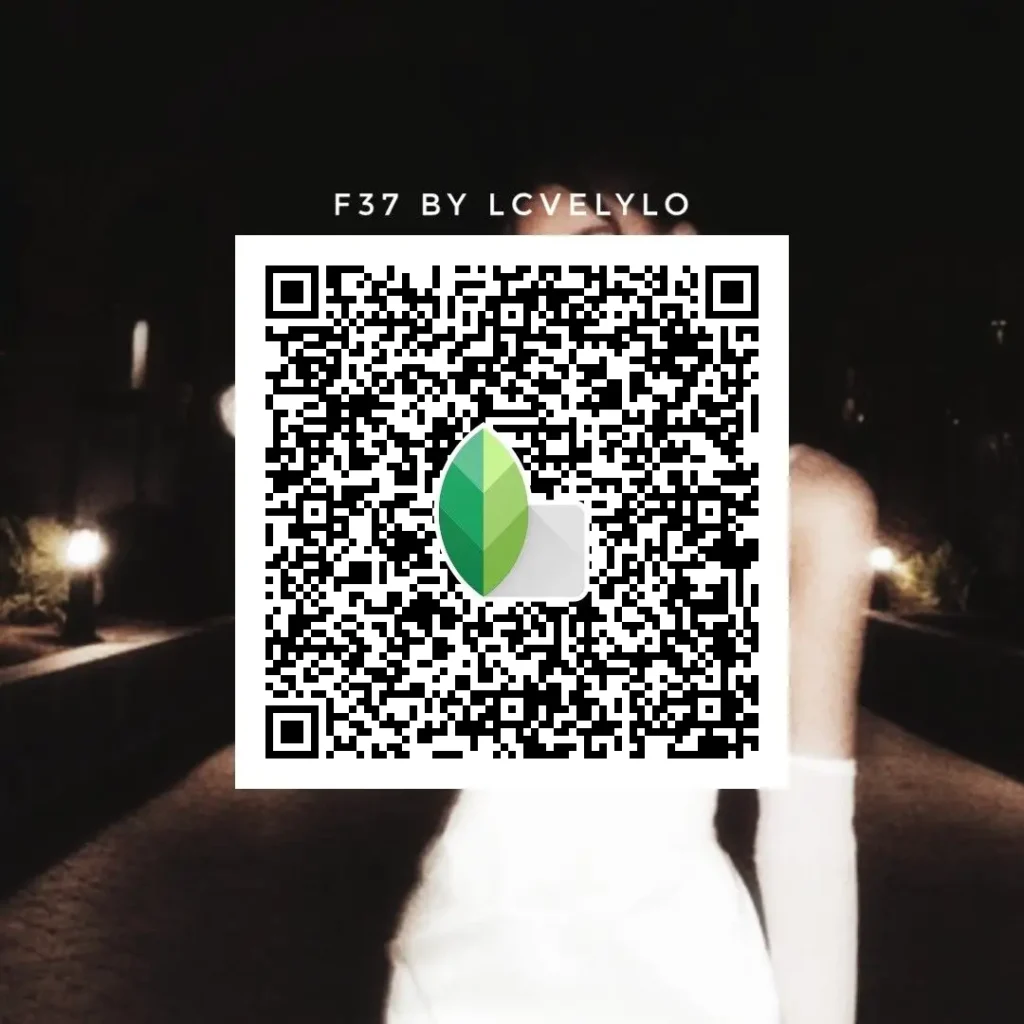
These QR codes blur the background without touching facial details too much. Skin stays natural, not soft or faded, and faces don’t lose texture. Use these if you want background blur but still want the face to look real and clear.
See Also
1- Snapseed 4K HD QR Codes 2- Snapseed Cinematic QR Codes 3- Downlaod Snapseed APK
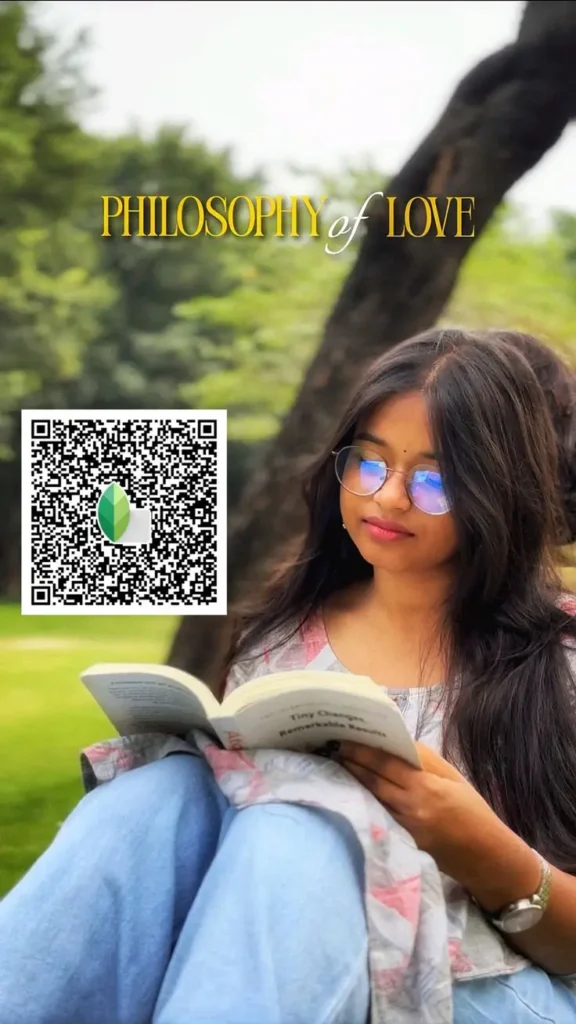
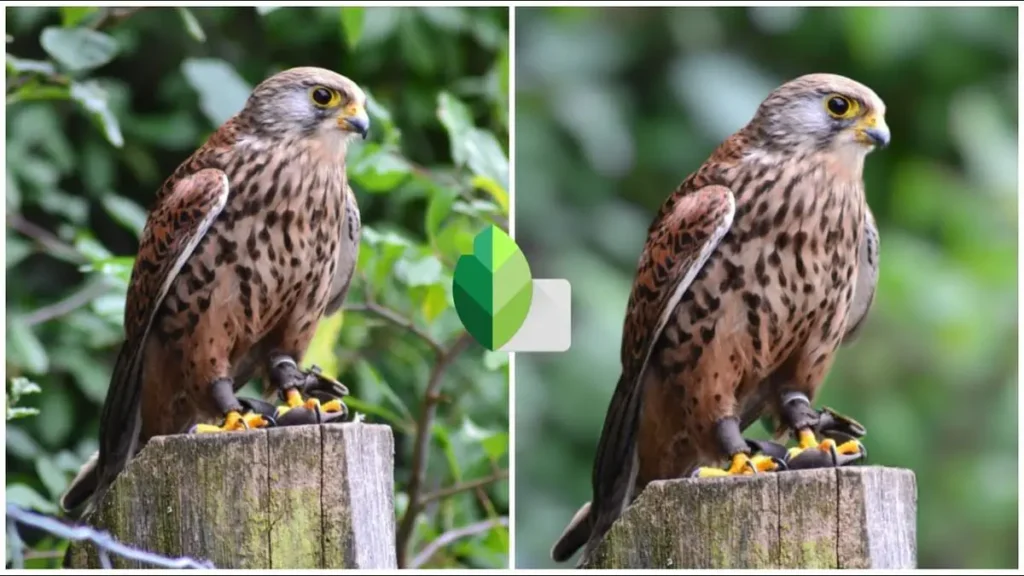
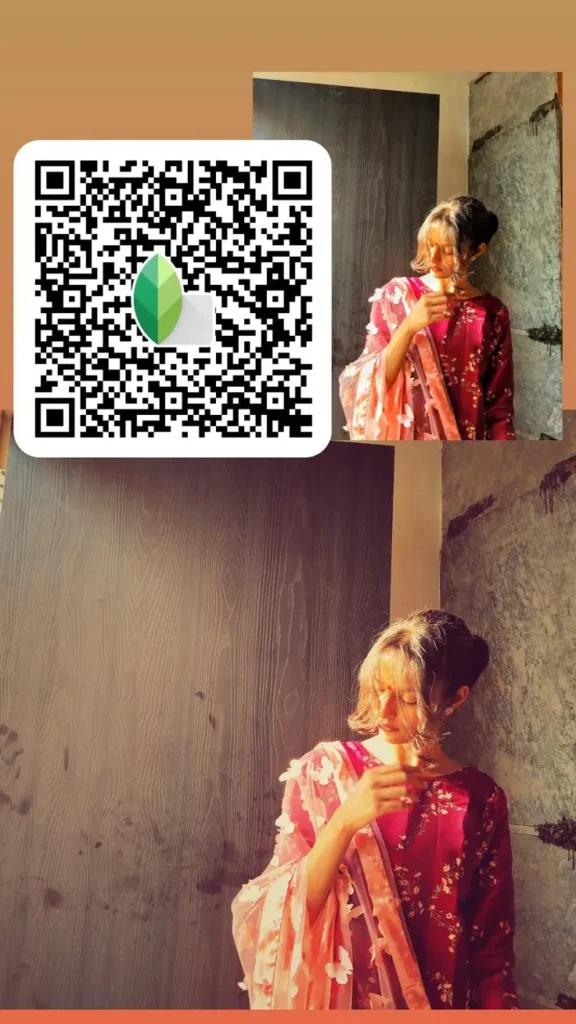
HD & 4K Quality Blur Background Snapseed QR Codes
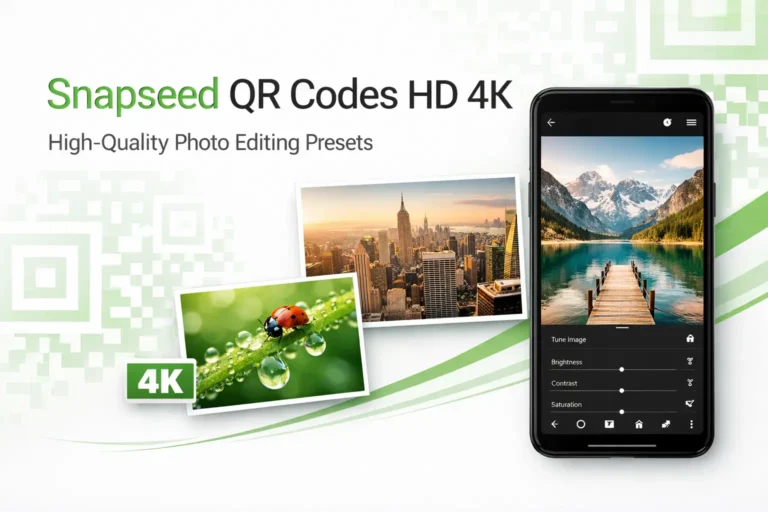
These Snapseed QR codes work best on high‑quality photos where details matter. The background blur stays clean while edges remain sharp and controlled. Use these when your image is already clear and you don’t want blur to reduce quality or make the subject look soft.
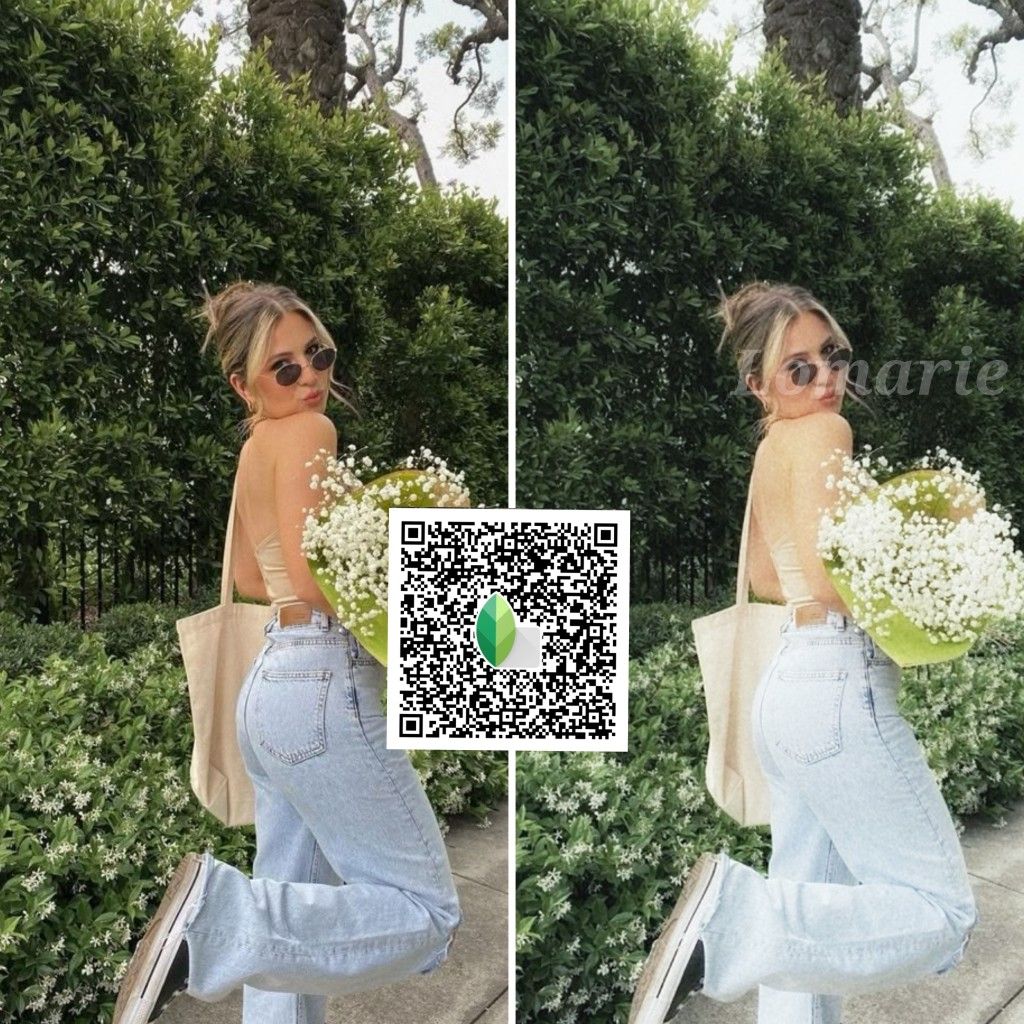
iPhone & Mobile Blur Background Snapseed QR Codes
These QR codes are tuned for phone photos, especially iPhone shots. The blur stays balanced so the background doesn’t overpower the subject. Use these for well‑lit mobile portraits where you want smooth blur without messy edges or lost details.
Aesthetic & Soft Snapseed QR Codes Blur Background
These QR codes give you a soft, pleasing background blur that looks calm and aesthetic. The effect stays gentle and balanced, not heavy or dramatic. Use these when you want a clean Instagram‑style look without strong DSLR‑type blur.
Dark, Moody & Cinematic Blur Background Snapseed QR Codes
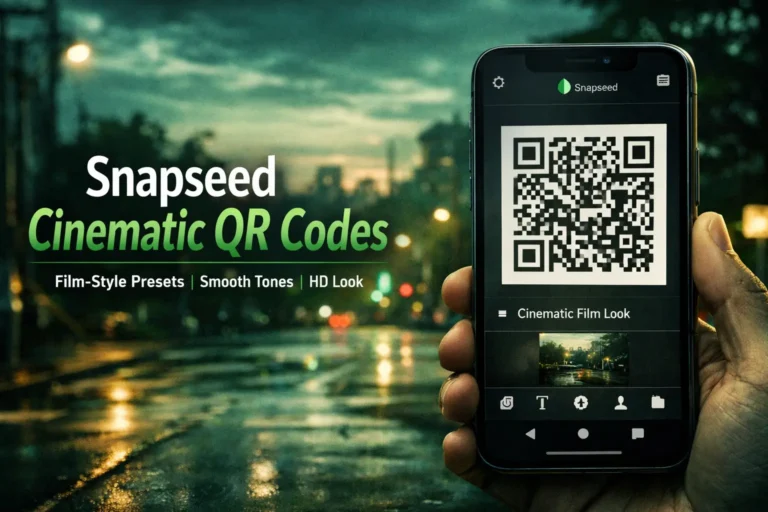
These QR codes mix background blur with darker tones and stronger contrast. Use them when you want a cinematic feel, moody portraits, or low‑light shots that look dramatic without overdoing the blur. Works well for reels, short videos, and night portraits.

Color‑Based Blur Background Snapseed QR Codes
These blur presets help calm busy or colorful backgrounds so your subject doesn’t get lost in the scene. Good choice when the background feels distracting and you just want softer colors with controlled blur.
When to Use Blur Background Snapseed QR Codes
- When the background looks busy or distracting
- When you want the subject to stand out without changing the background
- When you prefer natural depth instead of artificial blur effects
How to Use These Blur Background Snapseed QR Codes
- Open Snapseed and load your photo
- Scan the QR code and apply it
- Adjust blur strength slightly if needed
New to QR codes? See the full guide at Beginners’ Guide
FAQs
Conclusion
Blur background Snapseed QR codes make it easy to add depth and focus without spending time on manual edits. The QR codes shared here cover natural blur, DSLR‑style depth, HD & 4K quality, mobile photos, and aesthetic looks. Scan, apply, and adjust lightly to get clean blur background results that suit different photos and editing needs.