Snapseed DSLR QR Codes(Make Mobile Photos Look Like DSLR)
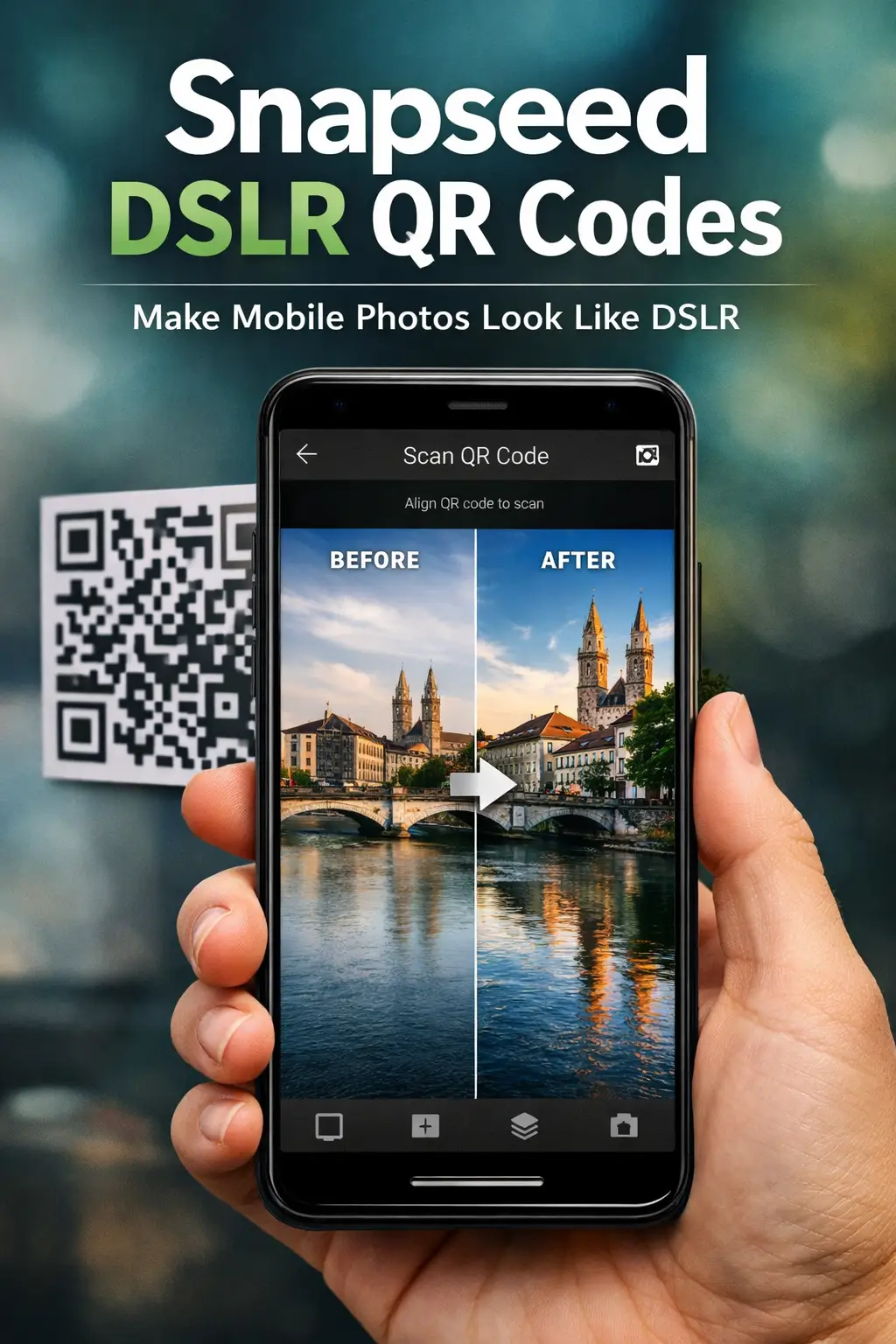
Mobile photos often look flat compared to DSLR shots, mainly because of limited depth, tones, and contrast. That’s where Snapseed DSLR QR Codes Presets come in. These ready‑to‑scan QR codes are designed to give your photos a camera‑like look with better sharpness, balanced highlights, natural colors, and subtle background separation — all without complex manual editing. In this guide, you’ll find hand‑picked DSLR‑style Snapseed QR presets that work well for portraits, bikes, cars, street photos, and everyday shots taken on a phone.
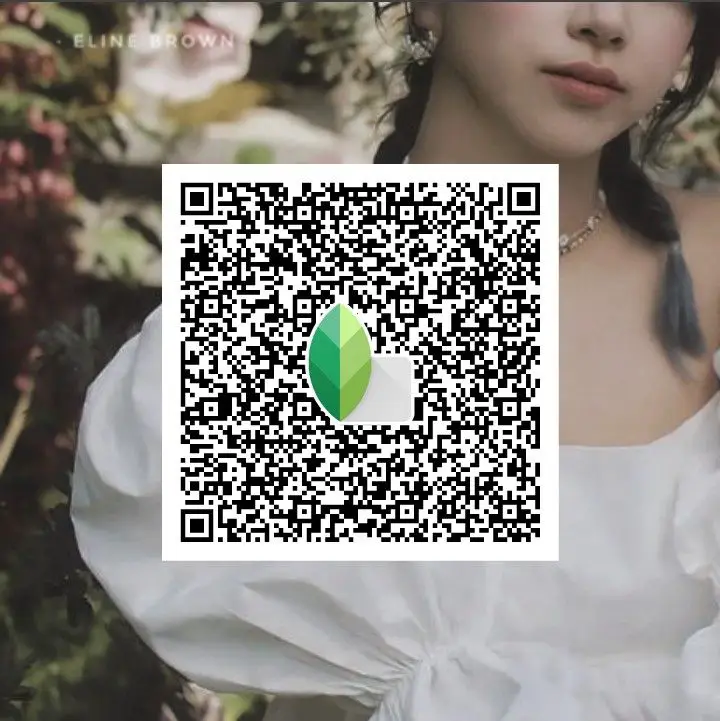
What Are DSLR‑Style Snapseed QR Code Presets?
DSLR‑style Snapseed QR code presets are pre‑configured editing settings that give mobile photos a camera‑like output. The “DSLR look” here means deeper contrast, cleaner tones, better sharpness, and a slight depth feel — not technical camera settings. These QR codes work on regular phone photos, enhancing light, color, and clarity to make images feel more professional. They don’t turn your phone into a DSLR, but they’re designed to mimic DSLR‑style results, not replace a real camera.
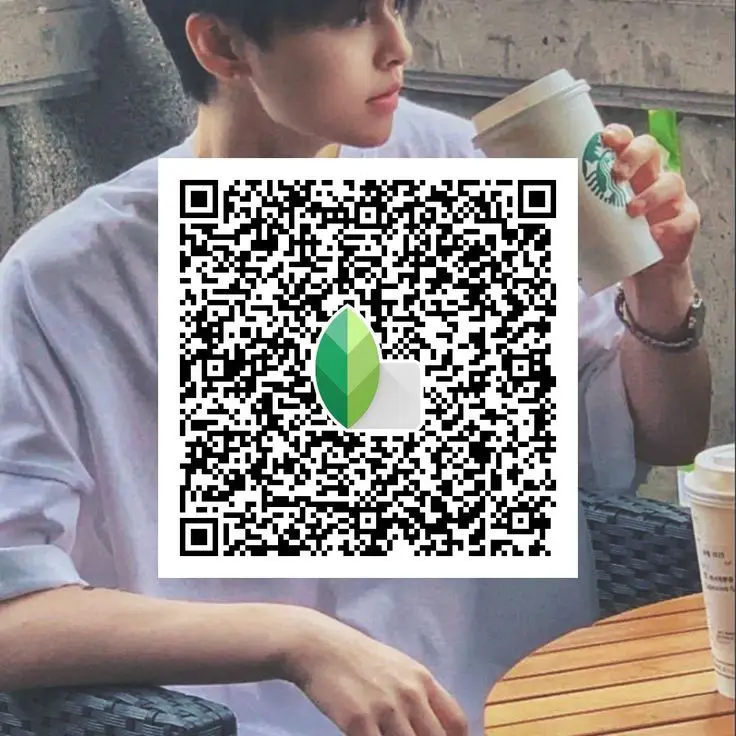
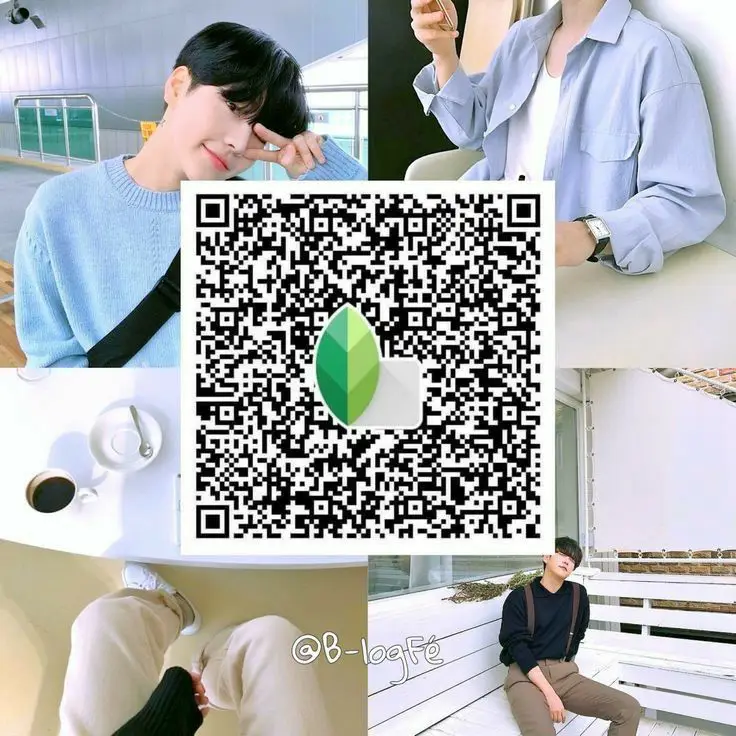
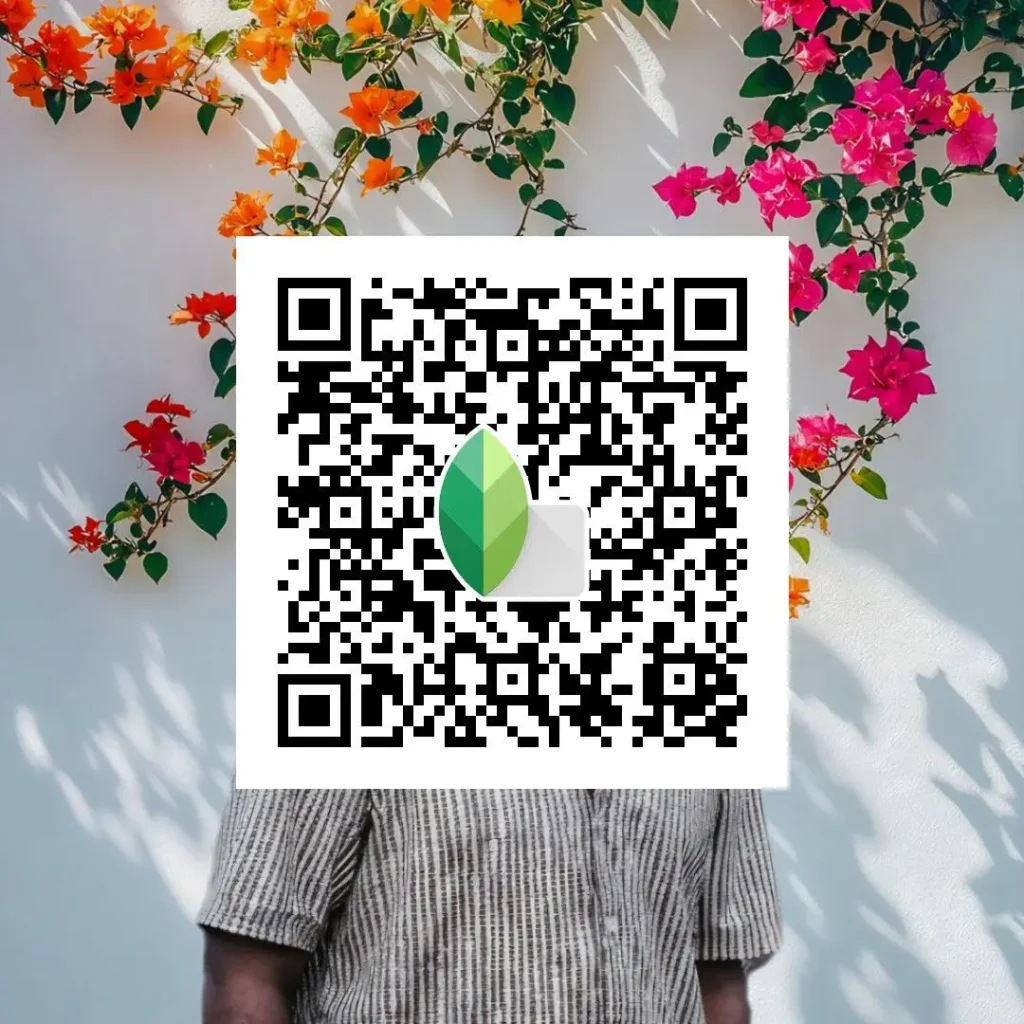
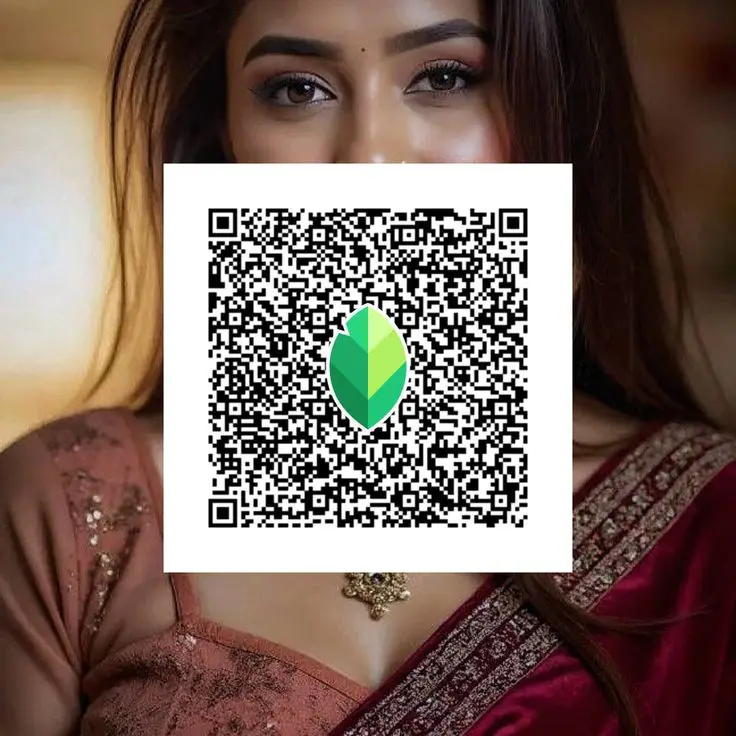
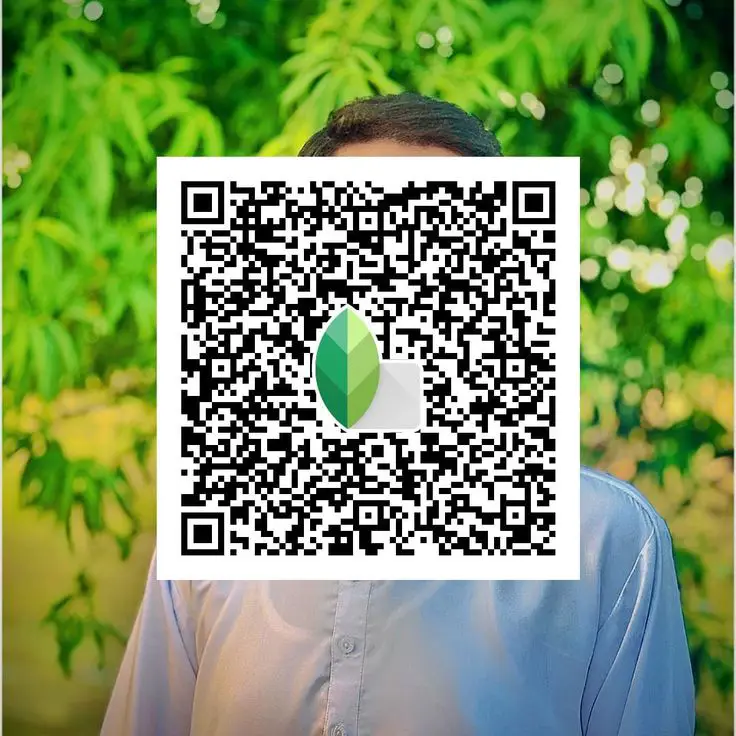
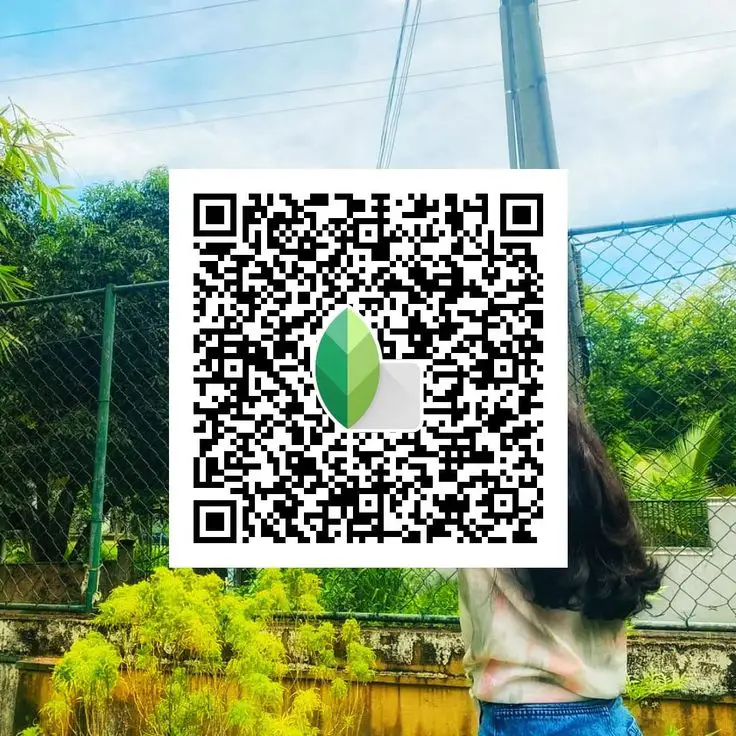
Snapseed DSLR QR Codes for Portrait Photography
Portrait photos benefit the most from DSLR‑style presets because small changes in skin tone, contrast, and sharpness can completely change the final look. These Snapseed DSLR QR codes are designed to keep faces natural while improving clarity and depth.
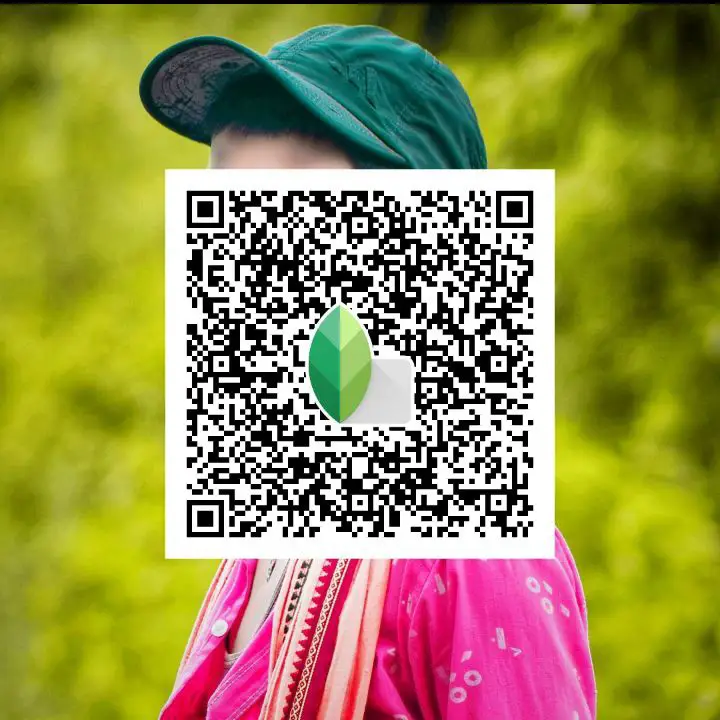
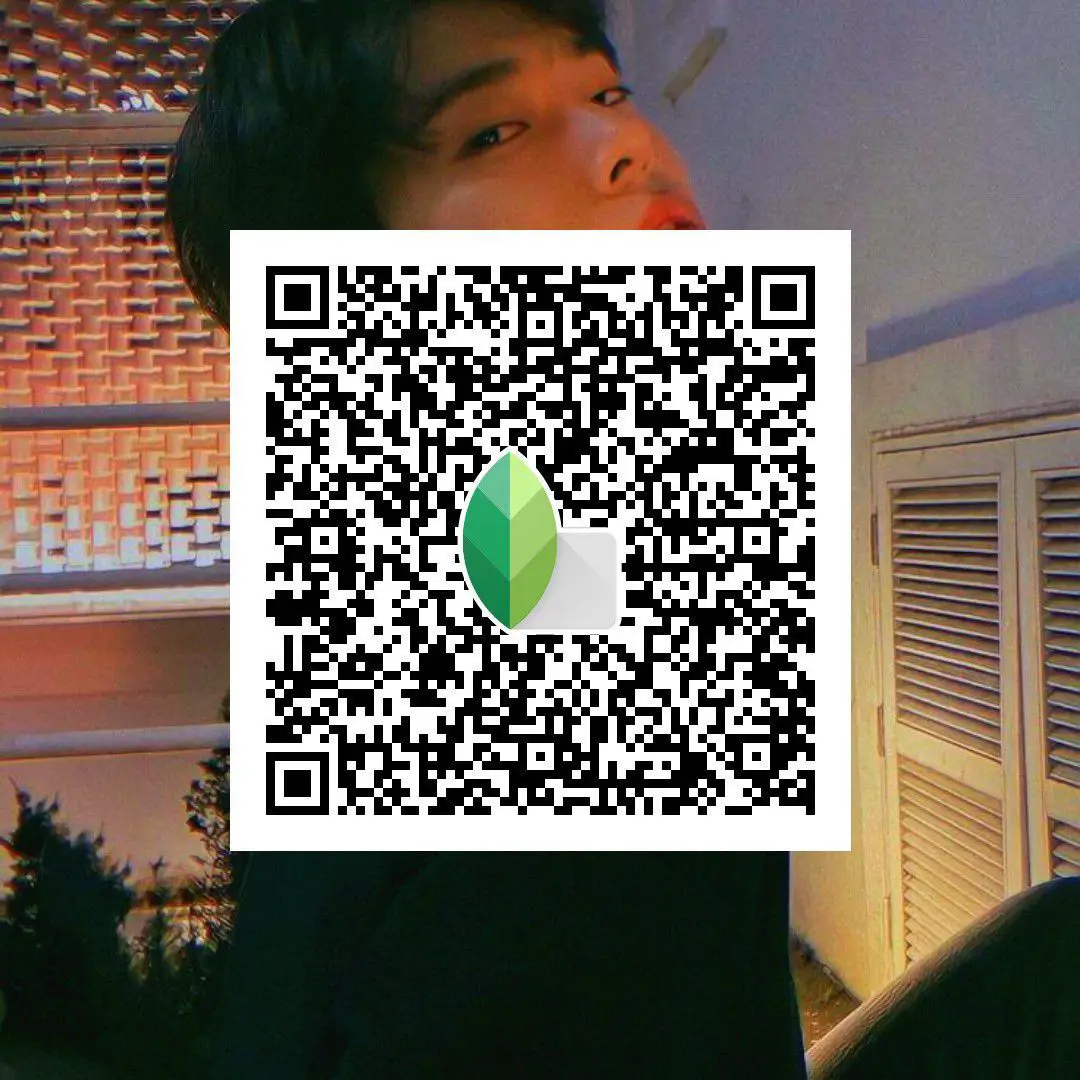
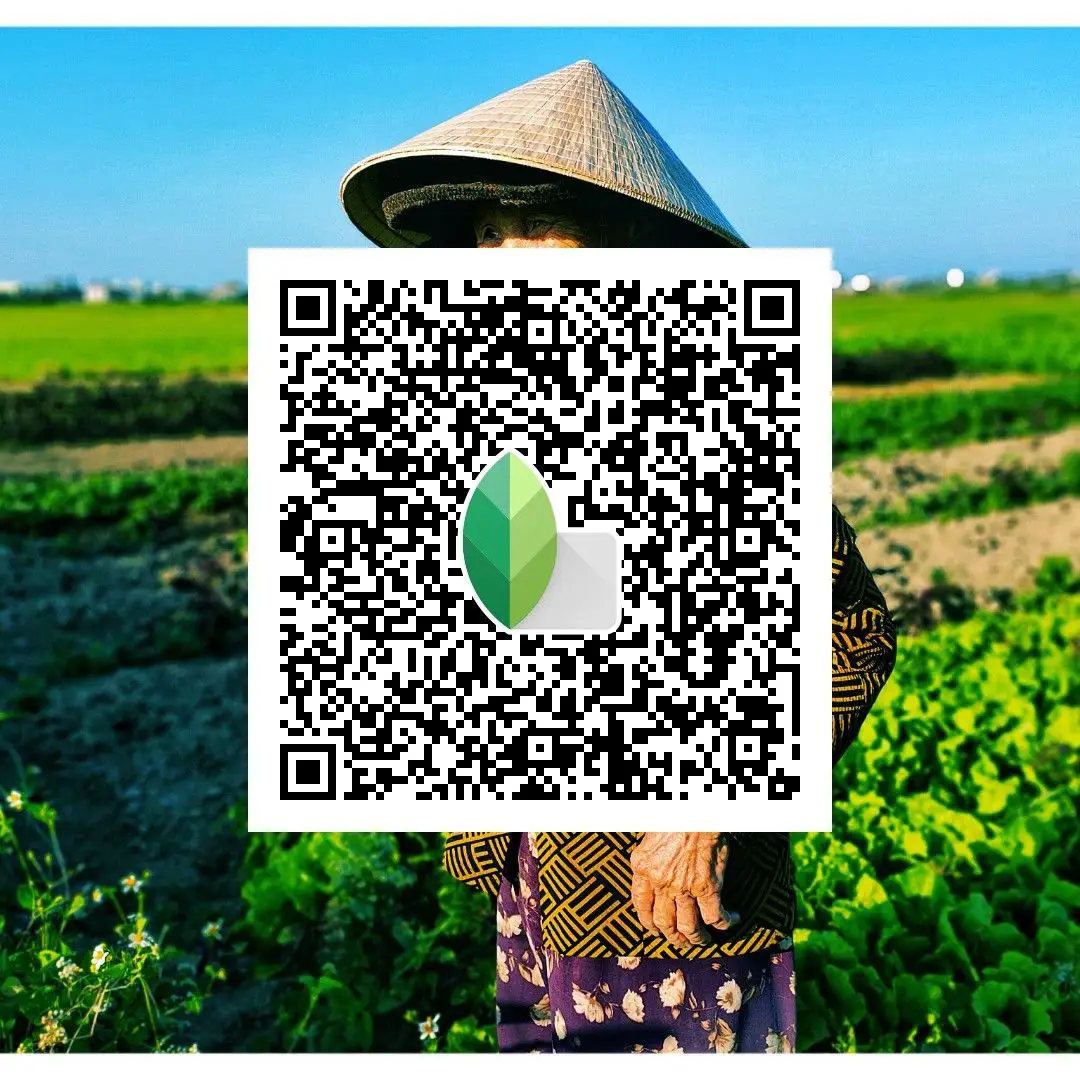
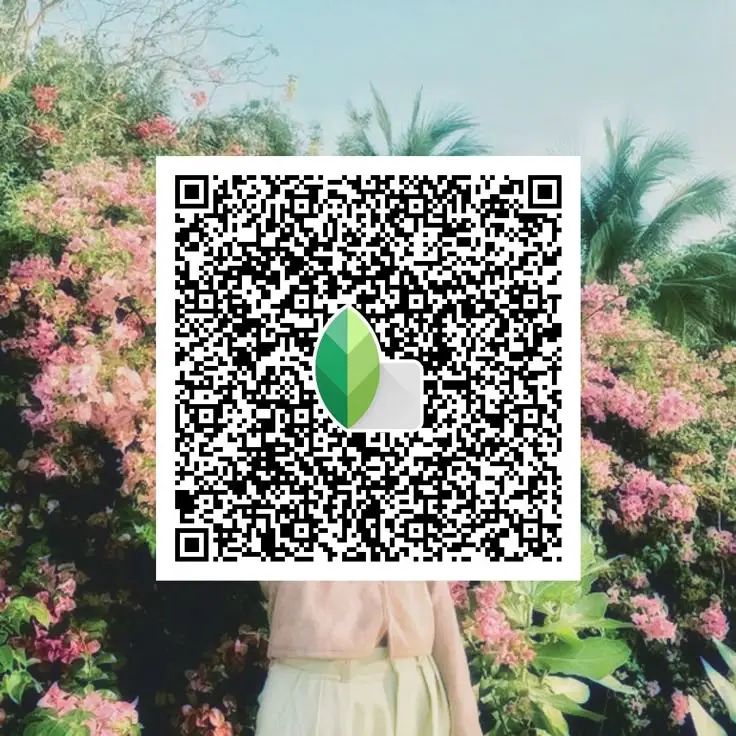
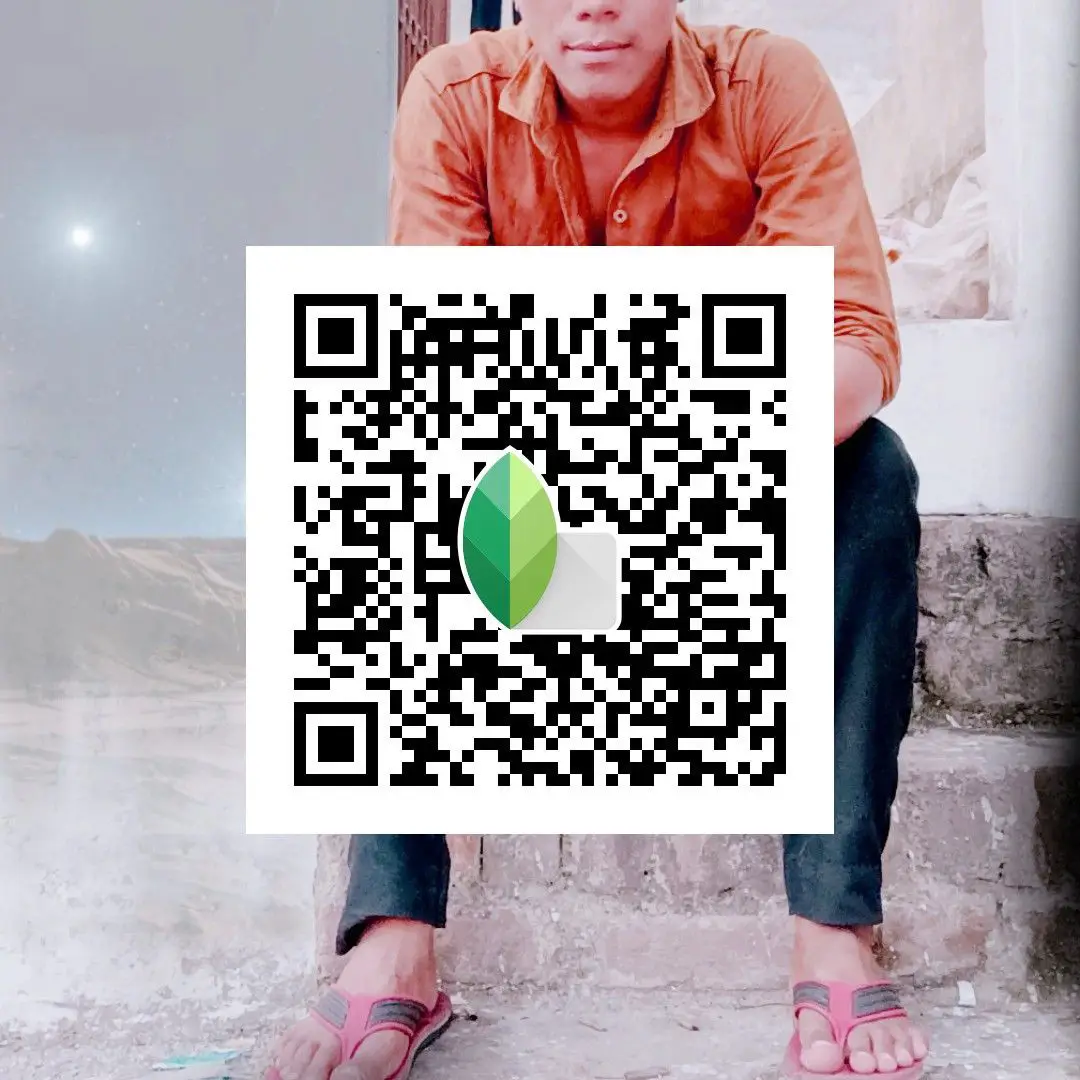
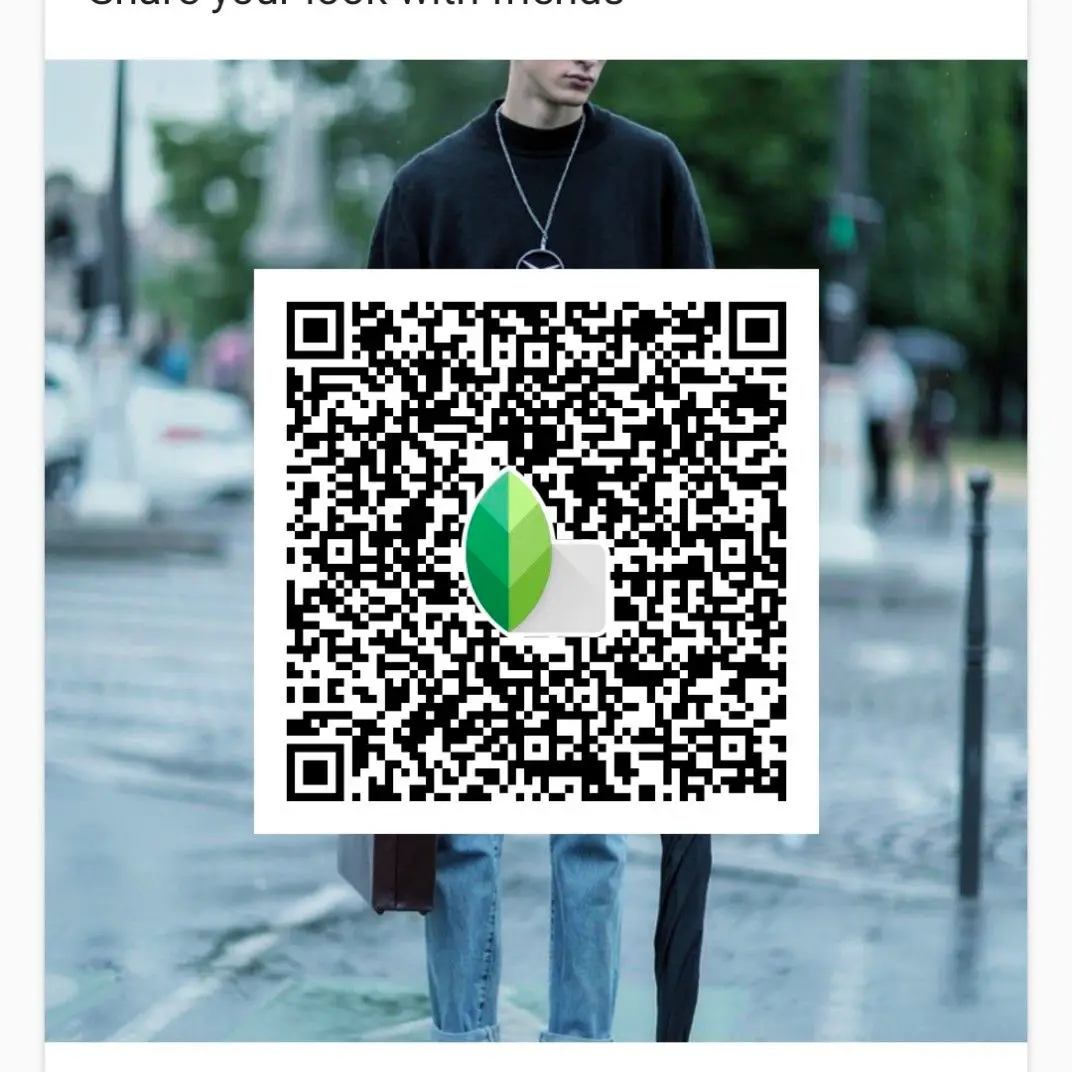
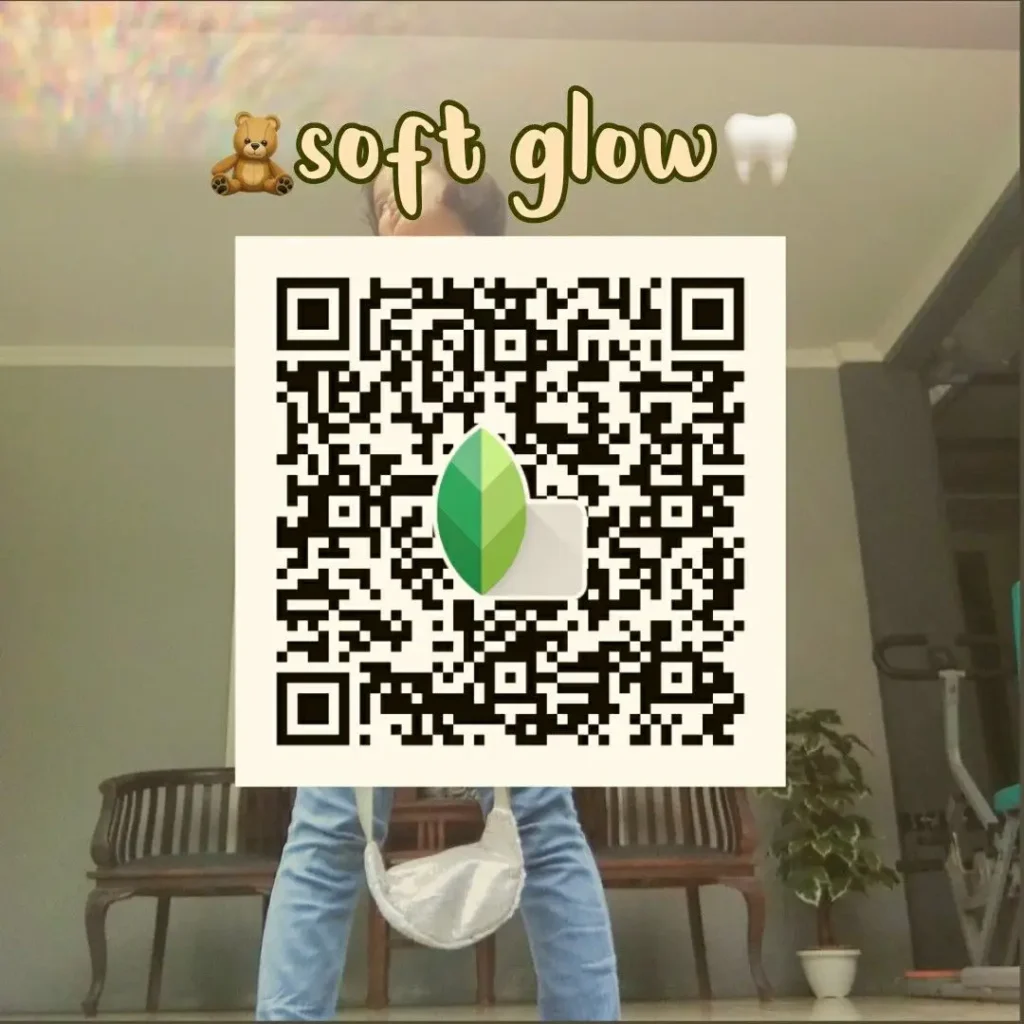
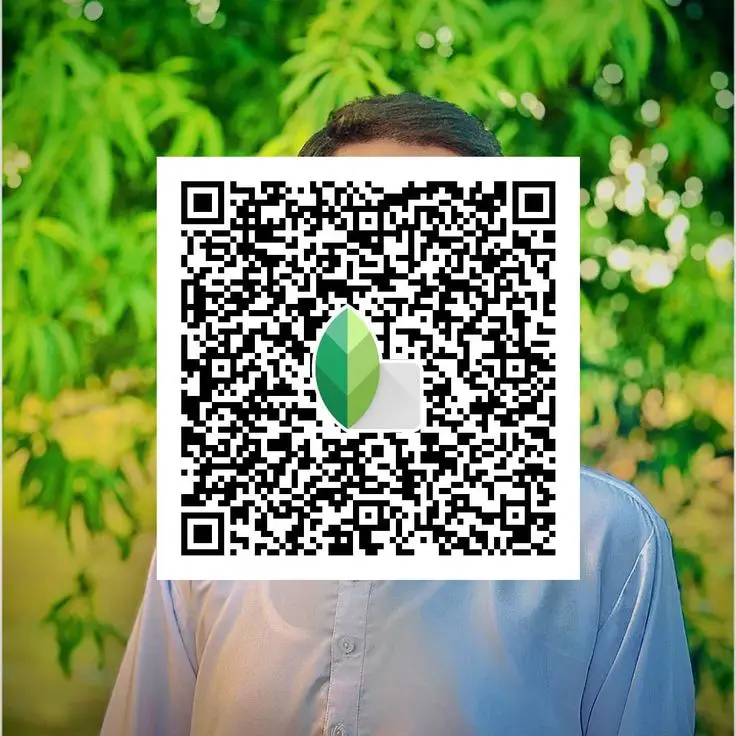
Natural Skin Tone DSLR QR Code
This preset focuses on clean, realistic skin tones without over‑smoothing or color shifts.
Best used on: Outdoor or window‑light portraits with even lighting.
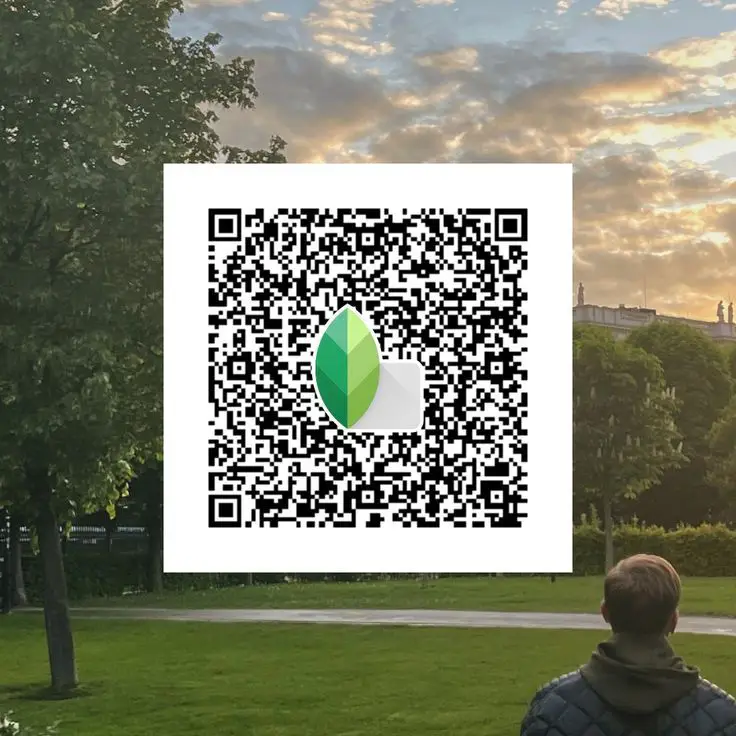
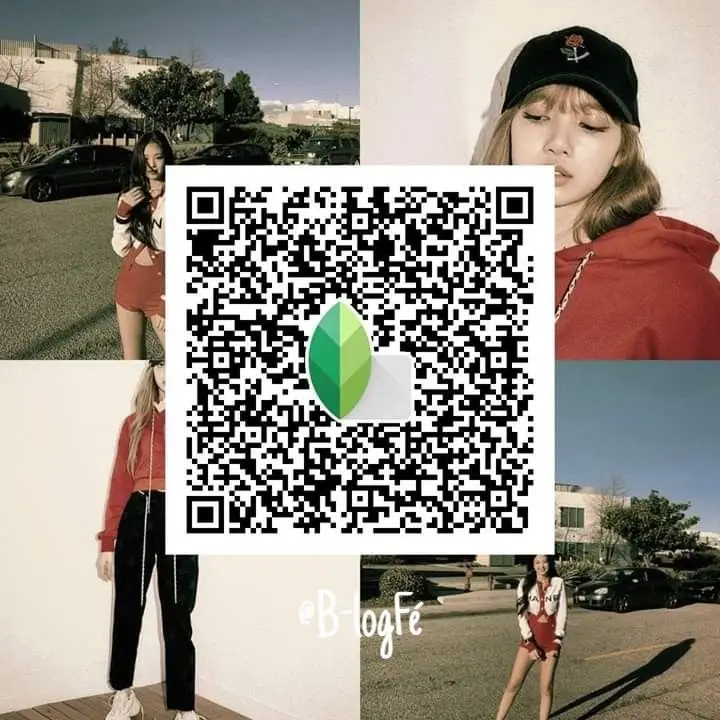
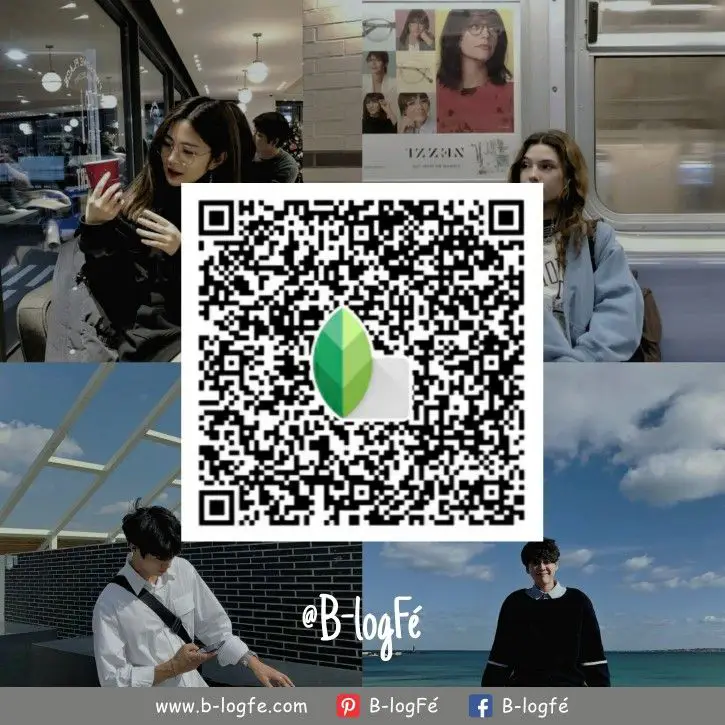
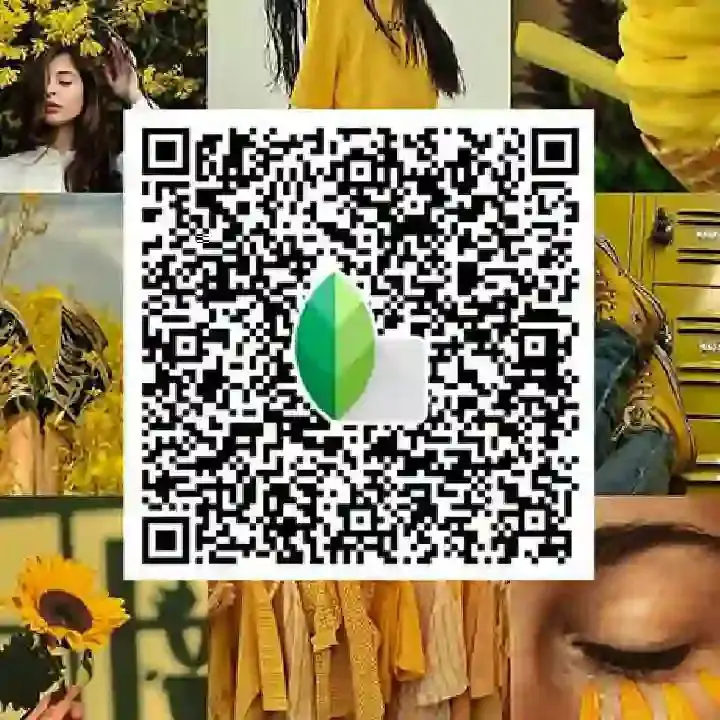
Soft Background Portrait DSLR Look
Designed to give photos a gentle depth feel, making the subject stand out while keeping the background soft and less distracting.
Best used on: Portraits with some background distance and good subject separation.
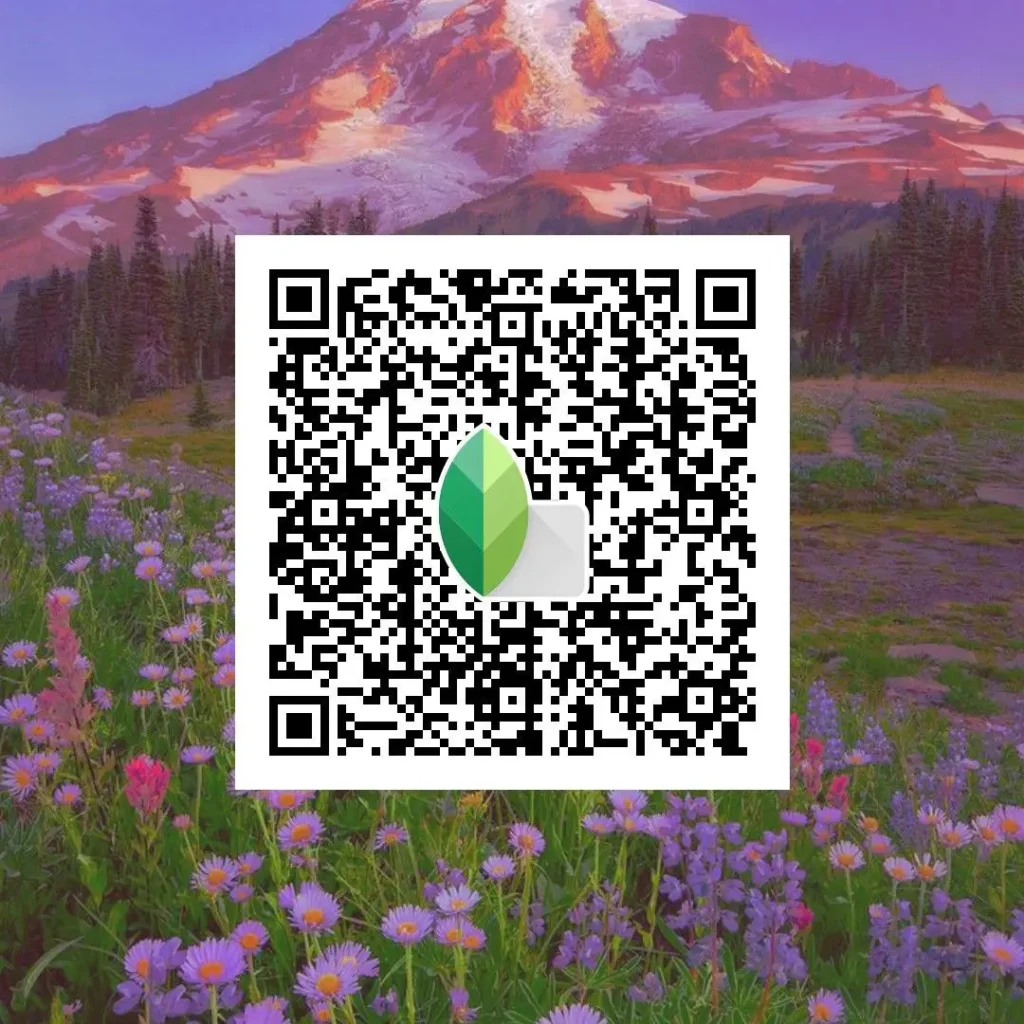
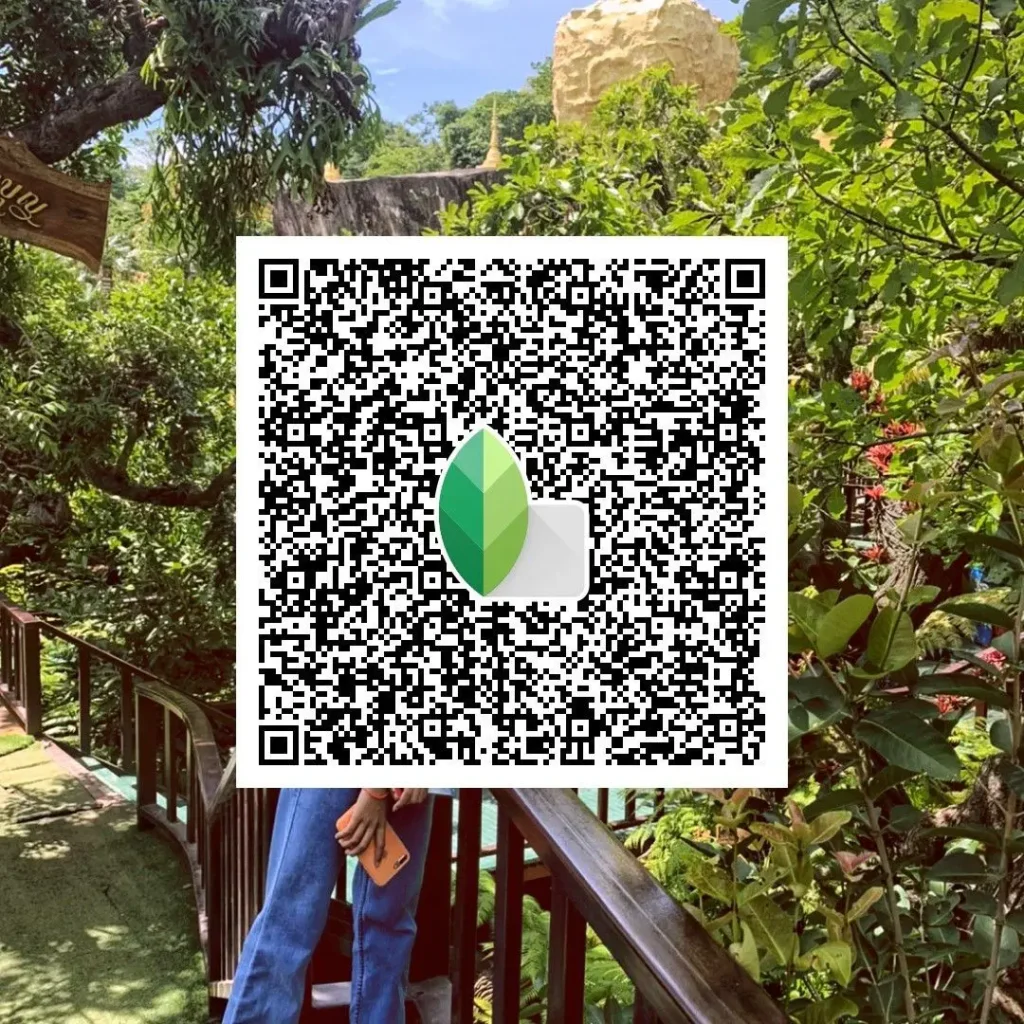
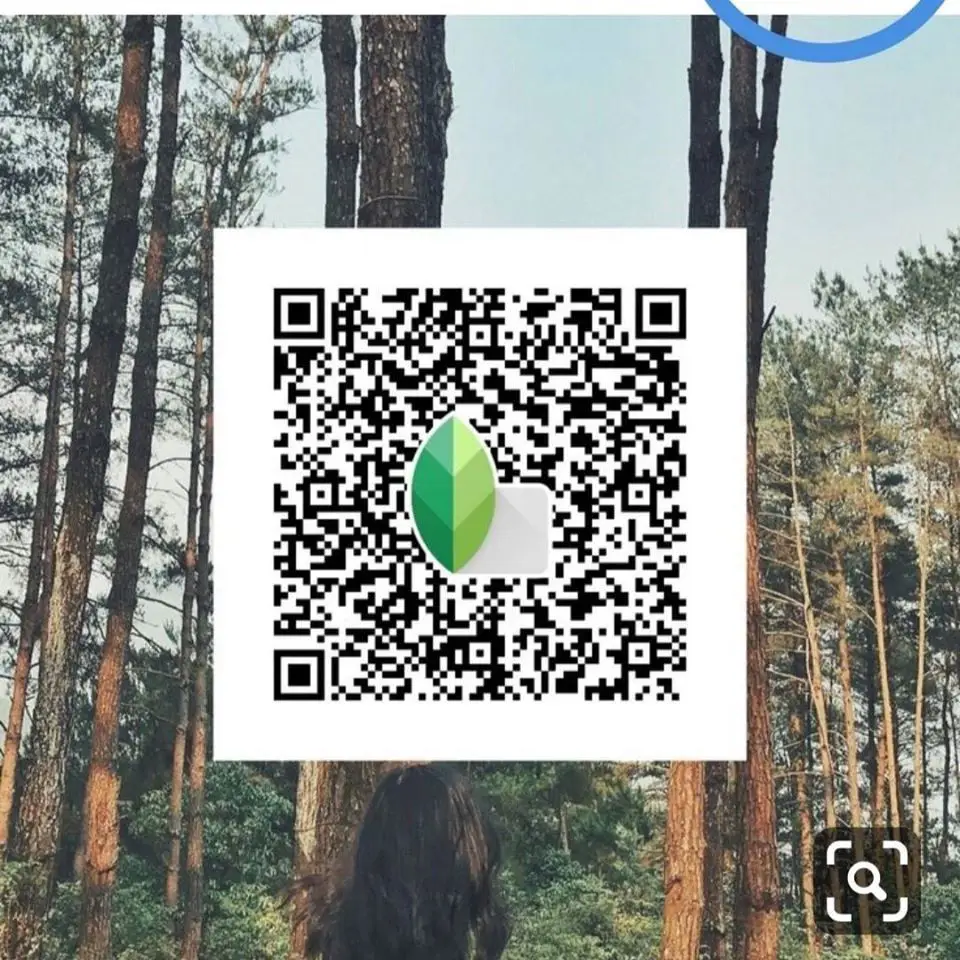
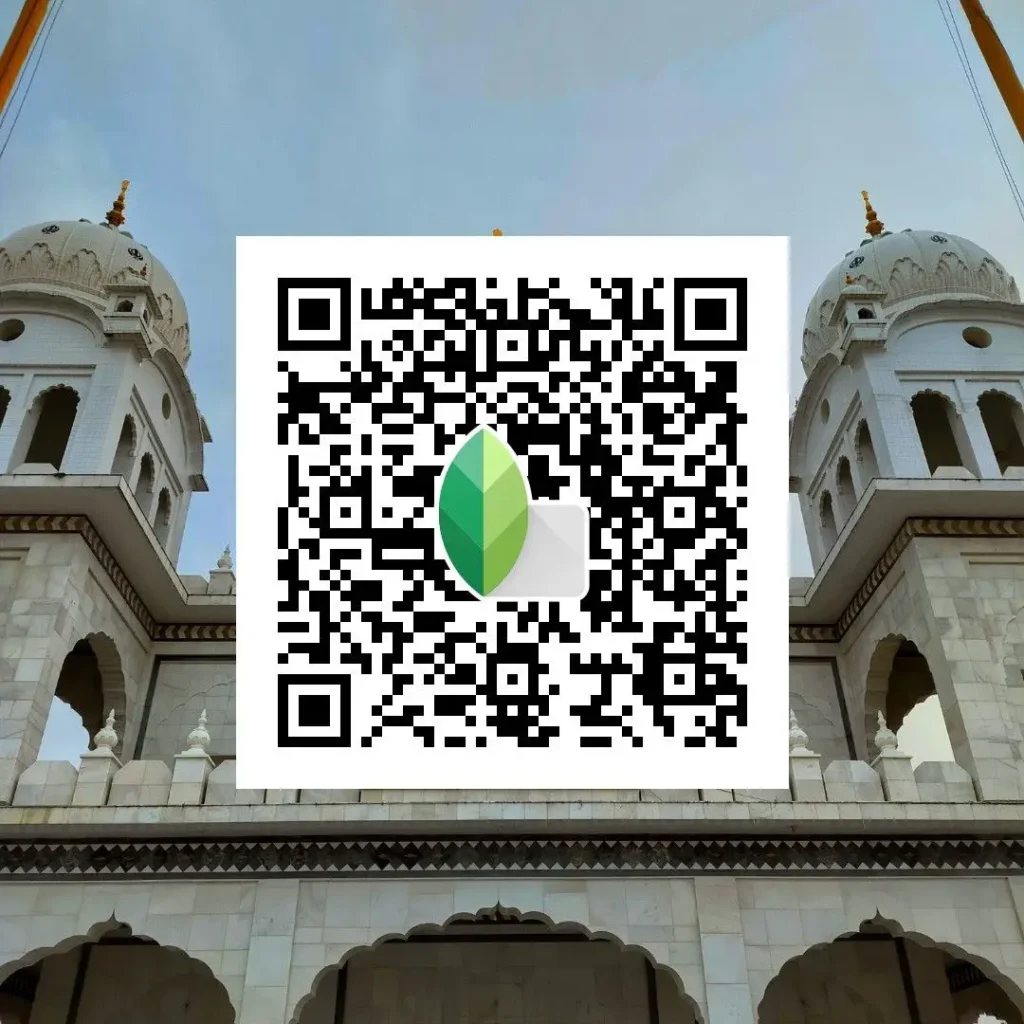
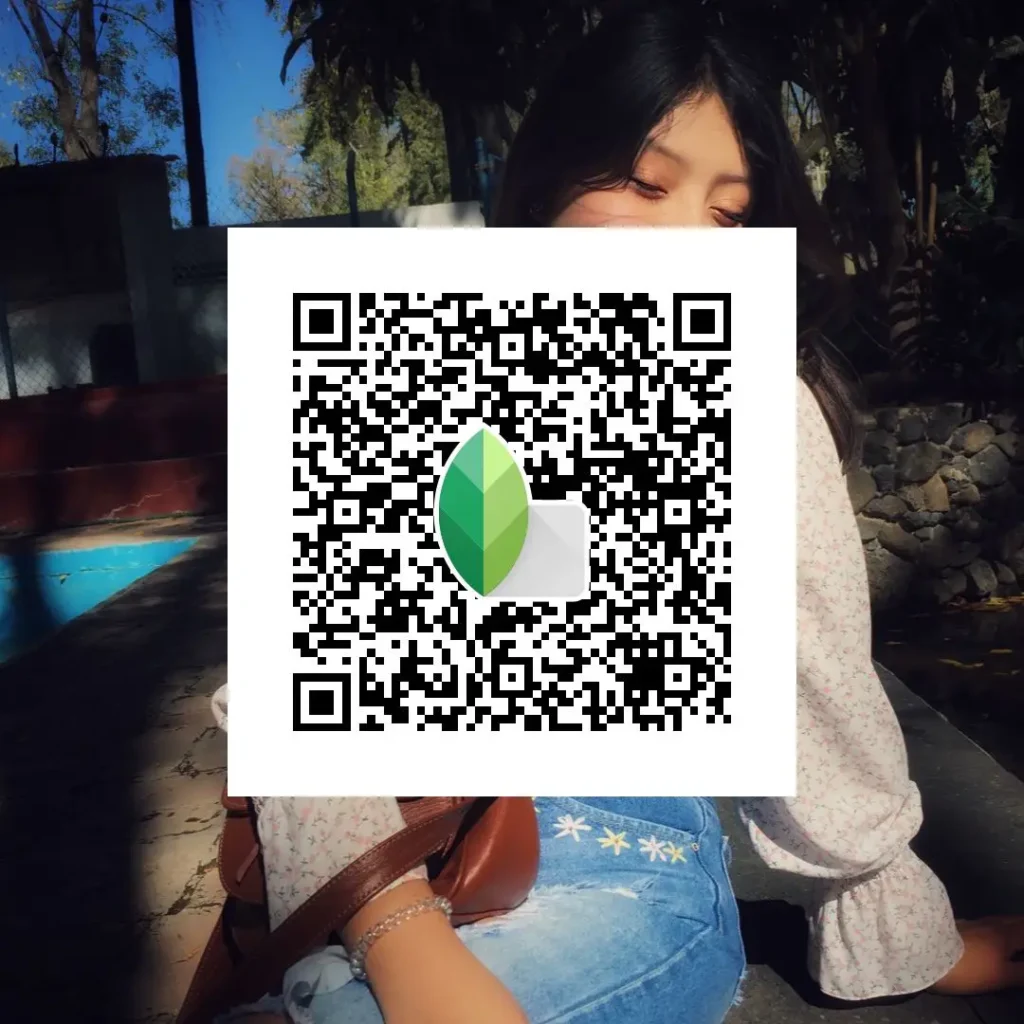
Sharp Face & Balanced Contrast DSLR Preset
This QR code adds controlled sharpness to facial details while keeping highlights and shadows balanced.
Best used on: Close‑up portraits and social media profile photos.
Snapseed DSLR QR Codes for Outdoor Photos
Outdoor and street photos need a realistic DSLR look, not heavy effects. These Snapseed DSLR QR codes focus on natural light handling, clean shadows, and balanced highlights to keep scenes believable and sharp.
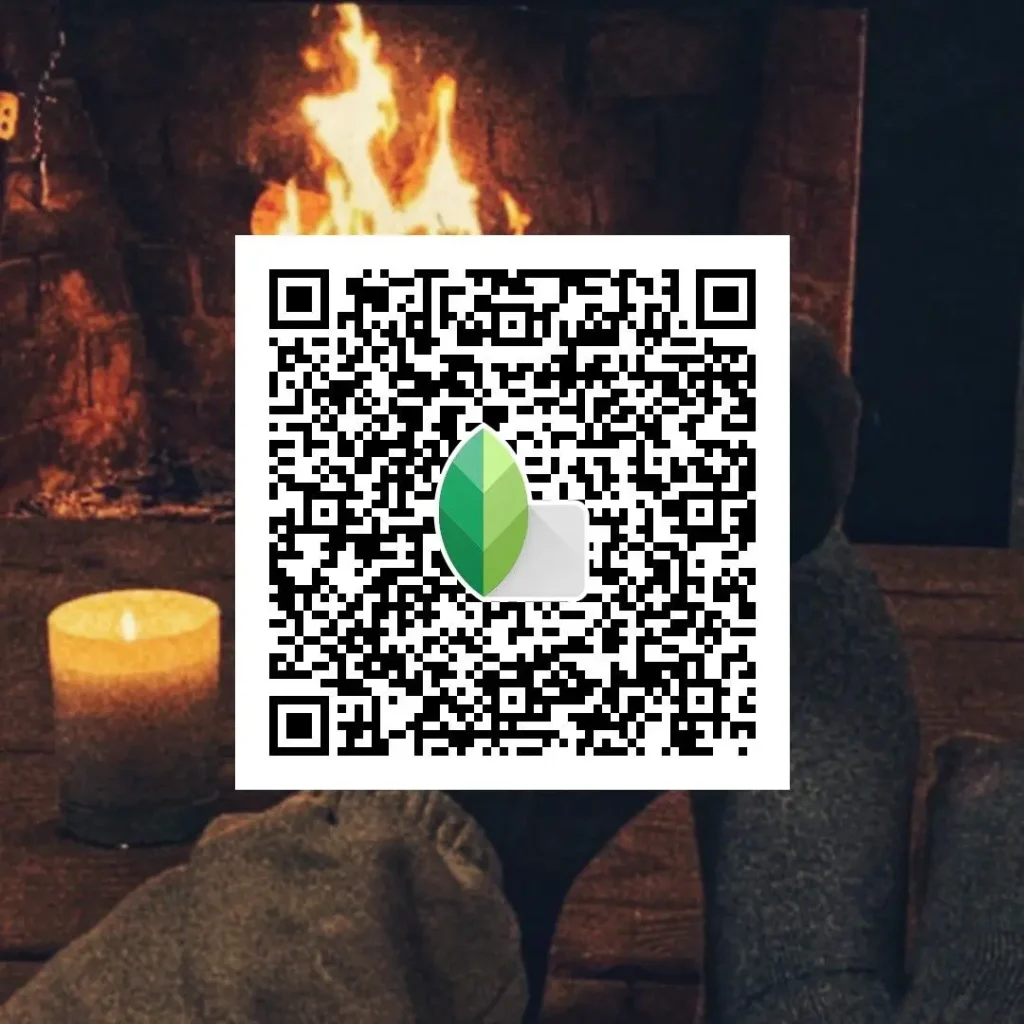
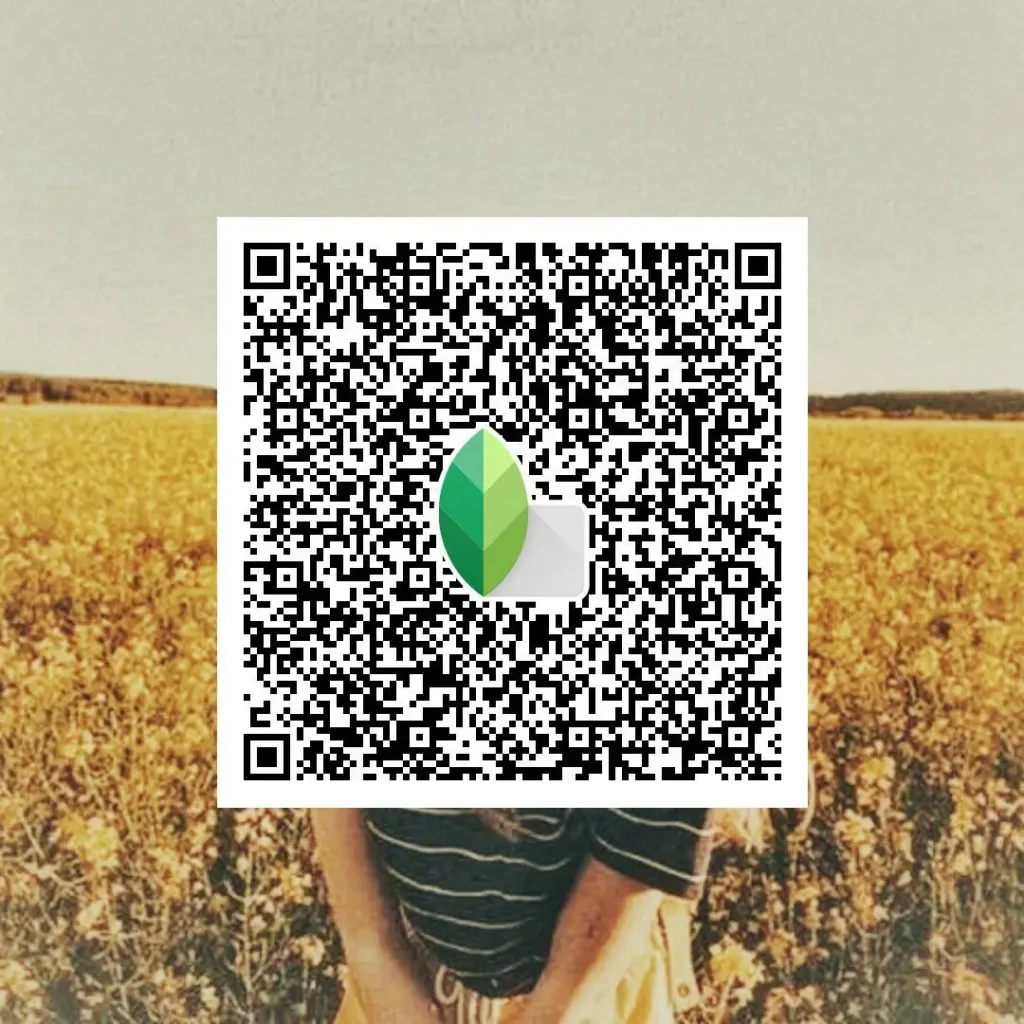
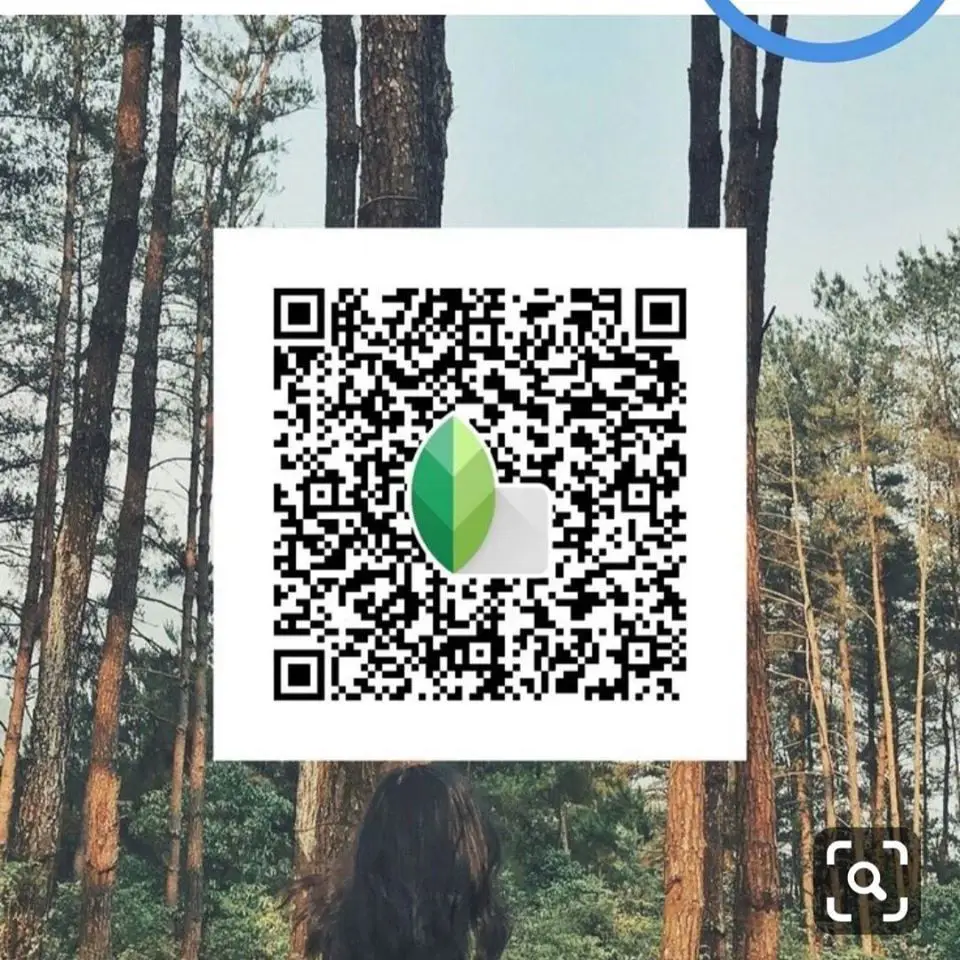
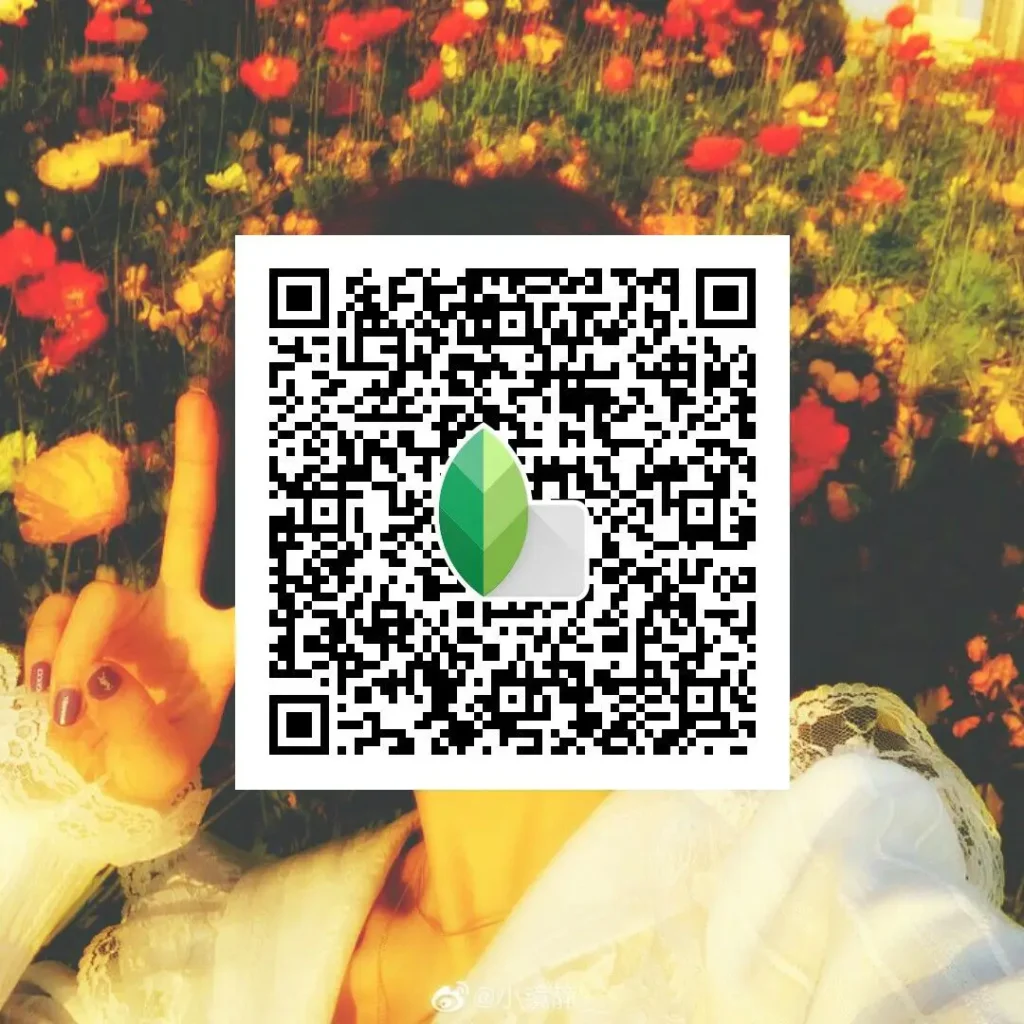
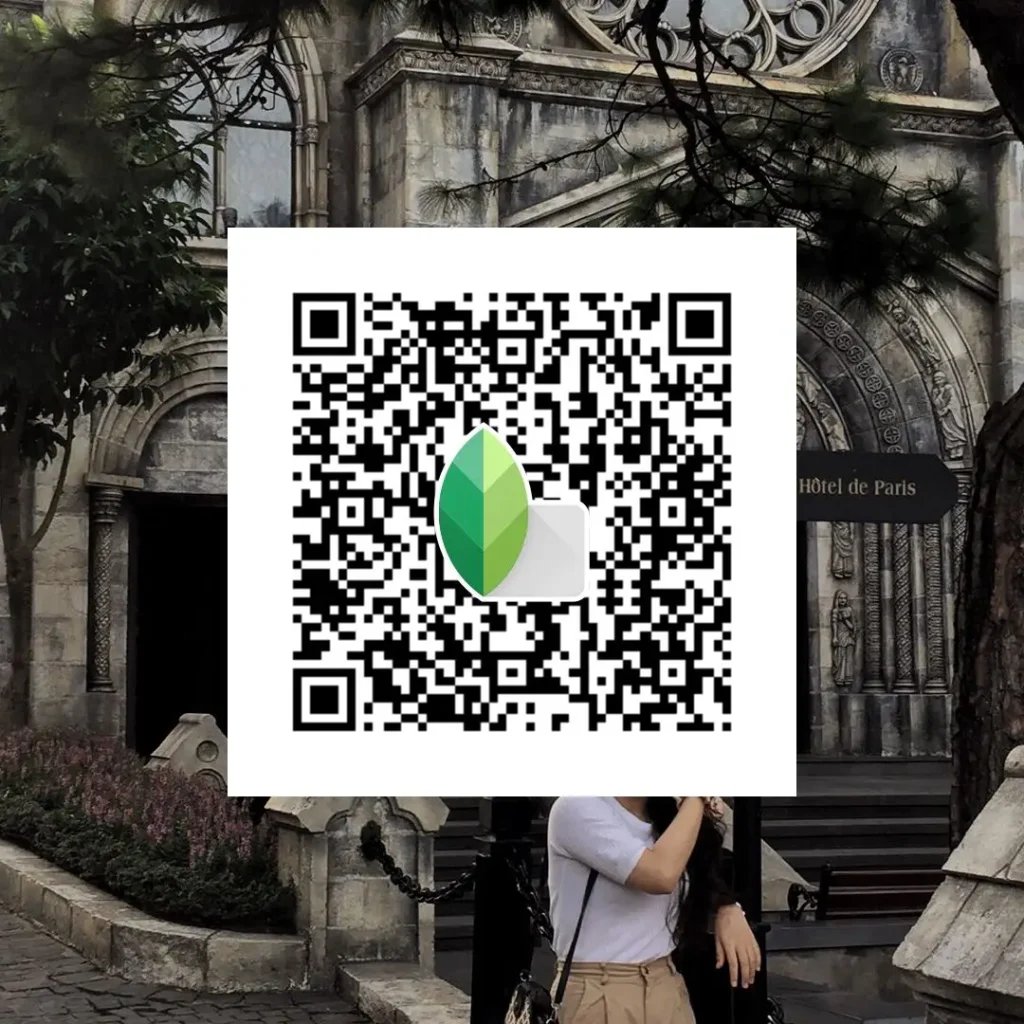
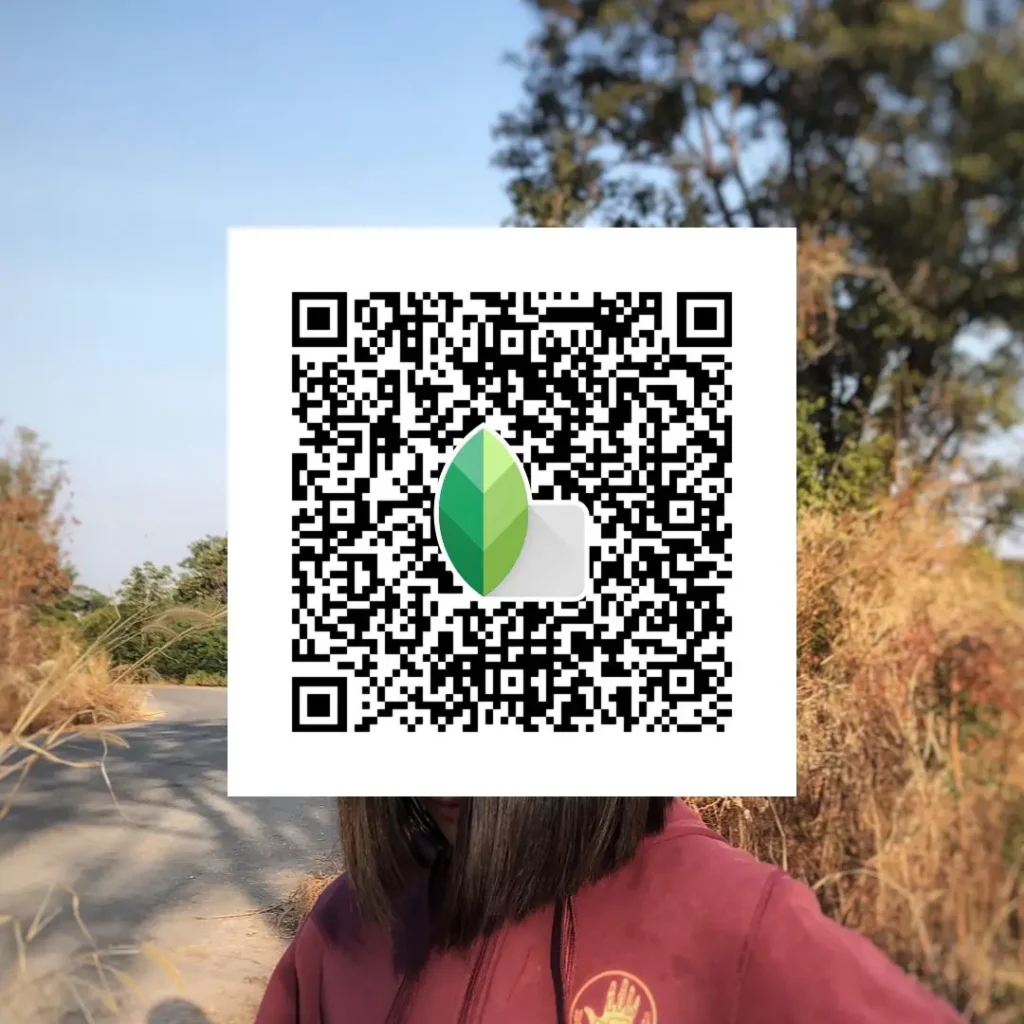
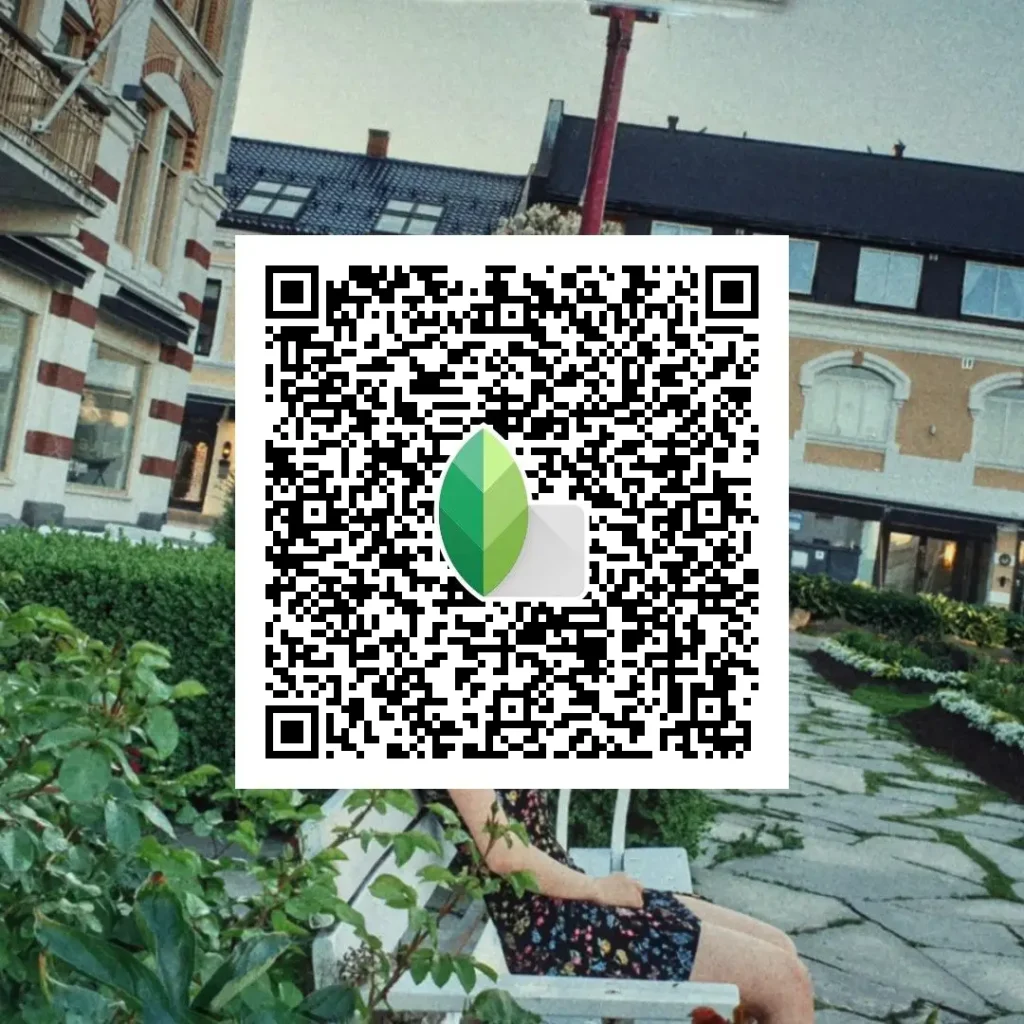
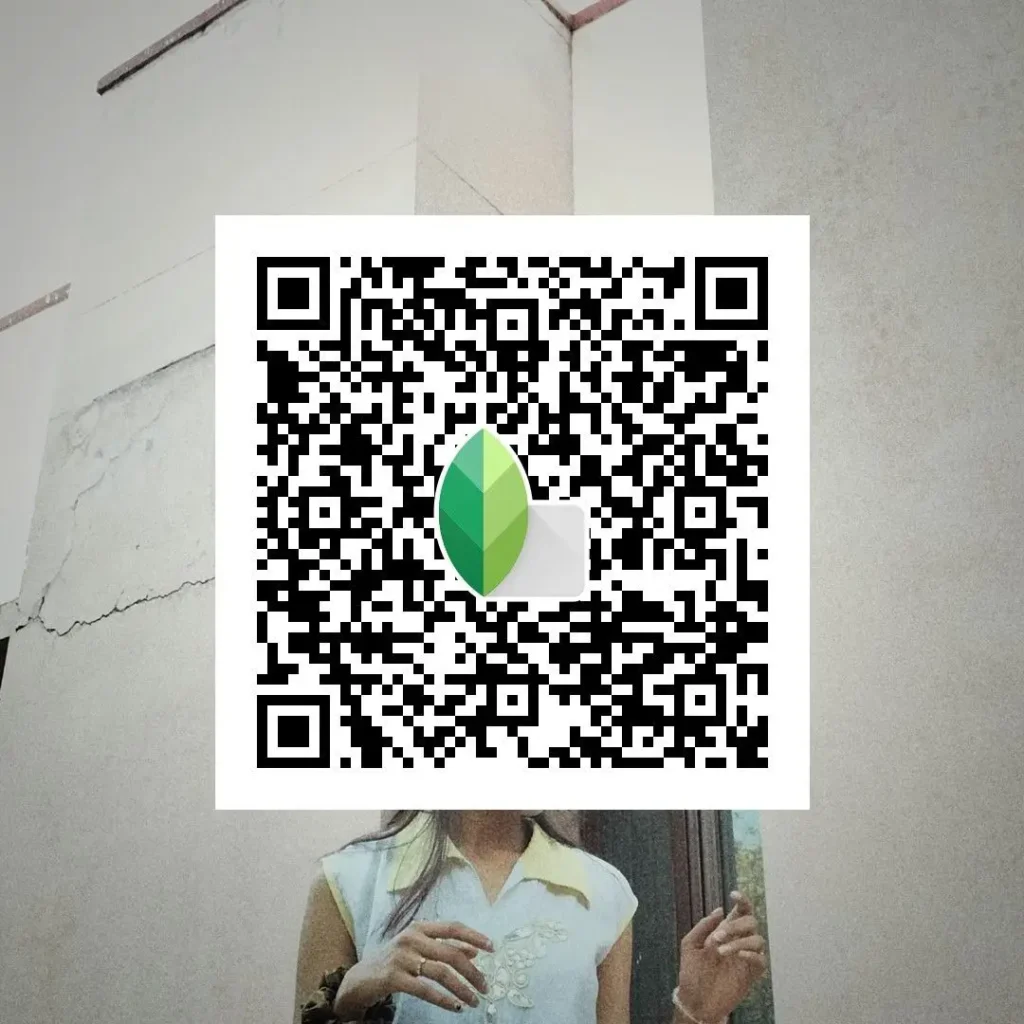
Street Photography DSLR‑Style QR Code
This preset enhances contrast and texture while keeping colors neutral and true to the scene.
Best used on: Street shots with natural light, people, buildings, or everyday moments.
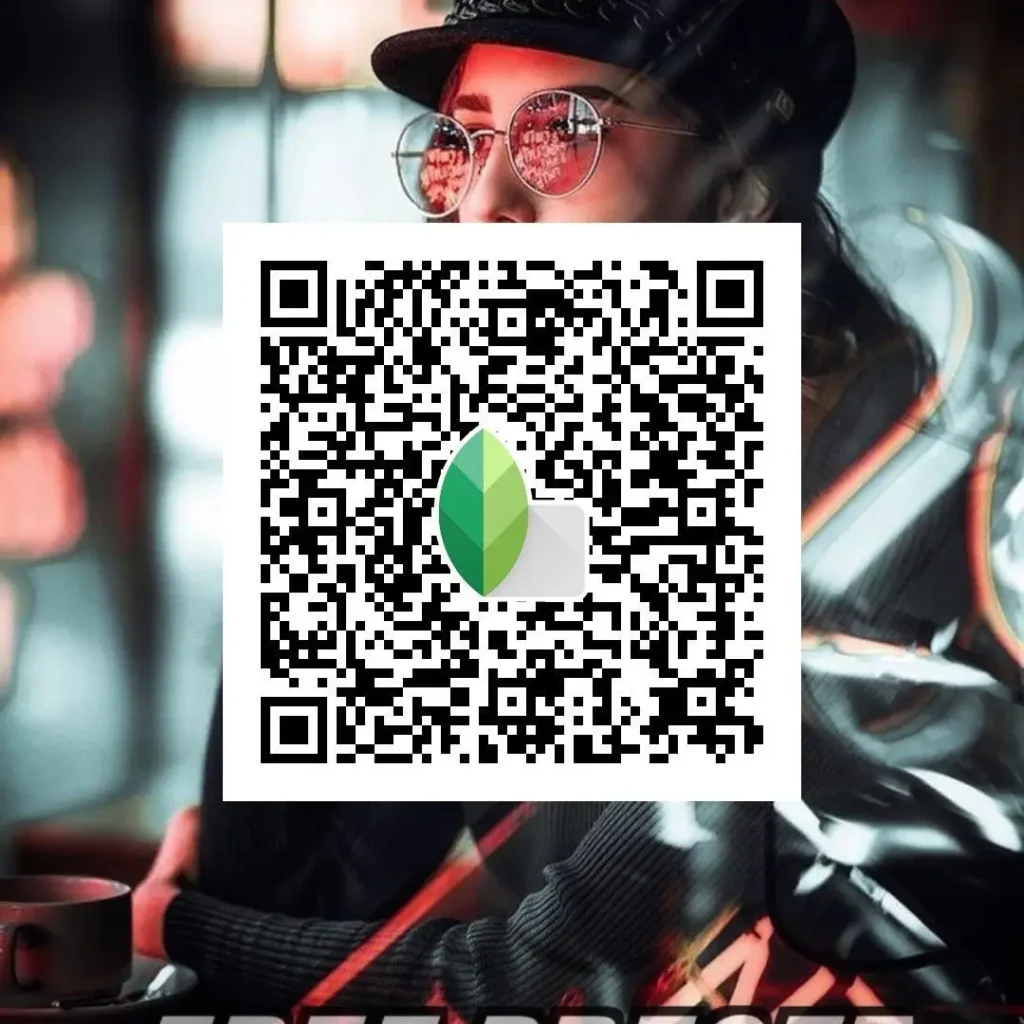
Natural Daylight DSLR Look Preset for Snapseed
Designed to preserve true daylight tones with soft highlights and controlled shadows.
Best used on: Outdoor photos shot in sunlight, parks, travel, or open spaces.
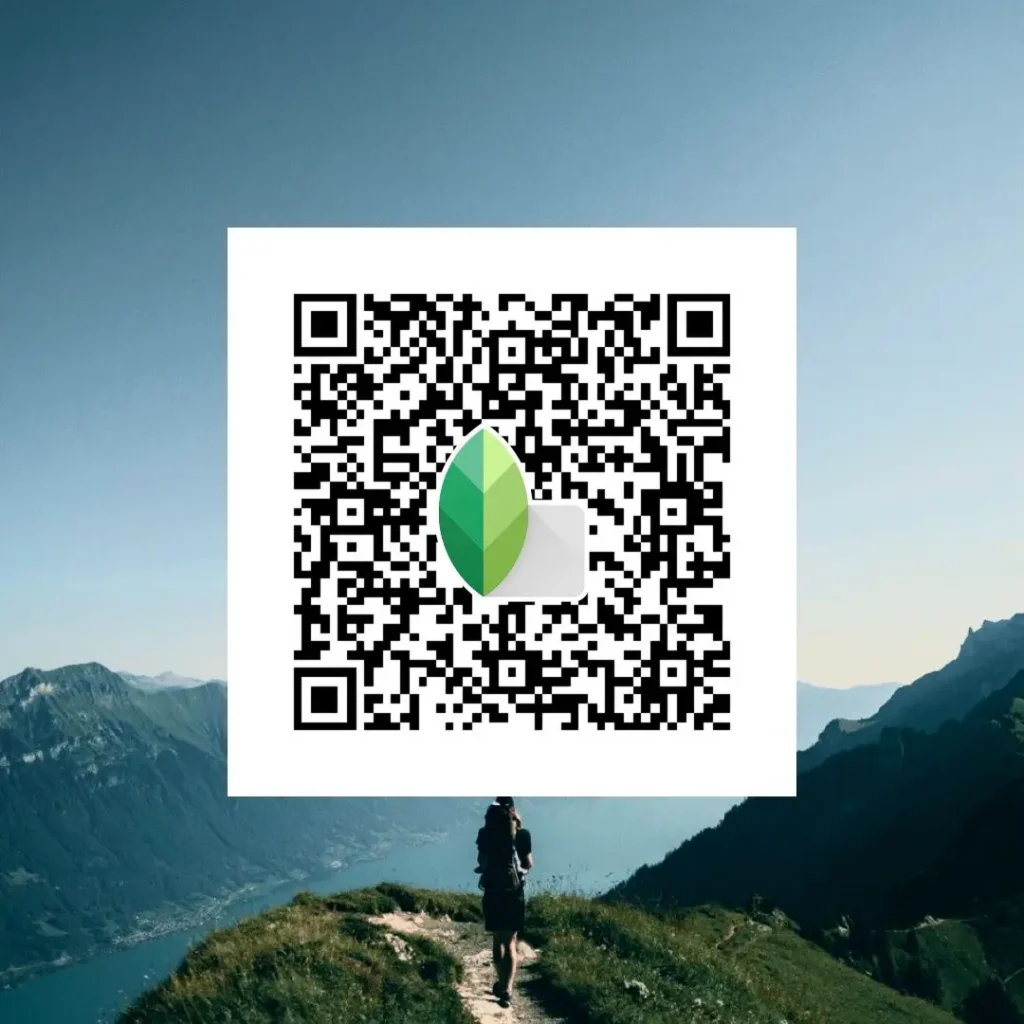
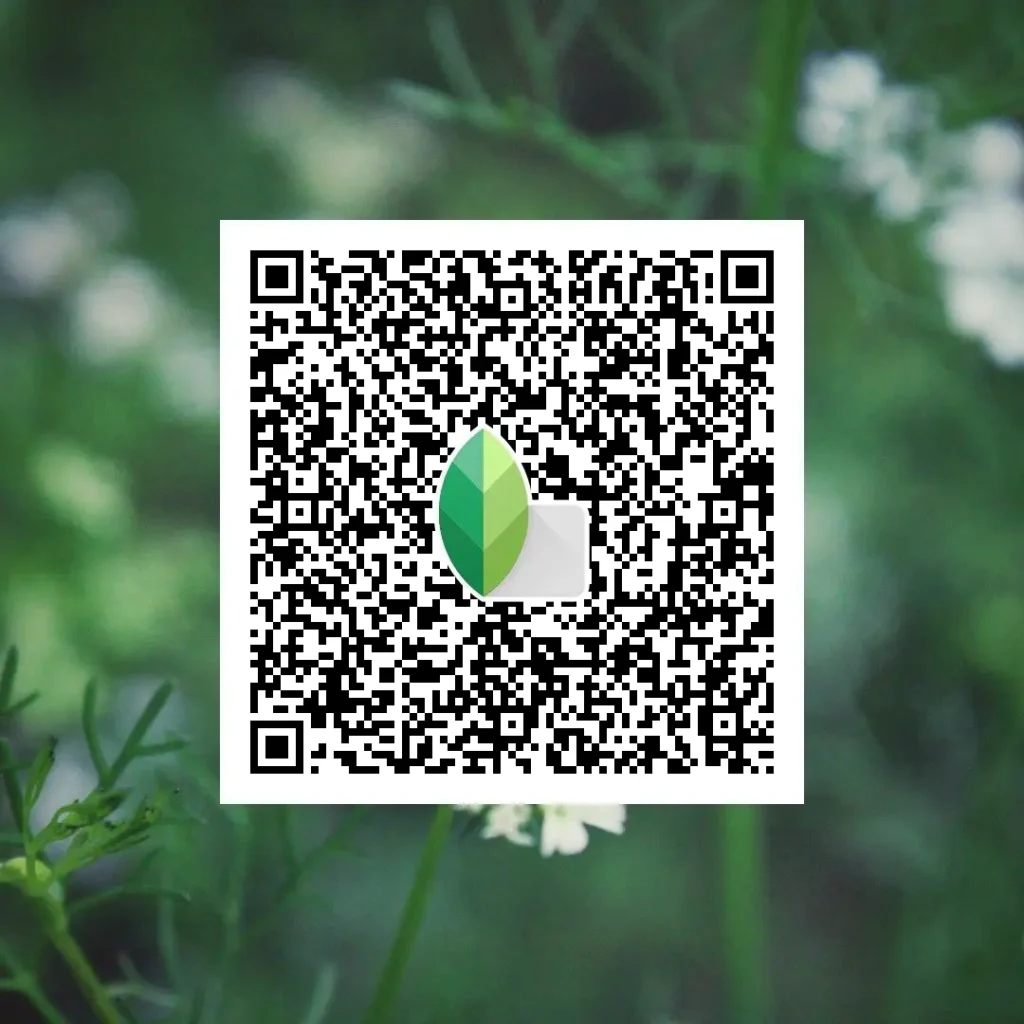
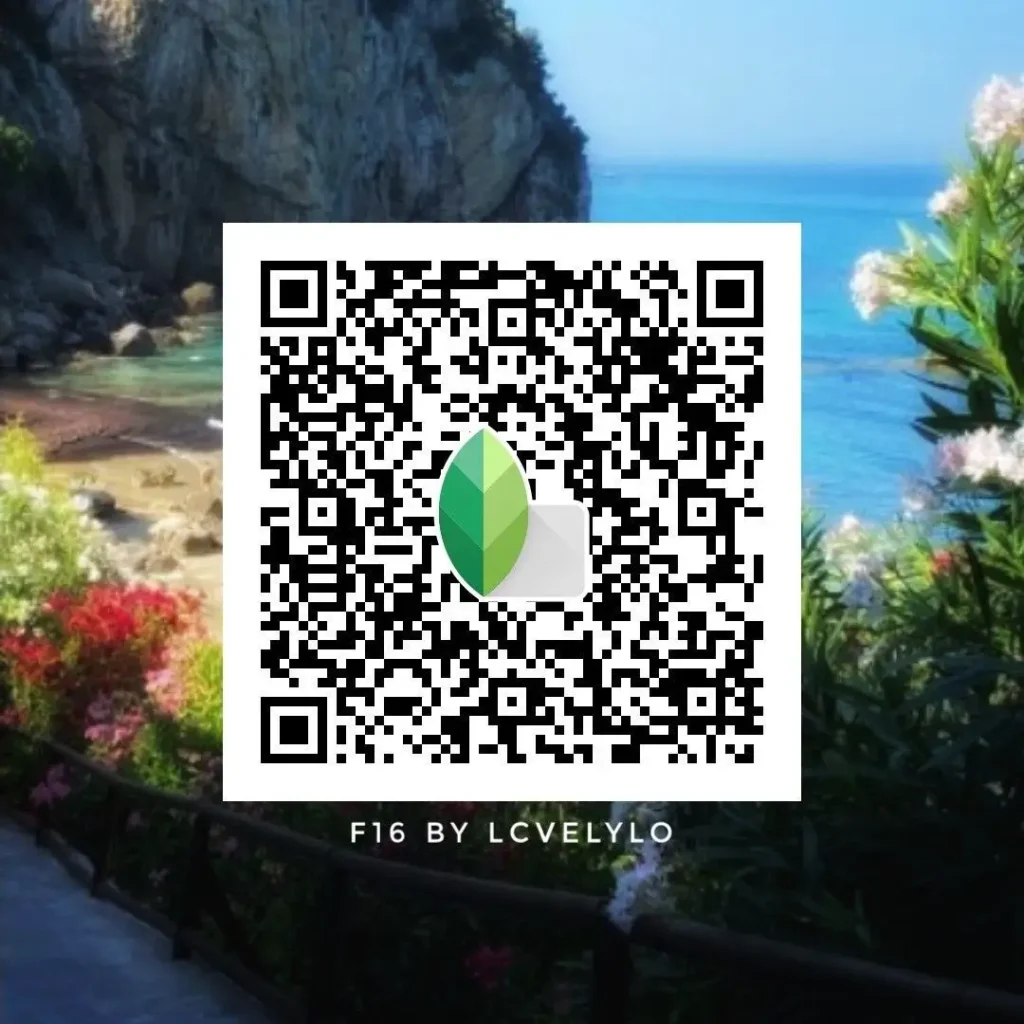
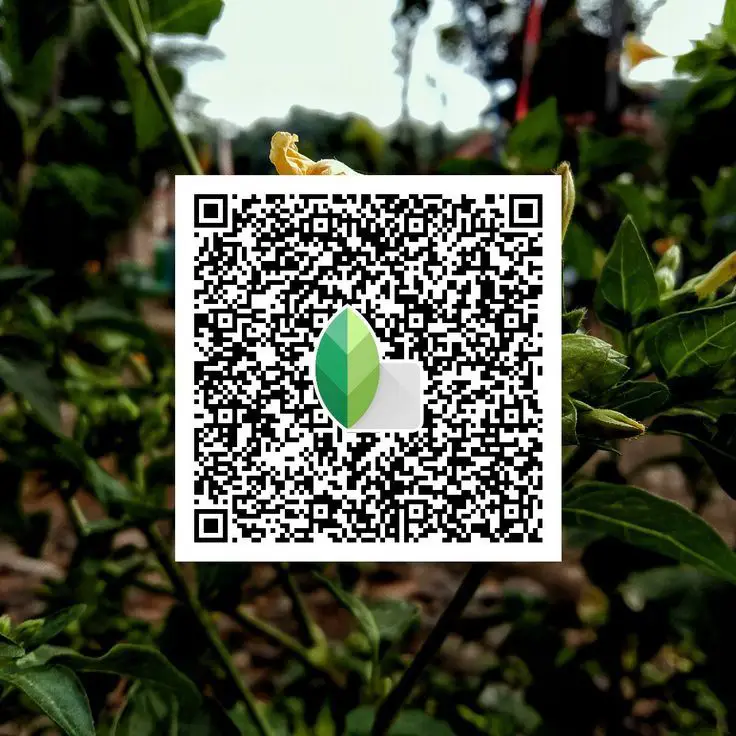
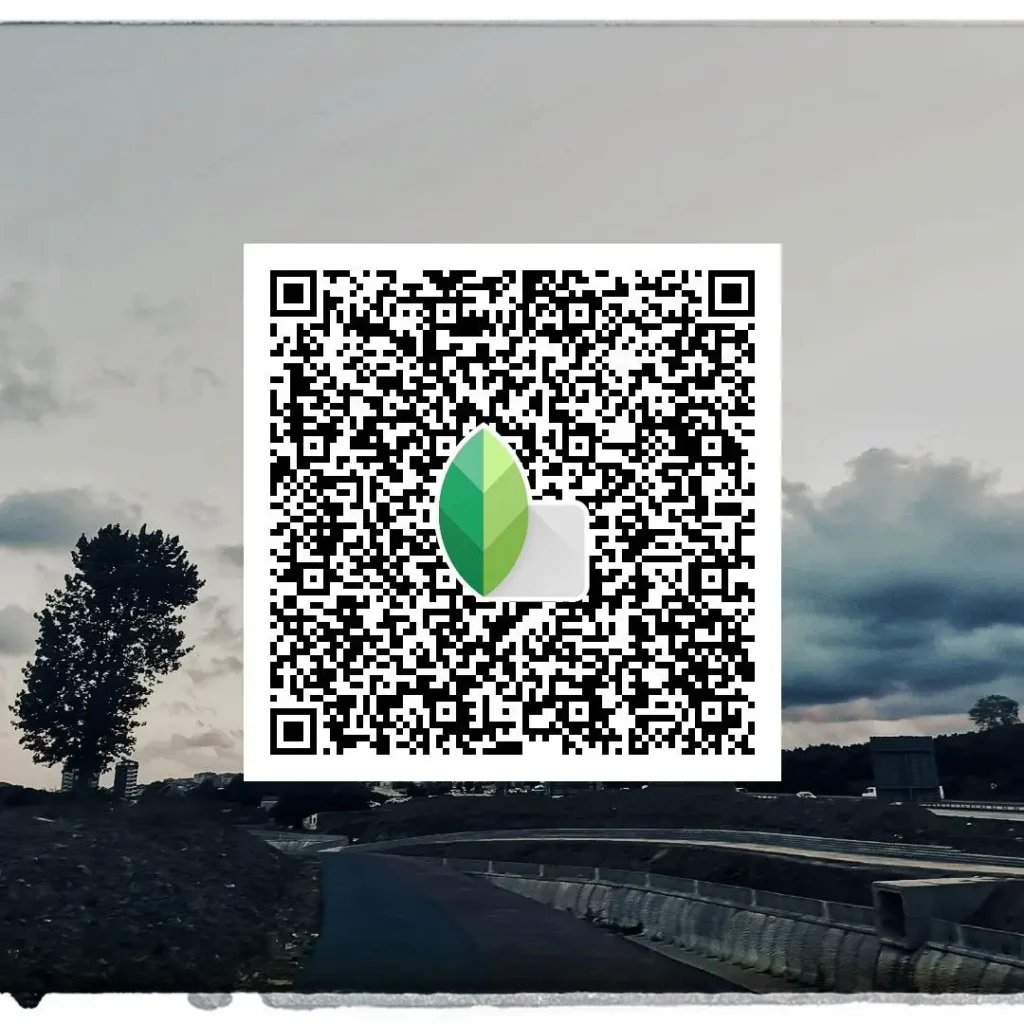
High‑Contrast Urban DSLR Preset
Adds depth and punch without crushing shadows or blowing highlights.
Best used on: City streets, architecture, and urban environments with mixed lighting.
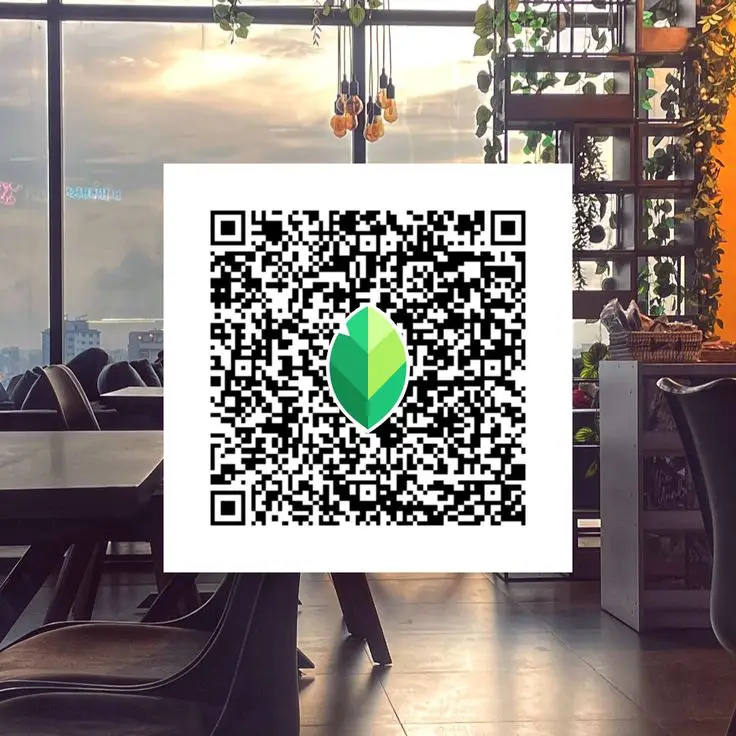
Indoor & Low‑Light DSLR‑Style Snapseed QR Codes
Indoor and low‑light photos are where most mobile presets fail. These DSLR‑style Snapseed QR codes are tuned to keep images clean, natural, and usable without adding noise or harsh contrast.
Indoor Soft‑Light DSLR Preset
Designed for rooms with window light or soft lamps.
Best used when: the subject is close to light and shadows are gentle.
Night Time Photos DSLR QR Code
Enhances details while keeping noise under control.
Best used when: shooting at night or in dim indoor environments without flash.
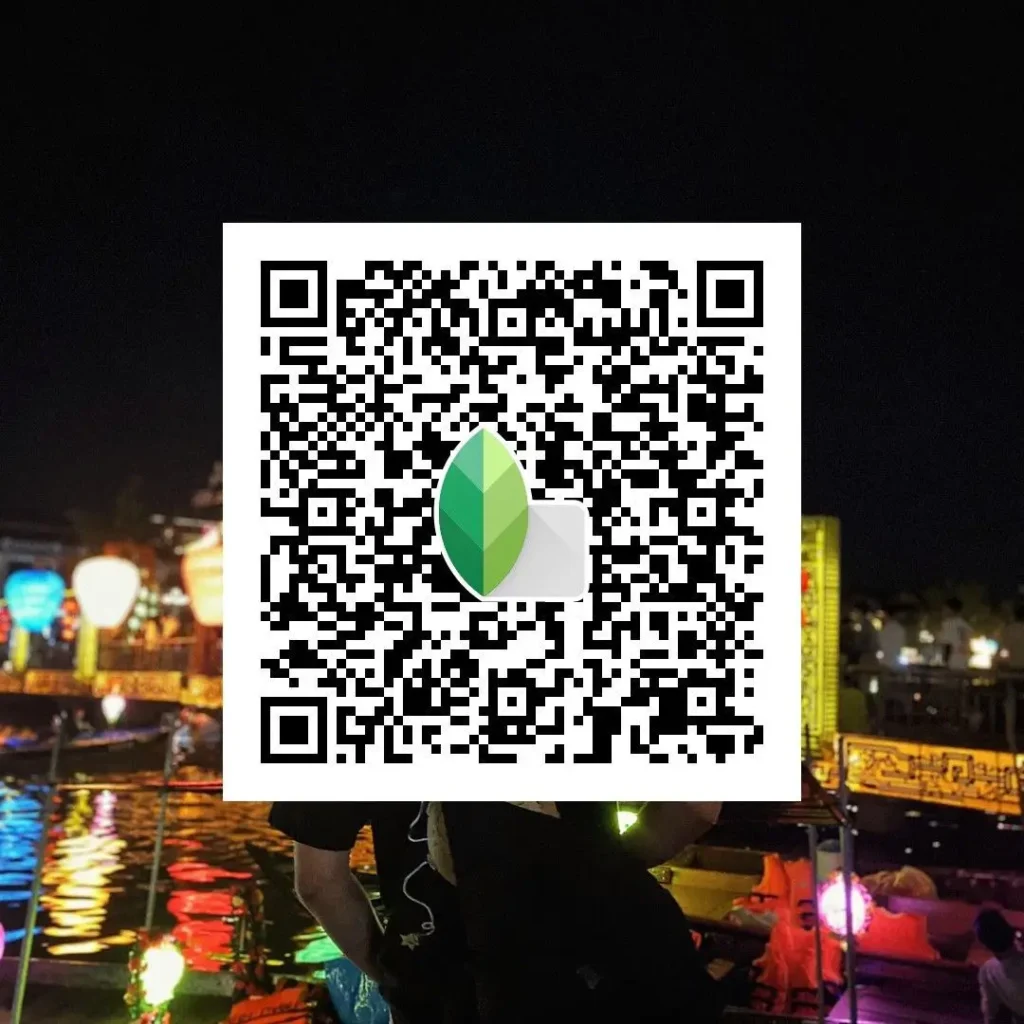
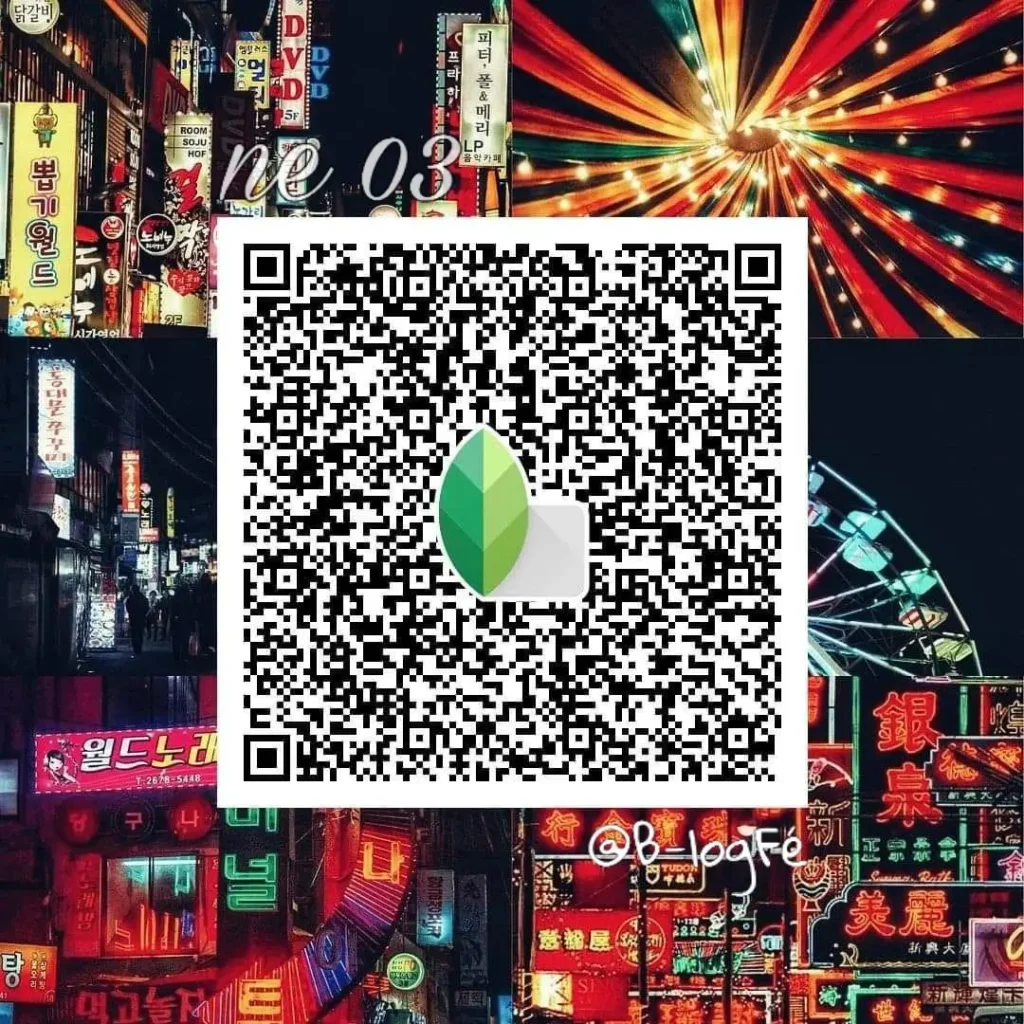
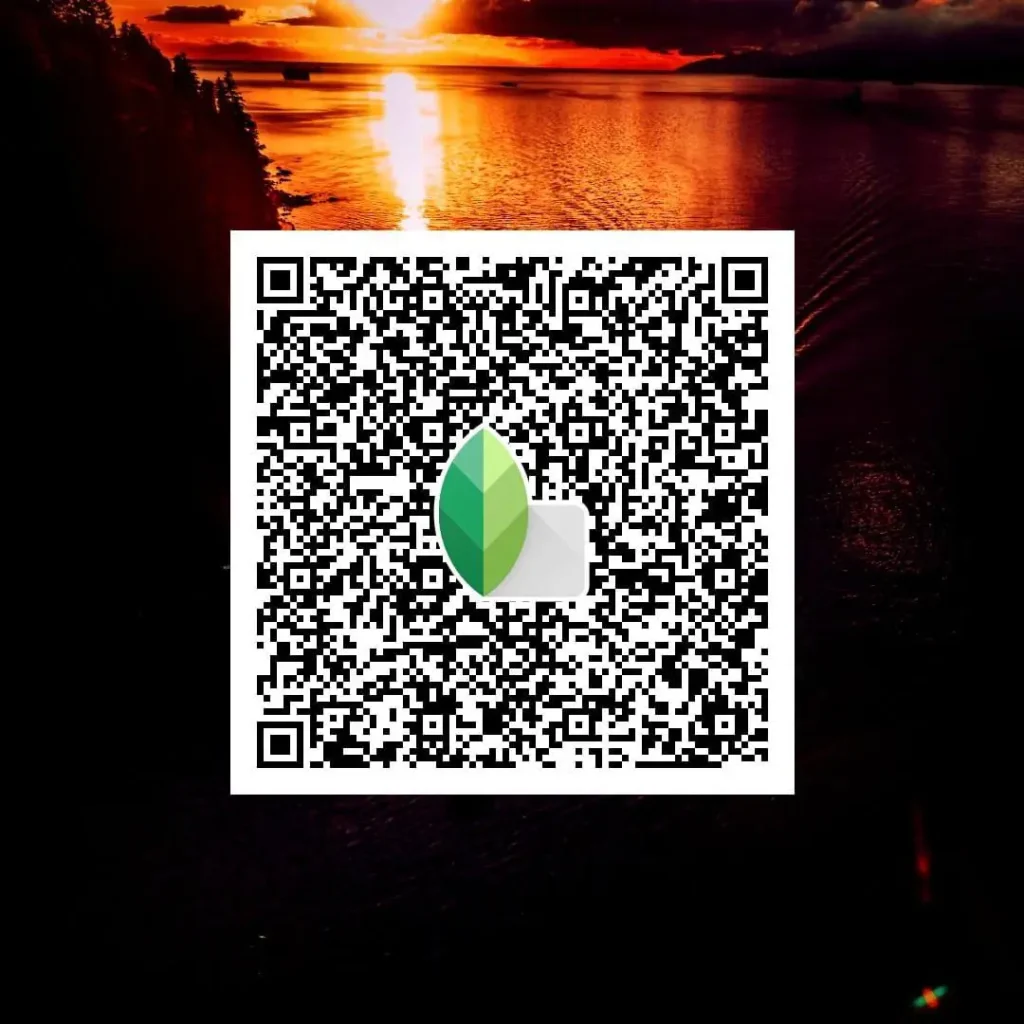
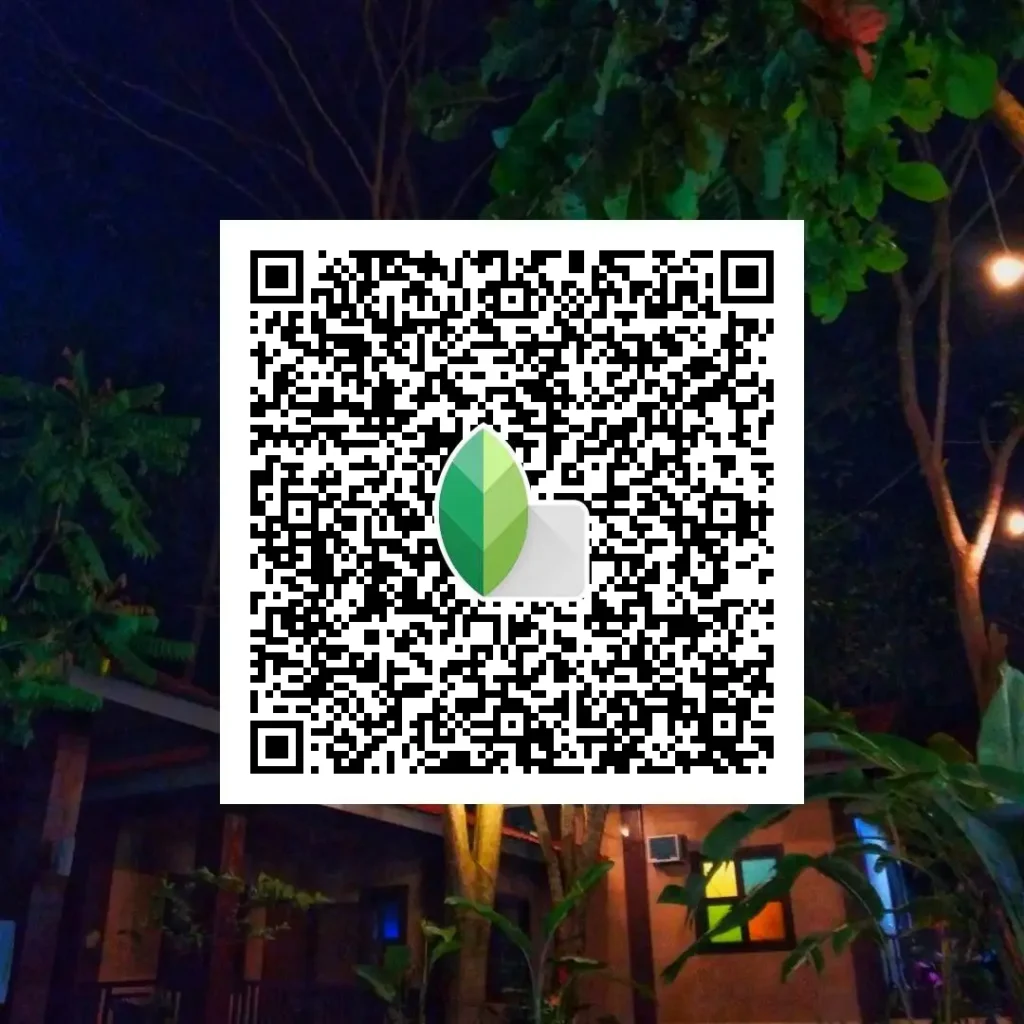
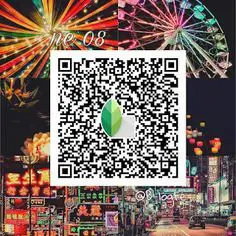
Warm Indoor Tones DSLR Look
Adds subtle warmth without yellow or orange color shifts.
Best used when: indoor photos look flat or too cold after editing.
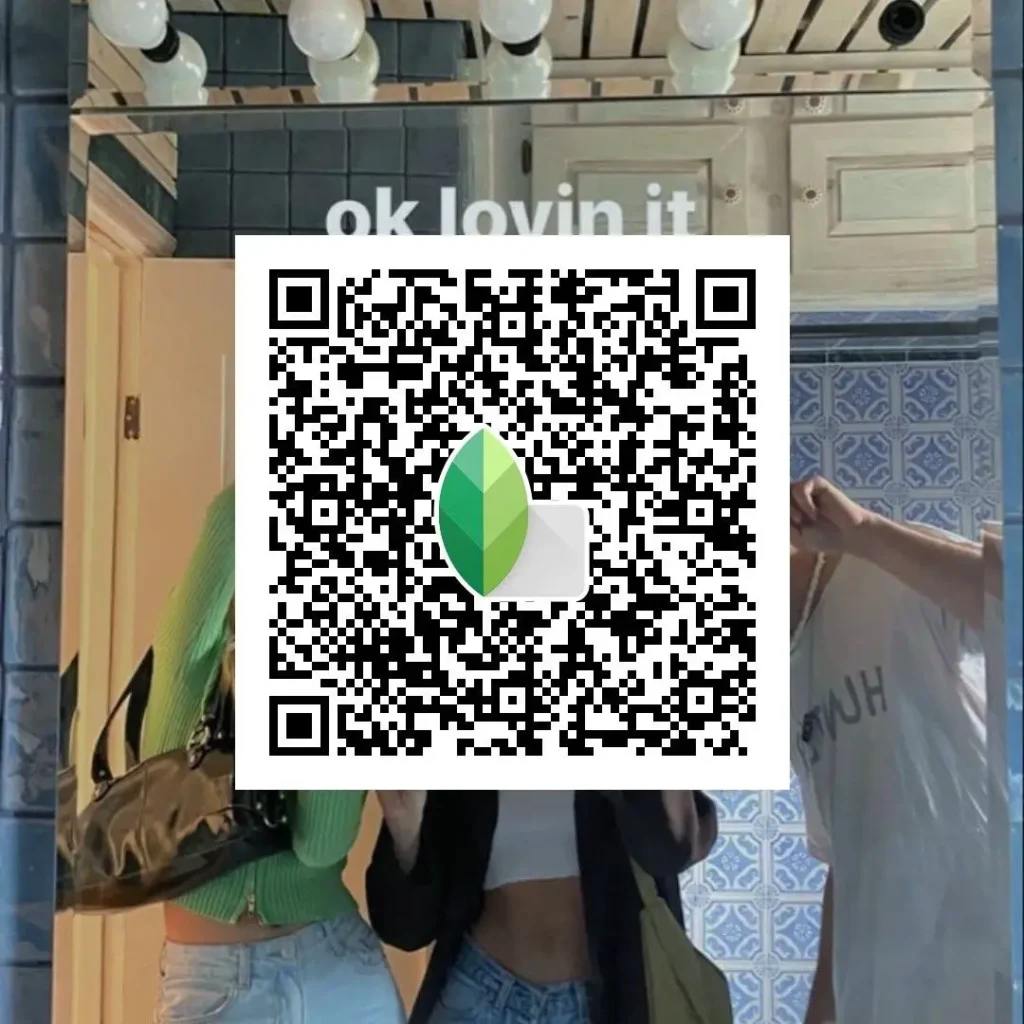
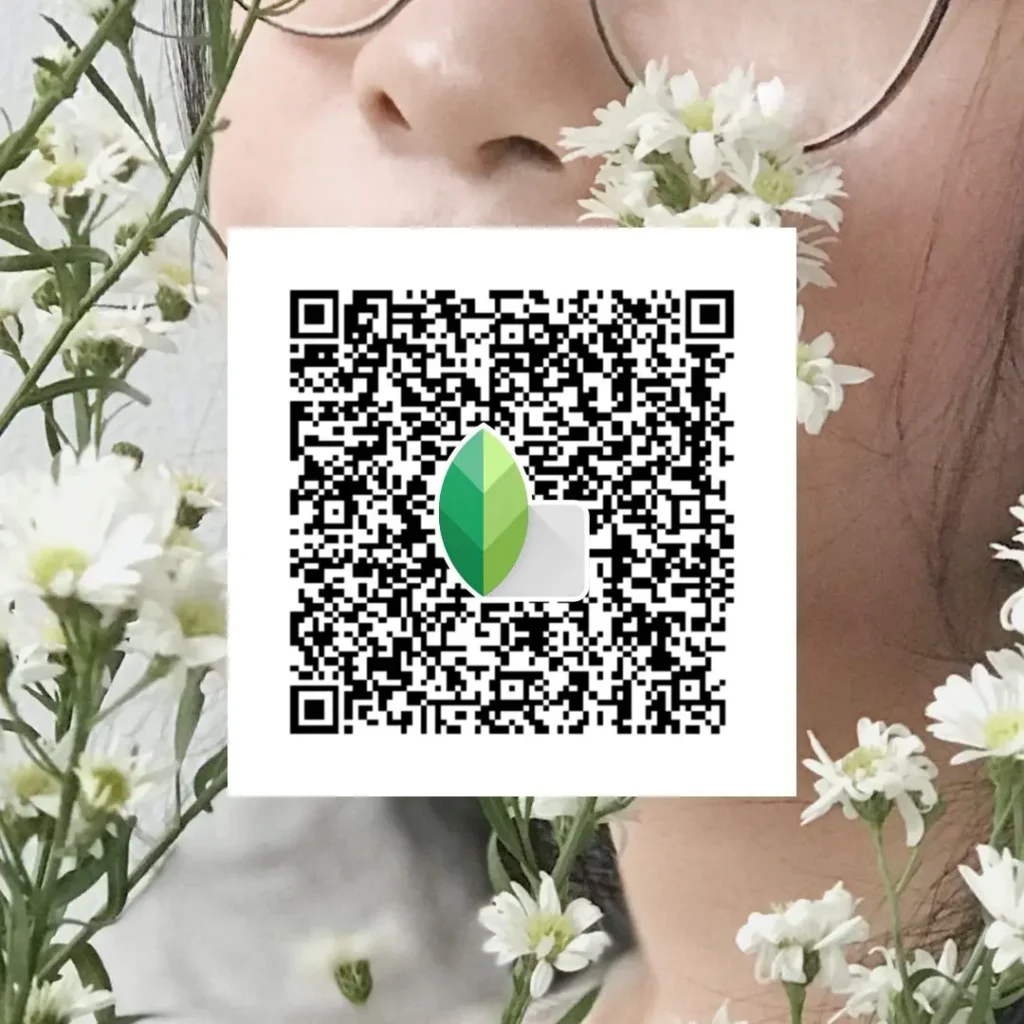
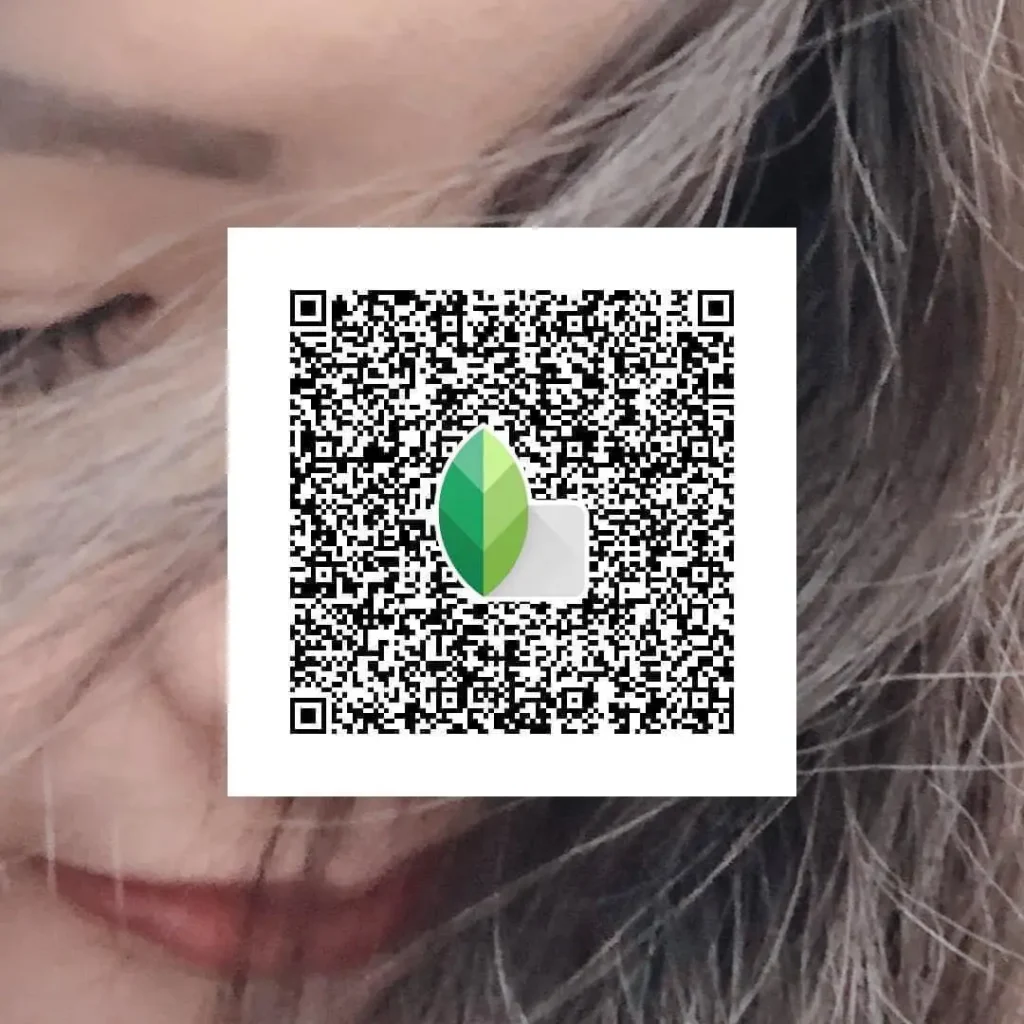
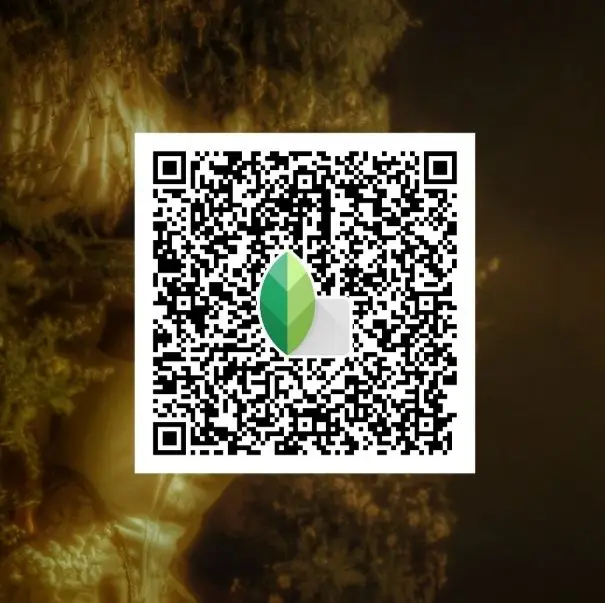
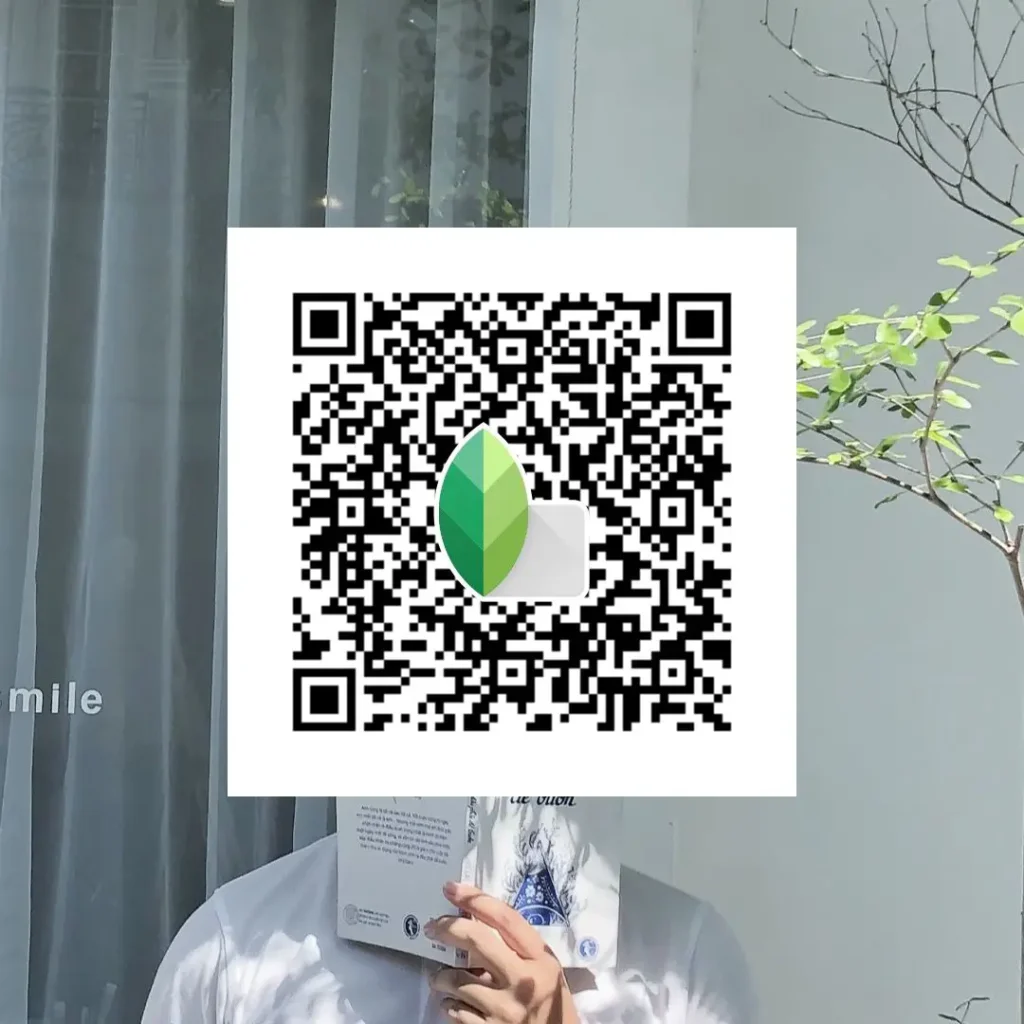
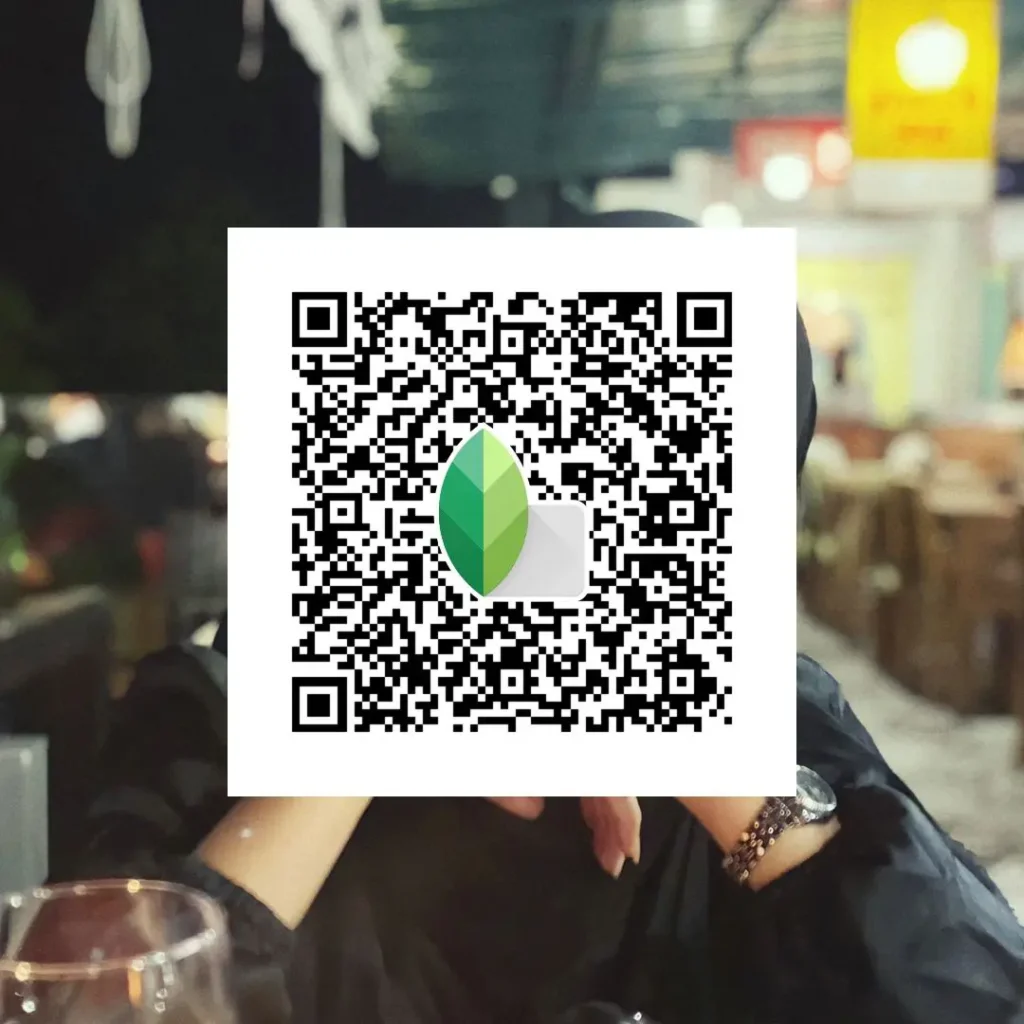
How to Use DSLR Snapseed QR Codes (Quick Steps)
Using DSLR‑style Snapseed QR codes is simple and beginner‑friendly. You don’t need advanced editing skills or manual adjustments.
- Open Snapseed on your phone
- Open the photo you want to edit
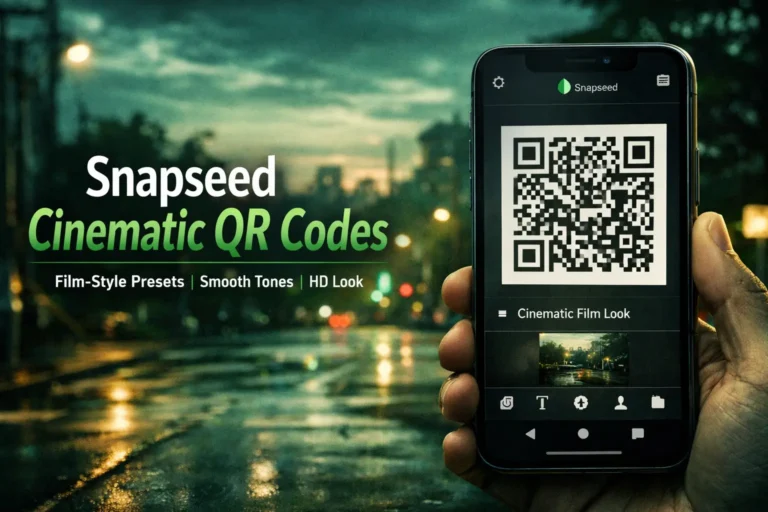
- Tap the QR icon and scan the preset QR code
- Apply the preset instantly
- (Optional) Slightly adjust exposure or brightness if needed
That’s it. The preset does most of the work, and small tweaks are only for fine‑tuning based on lighting.
Best Photo Types for DSLR Snapseed QR Presets
These presets work best on photos that already have decent light and detail. You’ll get the most realistic DSLR‑style results with:
- Portraits – clear faces, natural skin tones, soft background feel
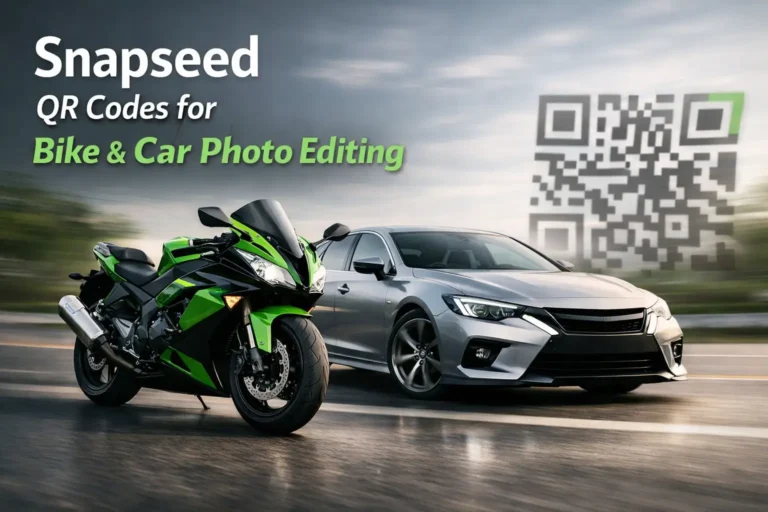
- Bikes & cars – sharp edges, controlled highlights, deeper contrast
- Street photos – balanced shadows, realistic colors, clean details
- Outdoor lifestyle shots – natural light, depth, and camera‑like tones
Note: Flat, blurry, or very dark photos may not produce strong DSLR‑like results, even with the right QR preset.
Want More Snapseed QR Codes? Snapseed QR Codes for Beach & Sky or Snapseed Dehaze Tool Update
FAQs
Conclusion
Snapseed DSLR QR Code Presets work best as a visual library for users who want camera‑style results without complex manual editing. If you shoot on mobile and prefer clean, realistic, DSLR‑inspired looks instead of heavy effects, these presets offer a fast and practical solution.